4
◆ Equip with Maintenance Bypass Switch for easy maintenance purpose.
◆ Superior MTTR (Meantime to repair) & Short shutdown time in maintenance
◆ Centralized monitoring module is also available
◆ EPO and REPO function
3.Installation
3.1 Unpack checking
1. Don’t lean the UPS when moving it out from the packaging
2. Check the appearance to see if the UPS is damaged or not during the transportation, do
not switch on the UPS if any damage found. Please contact the dealer right away.
3. Check the accessories according to the packing list and contact the dealer in case of
missing parts.
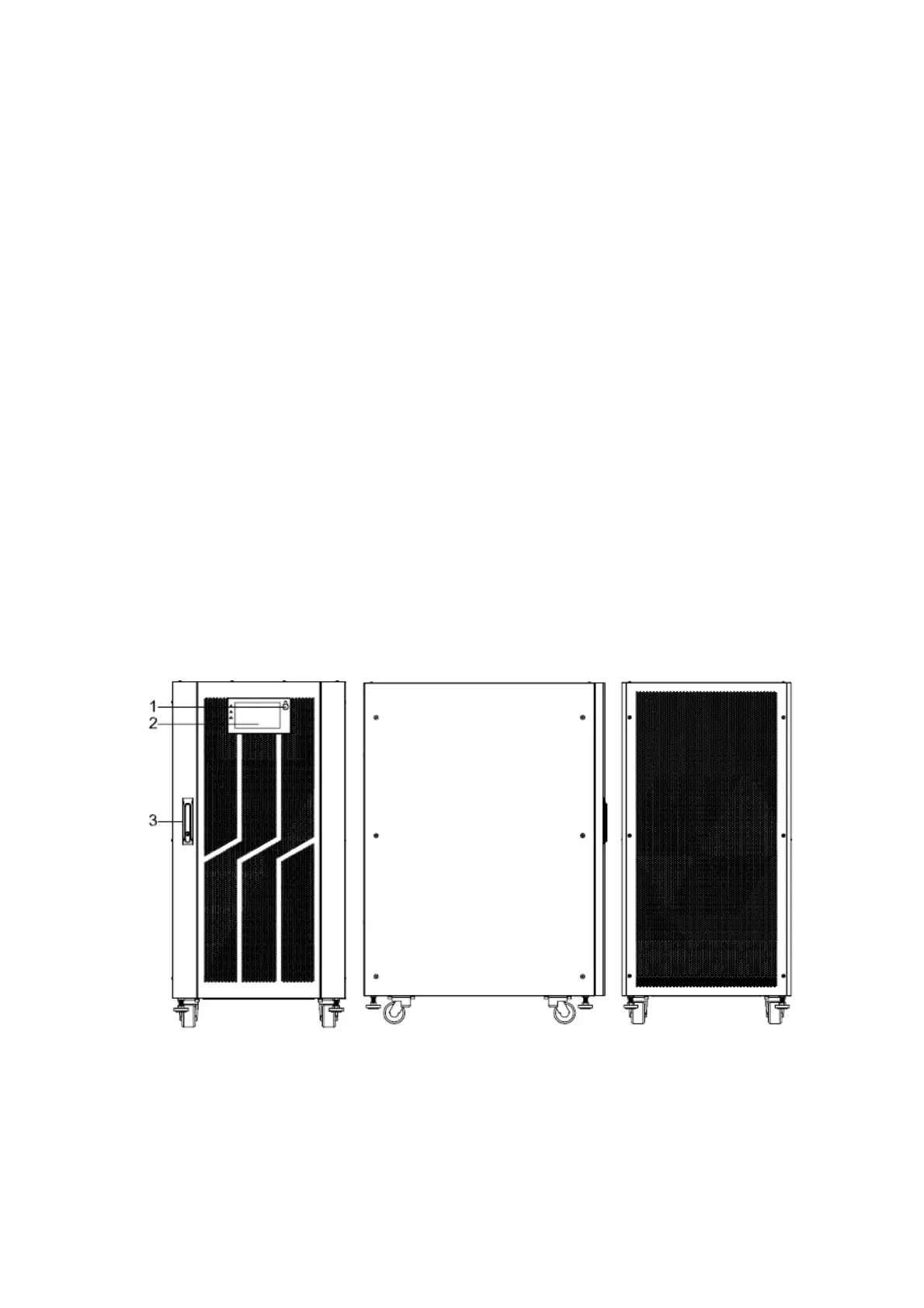
3.2 The appearance of the product
* Standard configuration : cabinet only with maintenance bypass switch
* Full configuration : cabinet with mains, bypass, maintenance and output switch
100kVA&120kVA&150K&160kVA(Full configuration), bottom entry
Front View Side View Rear View



 To Next Page