7 DASH
56
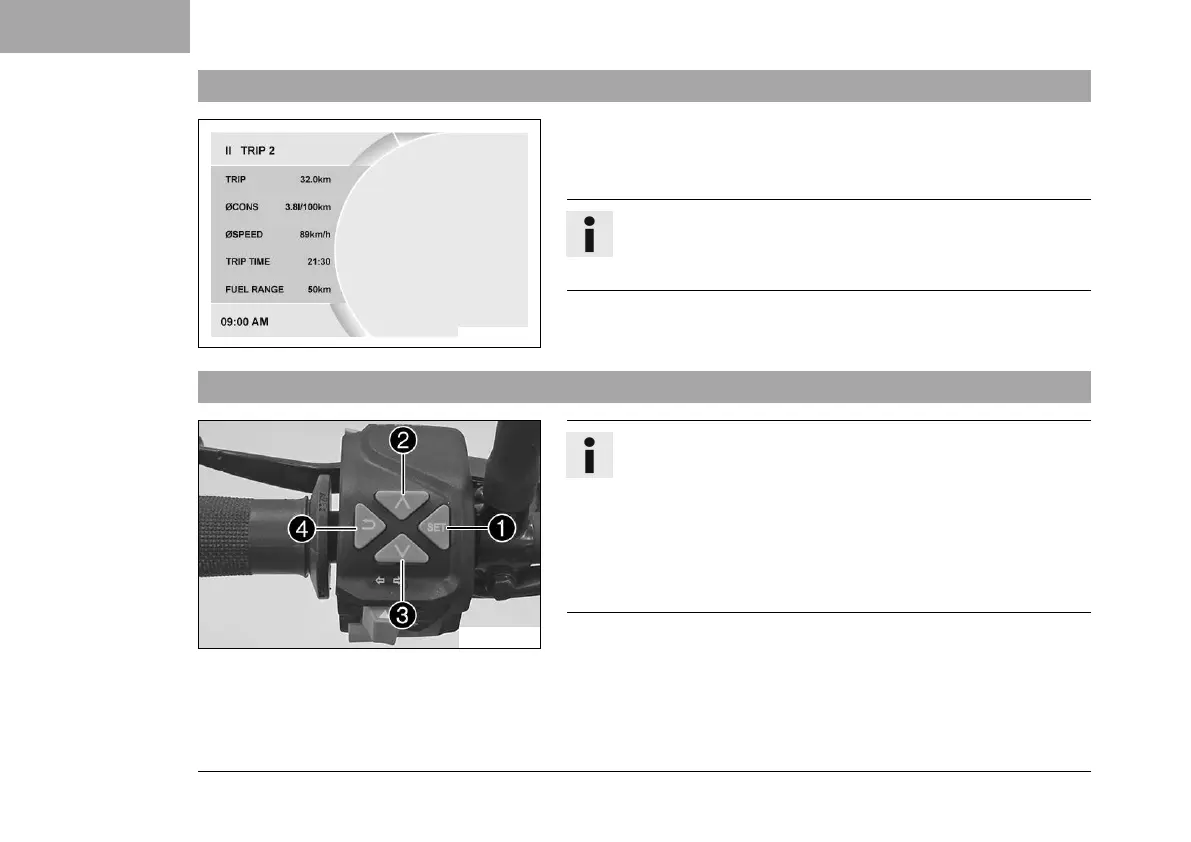
7.16 Quick Selector 2 display
E01066-01
When the menu is closed, the Quick Selector 2 menu is opened by
pressing the DOWN button.
Press the BACK button to close Quick Selector 2.
Info
The Quick Selector 2 can be configured in the Quick Selec-
tor 2 menu. Any information can be selected.
7.17 Menu
F00905-10
Info
Press the SET button
1
in the start screen to open the
menu.
Navigate through the menu using the UP button
2
or
the DOWN button
3
.
Press the BACK button
4
to close the current menu or the
menu overview.












 To Next Page