7 DASH
76
V01172-01
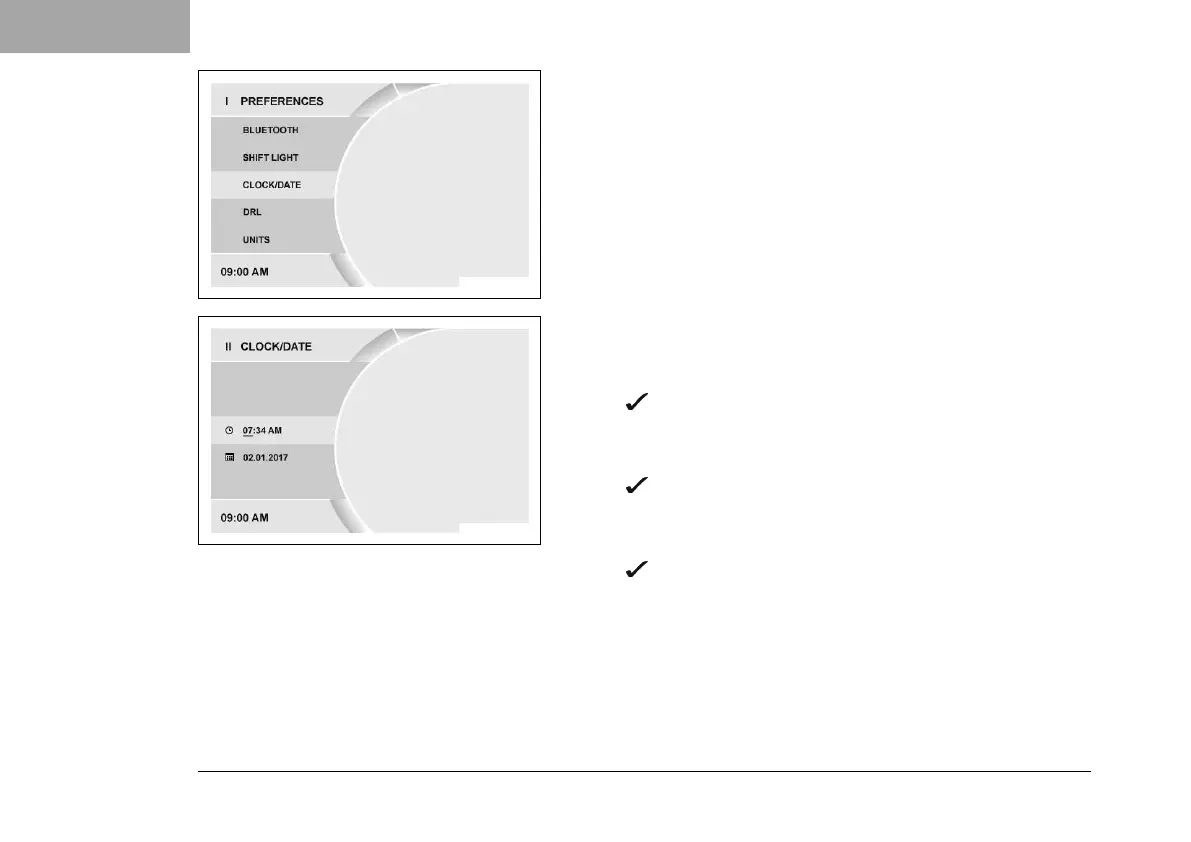
– Press the SET button when the menu is closed.
– Press UP or DOWN button until Preferences appears. Press the
SET button to open the menu.
– Press the UP or DOWN button until Clock/Date is marked. Press
the SET button to open the menu.
V01173-01
Setting the clock
– Press UP or DOWN button until the time is marked.
– Press SETbutton.
The hour flashes and is underlined.
– Press UP or DOWN button until the current hour is set.
– Press SETbutton.
The minutes flash and are underlined.
– Press UP or DOWN button until the current minute is set.
– Press SETbutton.
The time is stored.












 To Next Page