7 COMBINATION INSTRUMENT
26
• Engine hot – Six to eight bars light up.
• Engine very hot – All eight bars flash orange.
7.12 Odometer
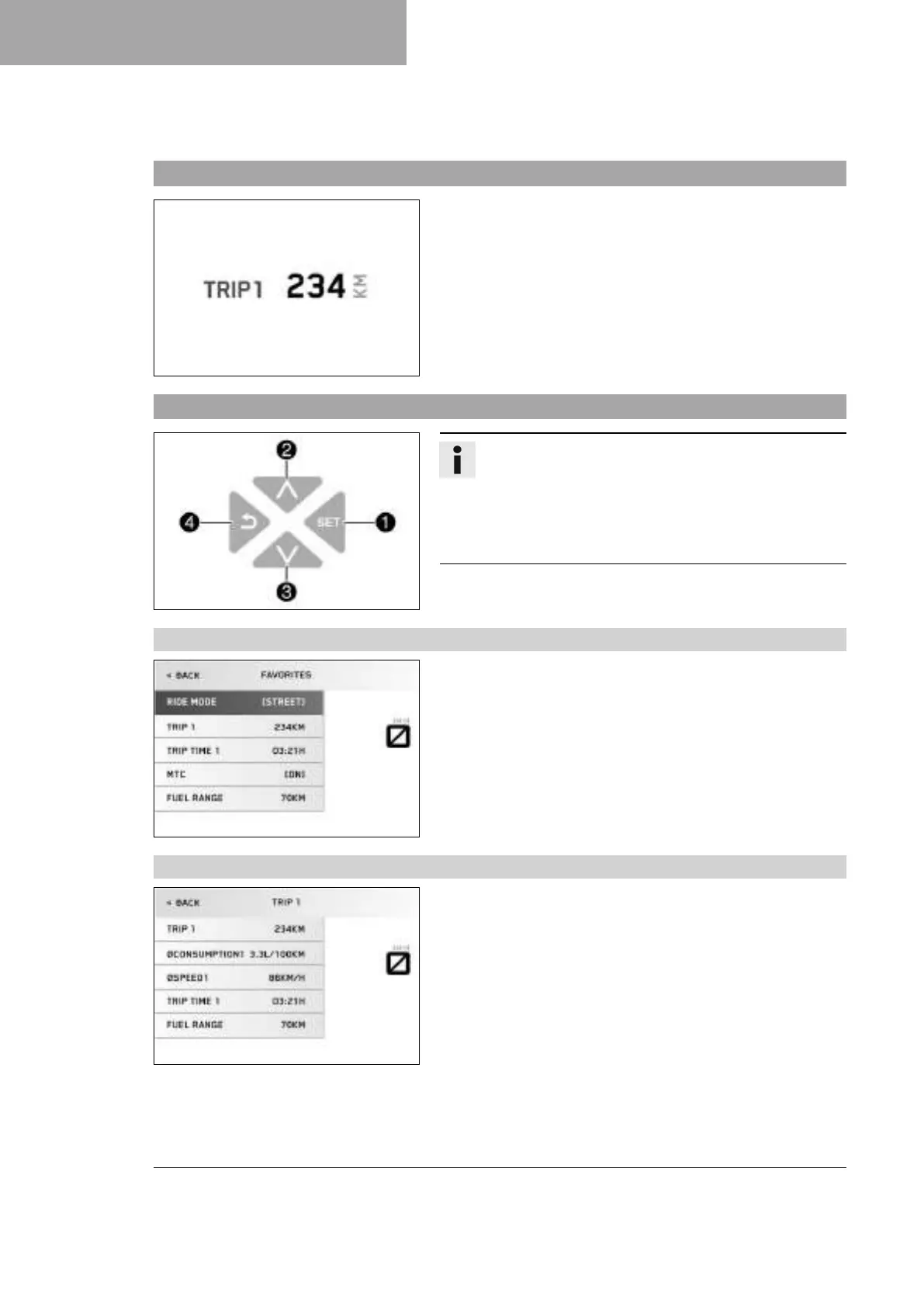
H02617-01
Trip 1 is displayed in the start screen as an odometer. This cannot
be changed.
Information about the total riding distance covered can be
accessed in the General Info menu under menu item Odometer.
The odometer can be configured in the Trip 1 menu.
Information about other distances traveled can be accessed and
configured in the Trip 2 menu.
7.13 Menu
V01145-10
Info
Press the SET button
1
to open the menu.
Navigate through the menu using the UP button
2
or
the DOWN button
3
.
Press the BACK button
4
to close the current menu or the
menu overview.
7.13.1 Favorites
H02858-01
– Press the SET button when the menu is closed.
– Pressing the SET button again opens the menu.
– Press the UP or DOWN button to activate the menu item and
select it with the SET button.
You can directly open five freely configurable menus in
the Favorites menu.
The Favorites menu is configured in the Set Favorites menu.
7.13.2 Trip 1
H02859-01
– Press the SET button when the menu is closed.
– Press the UP or DOWN button until the Trips/Data menu is
marked on the display. Press the SET button to open the menu.
– Press the UP or DOWN button until the Trip 1 menu is marked
on the display. Press the SET button to open the menu.
Trip 1 shows the distance since the last reset, such as between two
refueling stops. Trip 1 is running and counts up to 9999.
ØConsumption1 indicates the average fuel consumption based on
Trip 1 and Trip time 1.
ØSpeed1 indicates the average speed based on Trip 1 and
Trip time 1.
Trip time 1 shows the journey time on the basis of Trip 1 and runs
as soon as a speed signal is received.








 To Next Page