COMBINATION INSTRUMENT 7
29
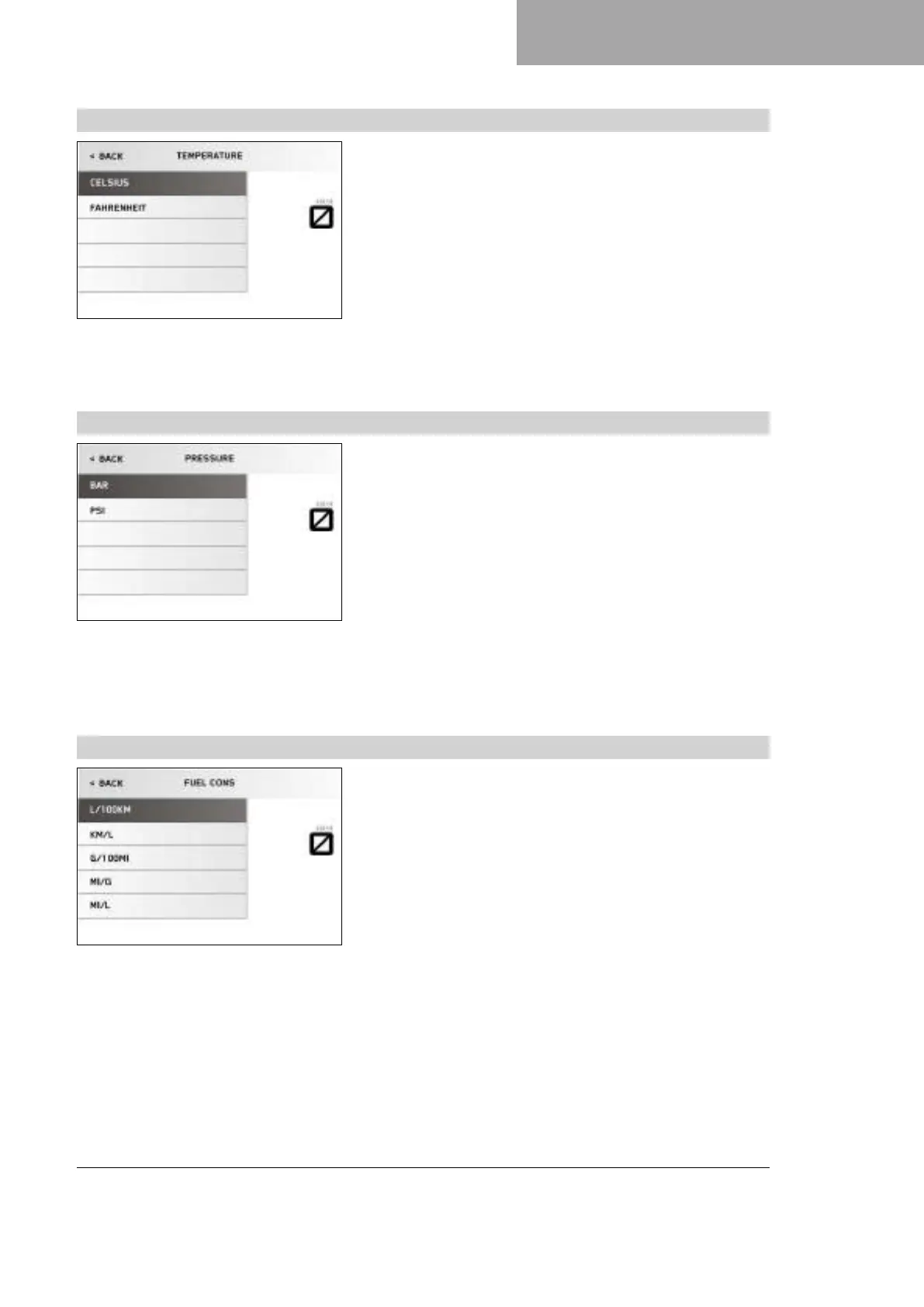
7.13.8 Temperature
V01116-01
Condition
• The motorcycle is stationary.
– Press the SET button when the menu is closed.
– Press the UP or DOWN button until the Trips/Data menu is
marked on the display. Press the SET button to open the menu.
– Press the UP or DOWN button until the Settings menu is marked
on the display. Press the SET button to open the menu.
– Press the UP or DOWN button until Units is marked on the dis-
play. Pressing the SET button again opens the menu.
– Press the UP or DOWN button until Temperature is marked on
the display. Pressing the SET button again sets the unit of
measure.
Select °C or °F for the temperature indicator.
7.13.9 Pressure
V01117-01
Condition
• The motorcycle is stationary.
• Model with TPMS.
– Press the SET button when the menu is closed.
– Press the UP or DOWN button until the Trips/Data menu is
marked on the display. Press the SET button to open the menu.
– Press the UP or DOWN button until the Settings menu is marked
on the display. Press the SET button to open the menu.
– Press the UP or DOWN button until Units is marked on the dis-
play. Pressing the SET button again opens the menu.
– Press the UP or DOWN button until Pressure is marked on the
display. Pressing the SET button again sets the unit of mea-
sure.
Select bar or psi.
7.13.10 Fuel Cons
V01118-01
Condition
• The motorcycle is stationary.
– Press the SET button when the menu is closed.
– Press the UP or DOWN button until the Trips/Data menu is
marked on the display. Press the SET button to open the menu.
– Press the UP or DOWN button until the Settings menu is marked
on the display. Press the SET button to open the menu.
– Press the UP or DOWN button until Units is marked on the dis-
play. Pressing the SET button again opens the menu.
– Press the UP or DOWN button until Fuel Cons is marked on the
display. Pressing the SET button again sets the unit of mea-
sure.
Select one of the available consumption displays.





 To Next Page