9
Connect Kurio to PC/MAC
®
1-9
You can transfer your photos, videos, E-Books and music from your home computer to your Kurio via the included USB
cable.
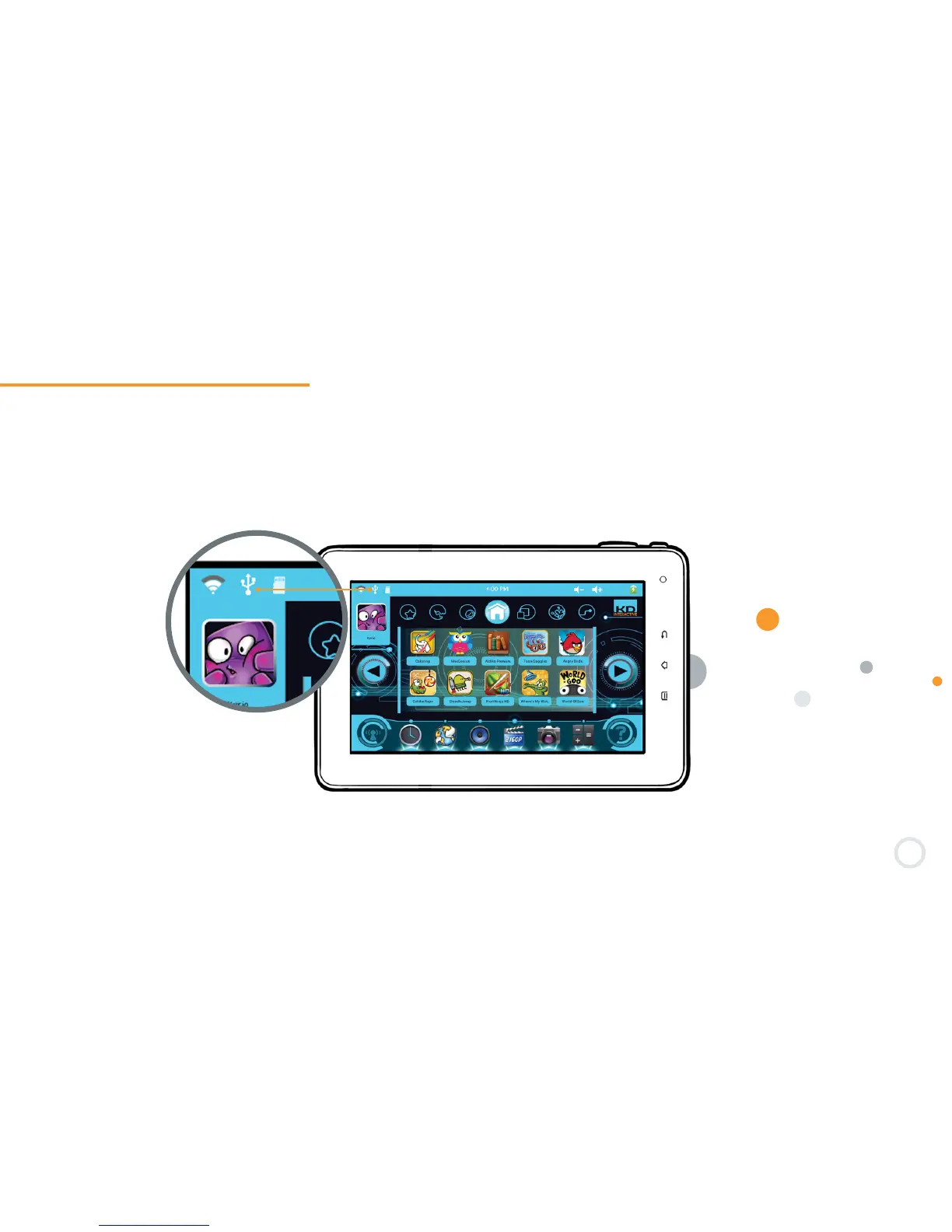
When the cable is plugged in, the ″USB Peripheral Connected″ icon will appear at the top of the main screen. Press on
the icon to turn on the USB storage function.
Once connected, the Kurio will be recognized as a removable storage device.


 To Next Page