23
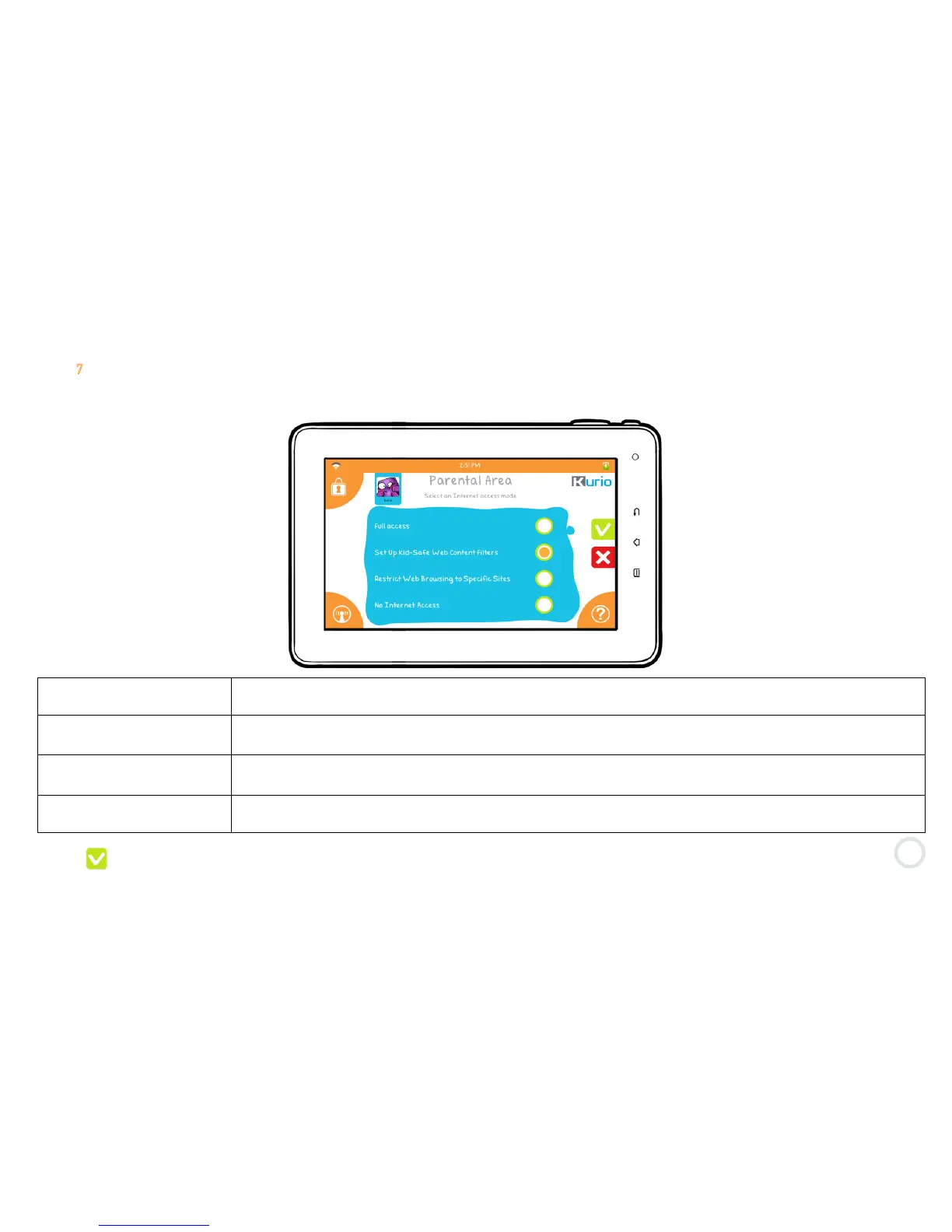
Step 7: Internet security level
This part determines the user’s access to the Internet. By default, no Internet access is selected.
Full Internet Access
Gives the prole complete access to the internet. We recommend this only for the parent’s Kurio
proles. Any prole that has full access to the internet should be password protected.
Set Up Kid-Safe Web
Content Filters
Allows the prole to browse the internet without the threat of visiting sites that may be inappropriate.
You can select how strict or lenient the ltering is by prole.
Restrict Web Browsing to
Specic Sites
Restricts the prole to only the approved sites as specied on the safe list. All other content will be
blocked entirely.
No Internet Access
Blocks all internet access to prevent browsing. However, this does not block access for the
Applications. To block the Applications from internet access, you must disconnect the Wi-Fi in Settings.
Press to confirm.



 To Next Page