10
External storage1-10
Kurio allows you to read some files (photos, videos, music and more) from external storage (USB key, hard drive or
Micro SD card).
Insert your USB key or hard drive into the Mini USB plug. Please use the USB to Mini USB adapter (provided) if necessary.
Once it’s recognized by Kurio, you will see the ″USB Peripheral Connected″ icon.
Insert your Micro SD card into the slot. Once it’s recognized by Kurio, you will see the ″Micro SD Card Inserted″ icon on
top of the main screen.
If you want to see the pictures or videos you have on your external storage, please go to Gallery.
If you want to hear the music you have on your external storage, please go to Music.
Device should be compliant with the OTG USB standard to be detected.
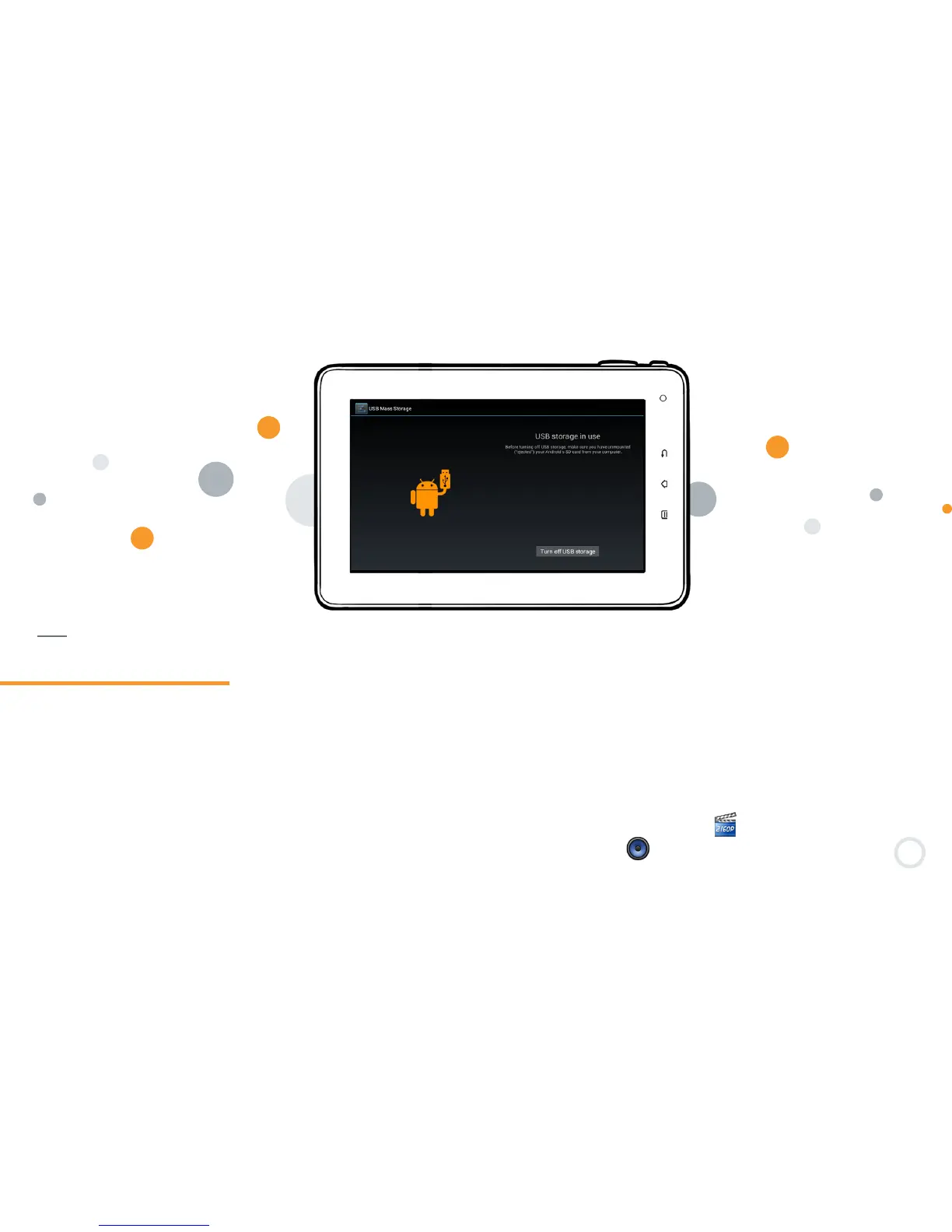
Note: The data you have transferred from your computer to your Kurio will be visible on your Kurio when you disconnect the USB cable.


 To Next Page