24
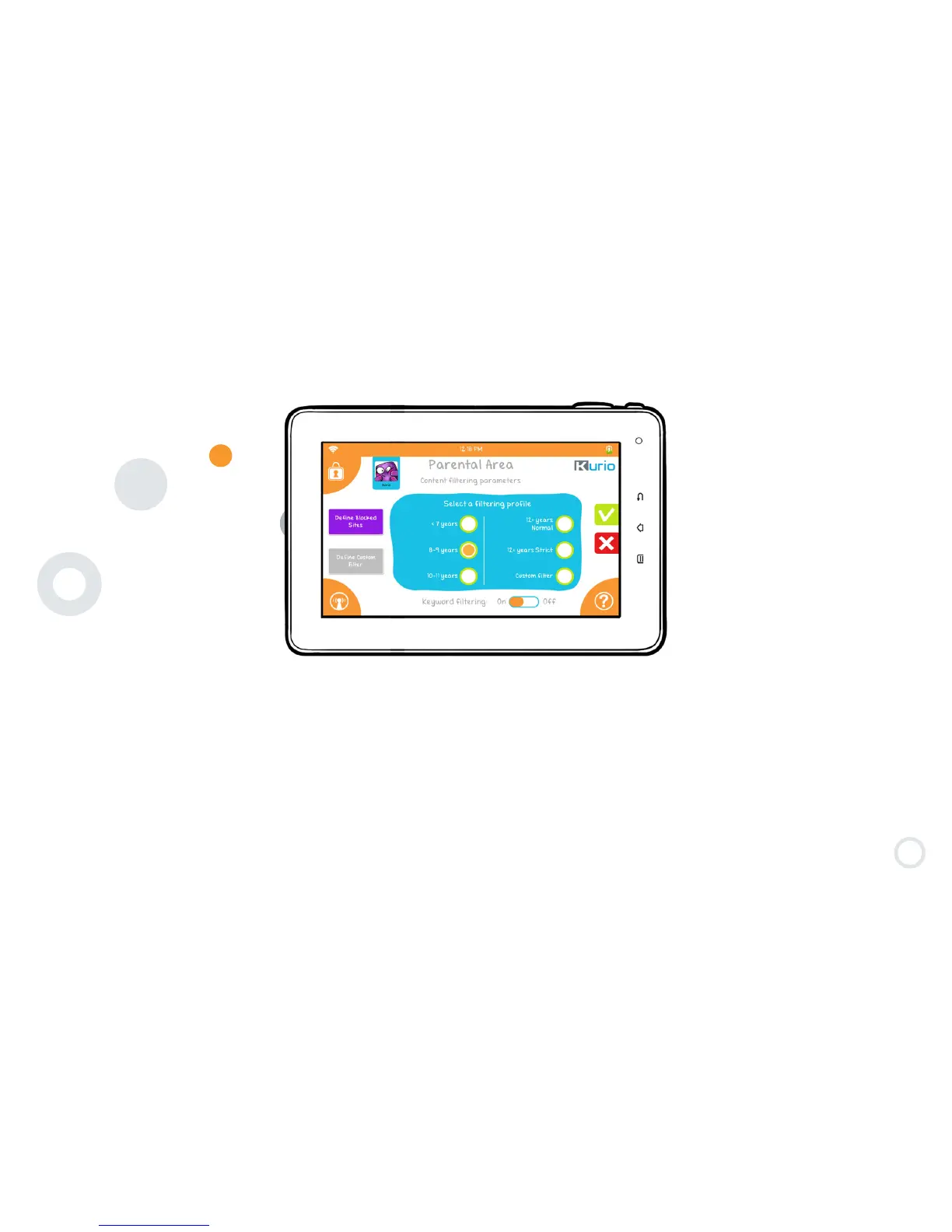
Step 8: Kid-Safe Content Filtering Settings
Your Kurio comes with a fully customizable web content filtering system, providing the most secure solution for each
member of your family to surf the web safely. Provided by CronLab, over 150 million websites in 1
70 languages are
indexed and categorized daily as appropriate or inappropriate content for your child, and more are added every day
through auto-updates to keep your protection detailed and up to date.
To activate the content filtering software, please select one of the predefined profiles according to age, or you can
specifically determine which categories to allow or block by selecting Custom Filter and then pressing the Define
Custom Filter button. The default preset will correspond to the age of the child based upon the birthdate you entered
previously.


 To Next Page