13
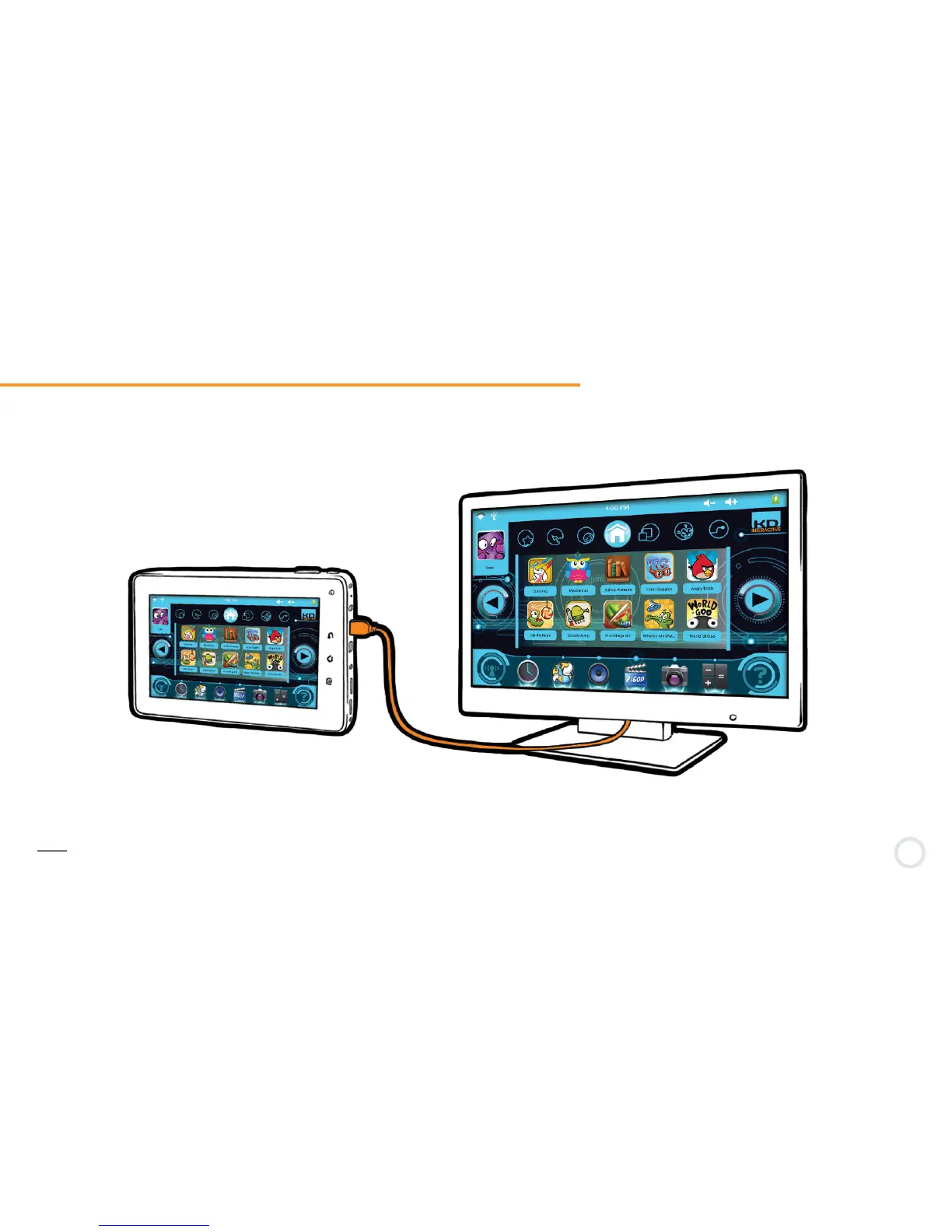
Connect Kurio to TV screen (HDMI cable required)1-13
You can connect your Kurio to a TV screen to view your videos, pictures or listen to your music via the mini HDMI slot.
Connect a mini HDMI to HDMI cable (purchased separately) to your Kurio and then to the HDMI port on your television.
Note: If no sound or picture appears on your TV screen, please check to make sure your TV is on the correct input (HDMI) and that the
cable is plugged in correctly.


 To Next Page