19
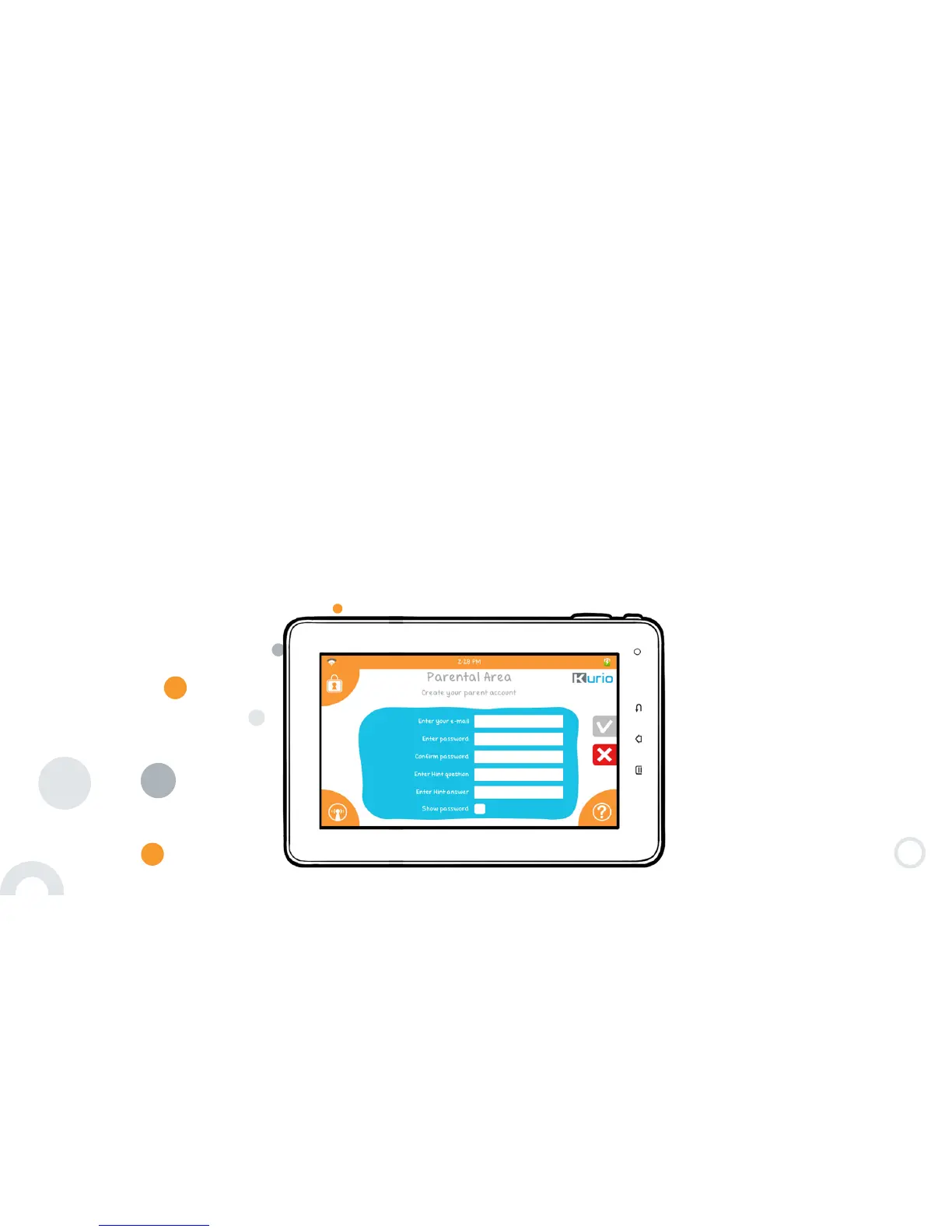
Step 5: Create the Parent account
The information entered in this part will be used to inform you about new software updates and for
registration.
• Only one email address is authorized.
• This account will be protected by a password.
• You must confirm the password.
IMPORTANT! Don’t forget this password as it will be requested to access the Parental Area.
A hint question is also required in case you lose your password. For security reasons, make sure to choose a
personal question with an answer that you can’t forget and that your children don’t know!
You can check the ″Show password″ box at any time to reveal the passwords.


 To Next Page