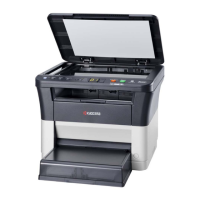
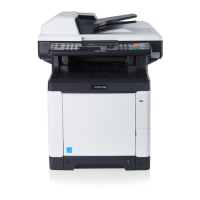
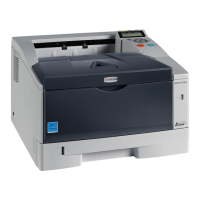
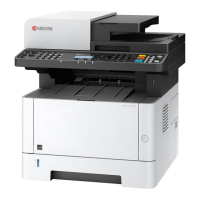
2LV/2L1/2L2/2MS/2MT
1-2-1
1-2 Installatio n
1-2-1 Installation environment
1. Temperature: 10 to 32.5°C/50 to 90.5°F
2. Humidity: 15 to 80% RH
3. Power supply: 120 V AC, 12.0 A
220 - 240 V AC, 6.5 A
4. Power supply frequency: 50 Hz ±2%/60 Hz ±2%
5. Installation location
Avoid direct sunlight or bright lighting. Ensure that the photoconductor will not be exposed to direct sun-
light or other strong light when removing paper jams.
Avoid locations subject to high temperature and high humidity or low temperature and low humidity; an
abrupt change in the environmental temperature; and cool or hot, direct air.
Avoid places subject to dust and vibrations.
Choose a surface capable of supporting the weight of the machine.
Place the machine on a level surface (maximum allowance inclination: 1°).
Avoid air-borne substances that may adversely affect the machine or degrade the photoconductor, such
as mercury, acidic of alkaline vapors, inorganic gasses, NOx, SOx gases and chlorine-based organic sol-
vents.
Select a well-ventilated location.
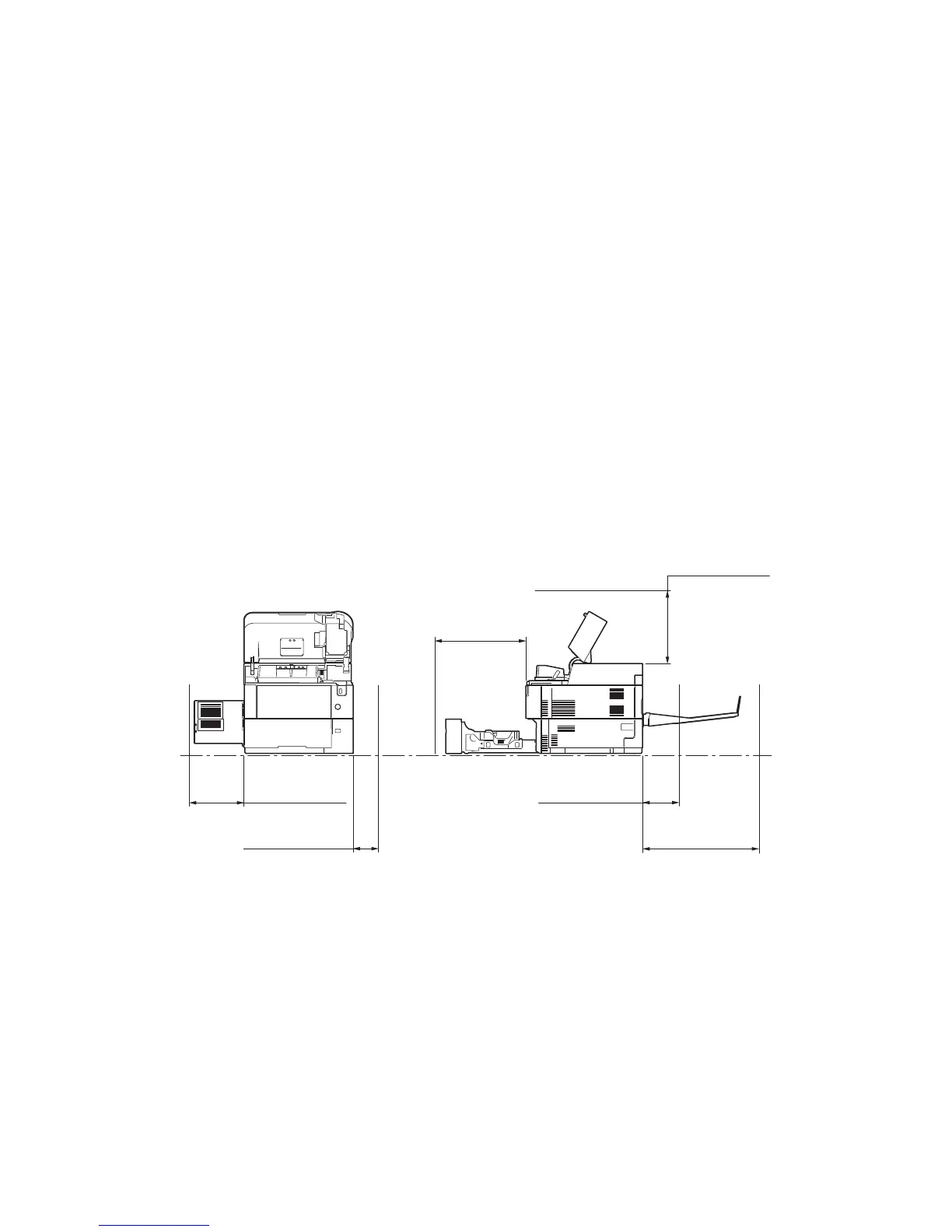
6. Allow sufficient access for proper operation and maintenance of the machine.
Figure 1-2-1
500mm or more
19
11/16”
or more
200mm or more
7
7/8”
or more *1
300mm or more
11
13/16”
or more
100mm or more
3
15/16”
or more
400mm or more
15
3/4”
or more *2
400mm or more
15
3/4”
or more
*1: Without the faceup tray
*2: With the faceup tray (60/50/45 ppm model)



 To Next Page
 Loading...