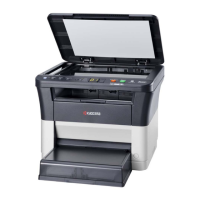
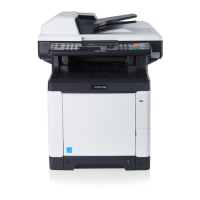
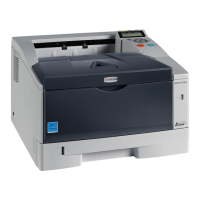
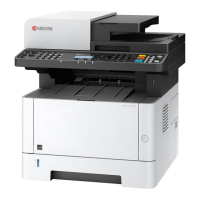
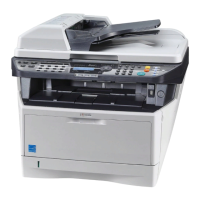
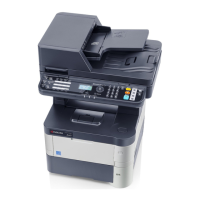
2LV/2L1/2L2/2MS/2MT
1-5-28
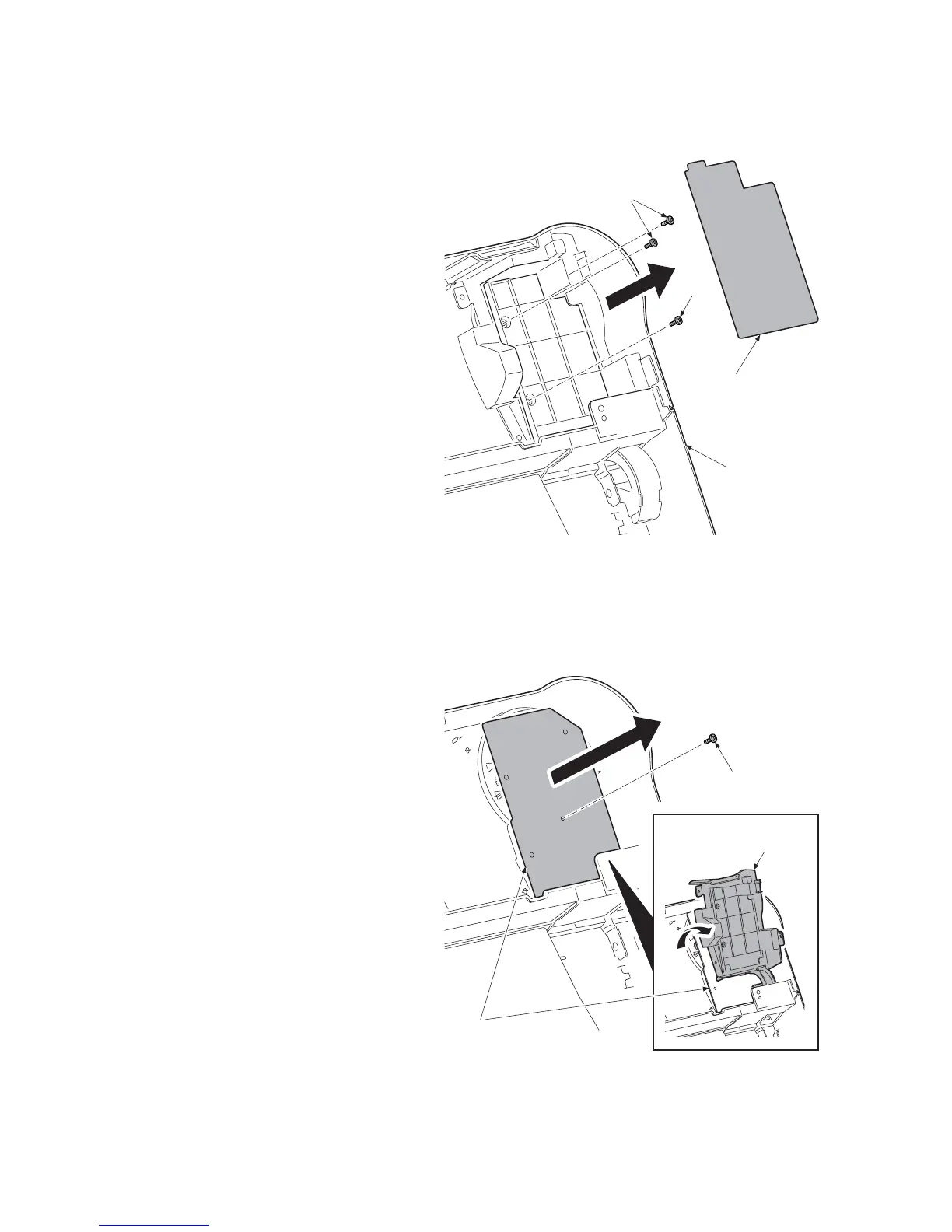
(6) Detaching and refitting the operation PWB
Procedure
1. Open the top cover.
2. Remove the JAM processing procedure
sheet.
3. Remove three screws.
Figure 1-5-46
4. Rotate the operation PWB cover.
5. Remove the screw and then remove the
operation PWB.
6. Check or replace the operation PWB
and refit all the removed parts.
Figure 1-5-47
JAM processing
procedure sheet
Screws
Screw
Top cover
Operation panel PWB
Operation panel
PWB cover
Screw



 To Next Page
 Loading...