Printing Basics
3-7 KX Driver
2
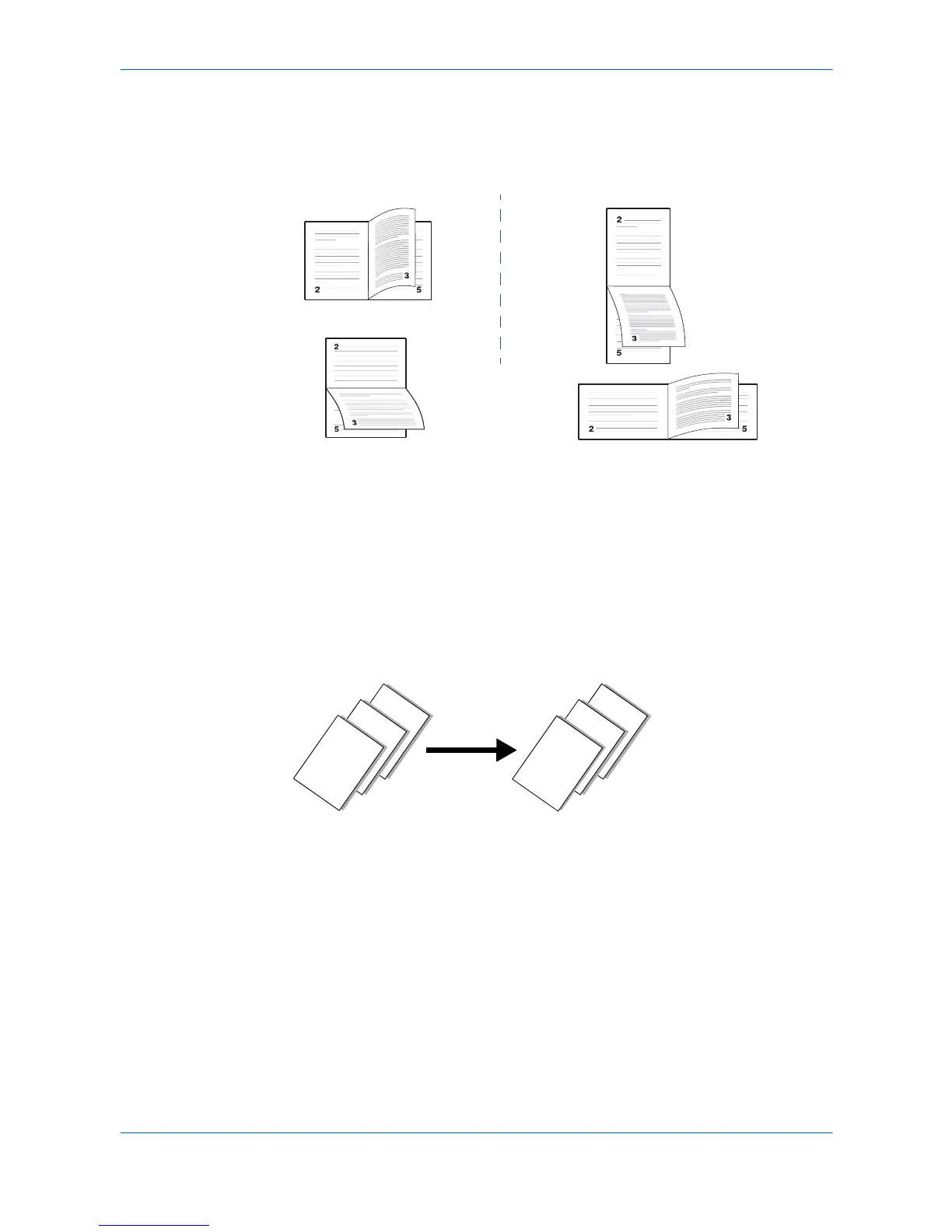
From the Basic tab, select Print on Both Sides. Select Flip on Long Edge or Flip
on Short Edge. 2
3
Click OK to return to the Print dialog box. 3
4
Click OK to start printing. 4
Reverse Order Printing
You can print document pages in reverse order, from the last page to the first. The
reverse order printing function places the order of pages into reverse numerical order
as shown below.
Print Pages in Reverse Order
1
Open the Properties dialog box. 1
2
From the Basic tab, select the output tray from the Destination list. 2
3
Select Reverse page order. If Reverse page order does not appear, select another
choice other than Printer default for the Destination output tray. 3
4
Click OK to return to the Print dialog box. 4
5
Click OK to start printing. 5


 To Next Page
 Loading...












