Finishing
5-1 KX Driver
5 Finishing
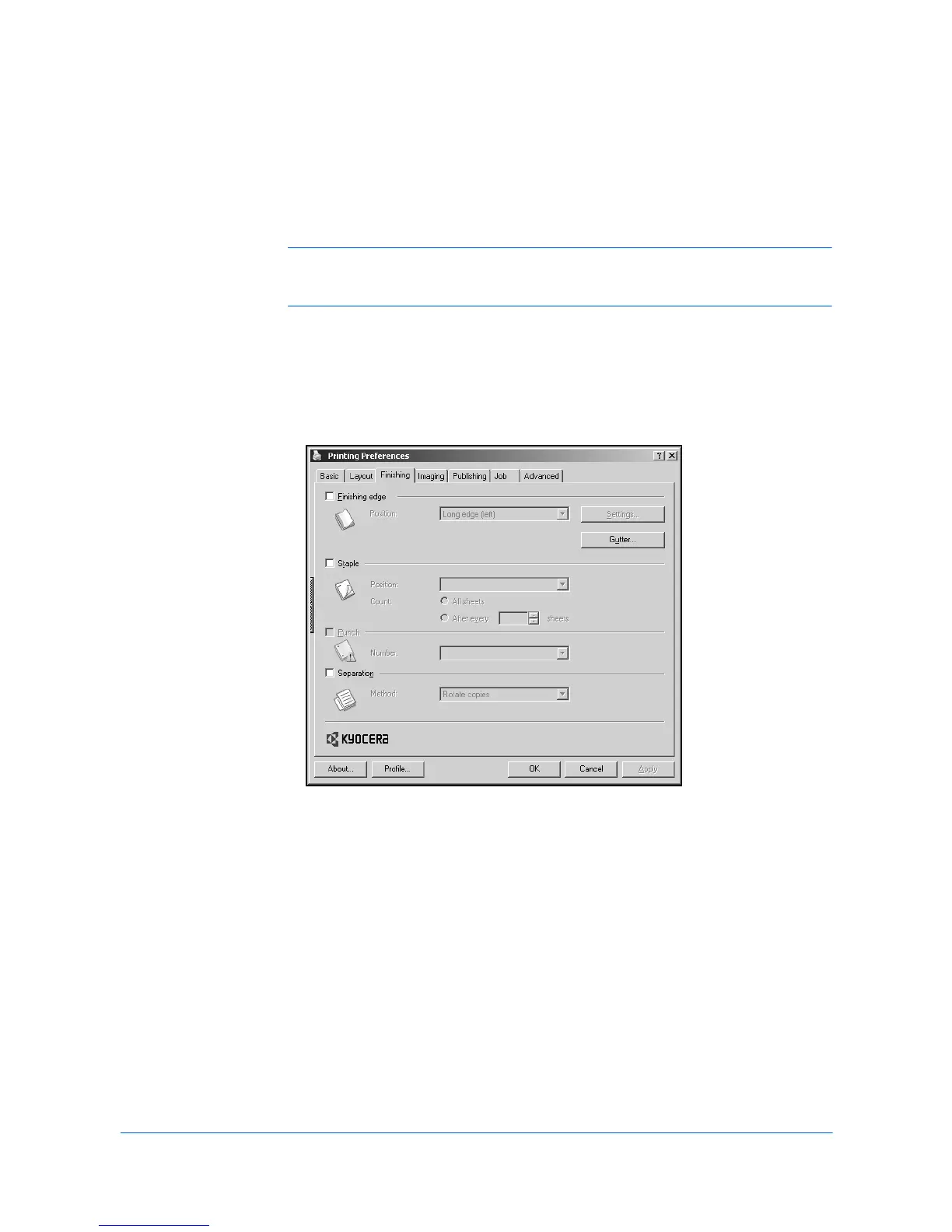
This chapter describes the uses of finishing equipment. The Finishing tab is
available for models that support optional finishing devices such as Internal finisher
or 1000-sheet finisher.
Note: For some features in the Finishing tab, the caution symbol appears when the
feature is unavailable. Place the pointer over the symbol for a message that tells how
to activate the feature in the driver.
• Finishing Edge aligns the matching sides of two different page sizes in a
document.
• Staple binds multiple document pages together with one or more staples.
• Punch places round hole punches in the margin.
• Separation physically separates document copies or multiple copies of a print
job in the finishing tray.
Finishing Edge
Finishing edge aligns the matching sides of two different page sizes in a document.
For example, the long edge of an A4 page is aligned with the short edge of an A3
page; or the short edge of a letter size page is aligned with the short edge of a legal
size page. Finishing edge can be used with or without the staple or punch features.



 To Next Page
 Loading...











