12XT_UM_ML_1.2
www.l-acoustics.com
13 en
EN
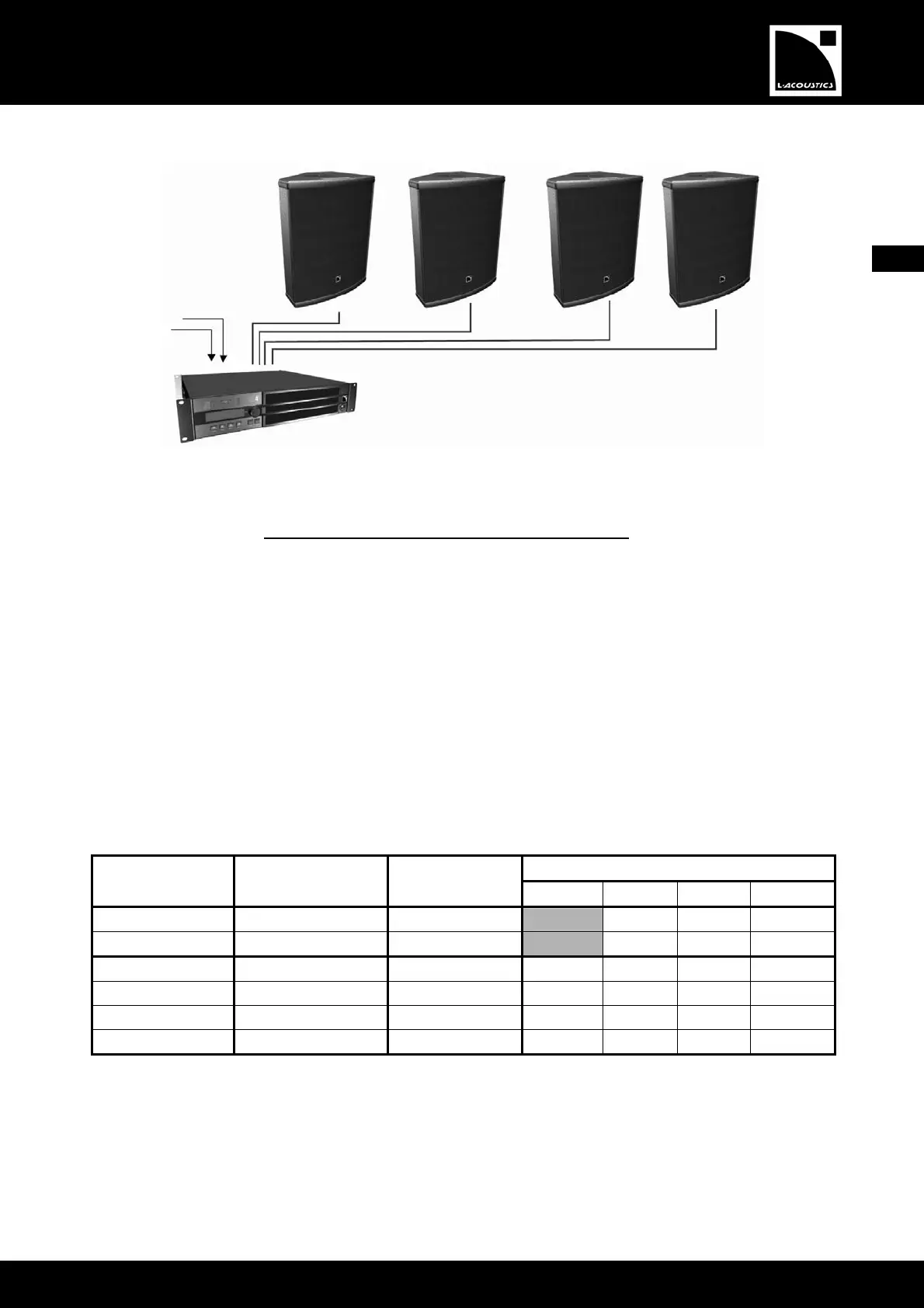
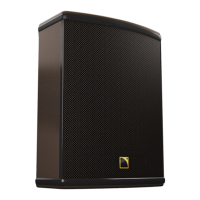
Figure 6: Four passive 12XT enclosures connected to an LA4 controller
7.2.1.2 [12XTP_FR], [12XTP_FI], and [12XTP_MO] presets
The [12XTP_FR] preset features a low and high frequency shelving equalization (FOH applications).
The [12XTP_FI] preset results in a nominally flat contour in free field conditions (speech reinforcement, classical music, or
fill distributed applications).
The [12XTP_MO] preset results in a nominally flat contour in half-space loading conditions (floor monitoring as well as
wall or ceiling-mounted applications).
Activate the LOAD PRESET menu from the LA4 amplified controller front panel and then select the desired preset.
Refer to the ‘‘LA4 - User Manual’’ for additional instructions. The preset is also accessible using the LA NETWORK
MANAGER software (refer to ‘‘LA NETWORK MANAGER - User Manual’’). Accessible controls in ‘‘FULL
RANGE’’ mode for PASSIVE 12XT are shown in the following chart:
Table 2: Accessible controls in ‘‘FULL RANGE’’ mode for PASSIVE 12XT
Accessible (O) and blocked (X) controls
LA4 Inputs/Outputs Elements to connect
Preset
assignments*
Mute Gain Delay Polarity
IN A Input signal A IN_A X O O O
IN B Input signal B IN_B X O O O
OUT 1 PASSIVE 12XT PA_A O O O O
OUT 2 PASSIVE 12XT PA_A O O O O
OUT 3 PASSIVE 12XT PA_B O O O O
OUT 4 PASSIVE 12XT PA_B O O O O
* IN: input signal. A: channel A. B: channel B. PA: passive enclosure.
OUT 1 (in A)
OUT 2 (in A)
OUT 3 (in B)
OUT 4 (in B)
IN A
IN B
PASSIVE 12XT


 To Next Page