12XT_UM_ML_1.2
www.l-acoustics.com
9 en
EN
6 INSTALLATION
6.1 Stacking or flying the 12XT
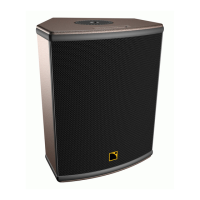
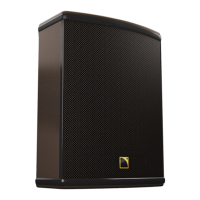
The integrated rigging components and the wedge-shaped cabinet design of the 12XT enclosure (Figure 3) allow for
various setups such as:
• Wall or ceiling-mounting using the L-ACOUSTICS
®
ETR12 mounting accessory.*
• Wall or ceiling-mounting using the OMNIMOUNT
®
120.0 SERIES mounting accessories (four M8 inserts).*
• Flying using the L-ACOUSTICS
®
XTLIFTBAR rigging accessory.*
• Mounting to a 35 mm/1.38 in. pole stand using the integrated pole socket.
• Stacking with two fixed angle settings of 30° and 60° with regard to the vertical.
* A safety eye-bolt accessory can be added using the M8 insert located on the rear face of the 8XT enclosure.
Note: The “M8” notation refers to the European standard (see applicable external documentation).
Refer to the “XT and P - Rigging Procedures’’ manual to get acquainted with the XT Range
specific rigging procedures.
6.2 Connecting speakers
The 12XT enclosure is driven and powered by the dedicated L-ACOUSTICS
®
LA4 amplified controller. Each LA4
amp channel can drive one PASSIVE 12XT enclosure. Channels 1 and 3 can drive one or two (in parallel) ACTIVE
12XT enclosures. For more details please refer to the “LA4 - User Manual’’ also available on the L-ACOUSTICS
®
web site @ www.l-acoustics.com
.
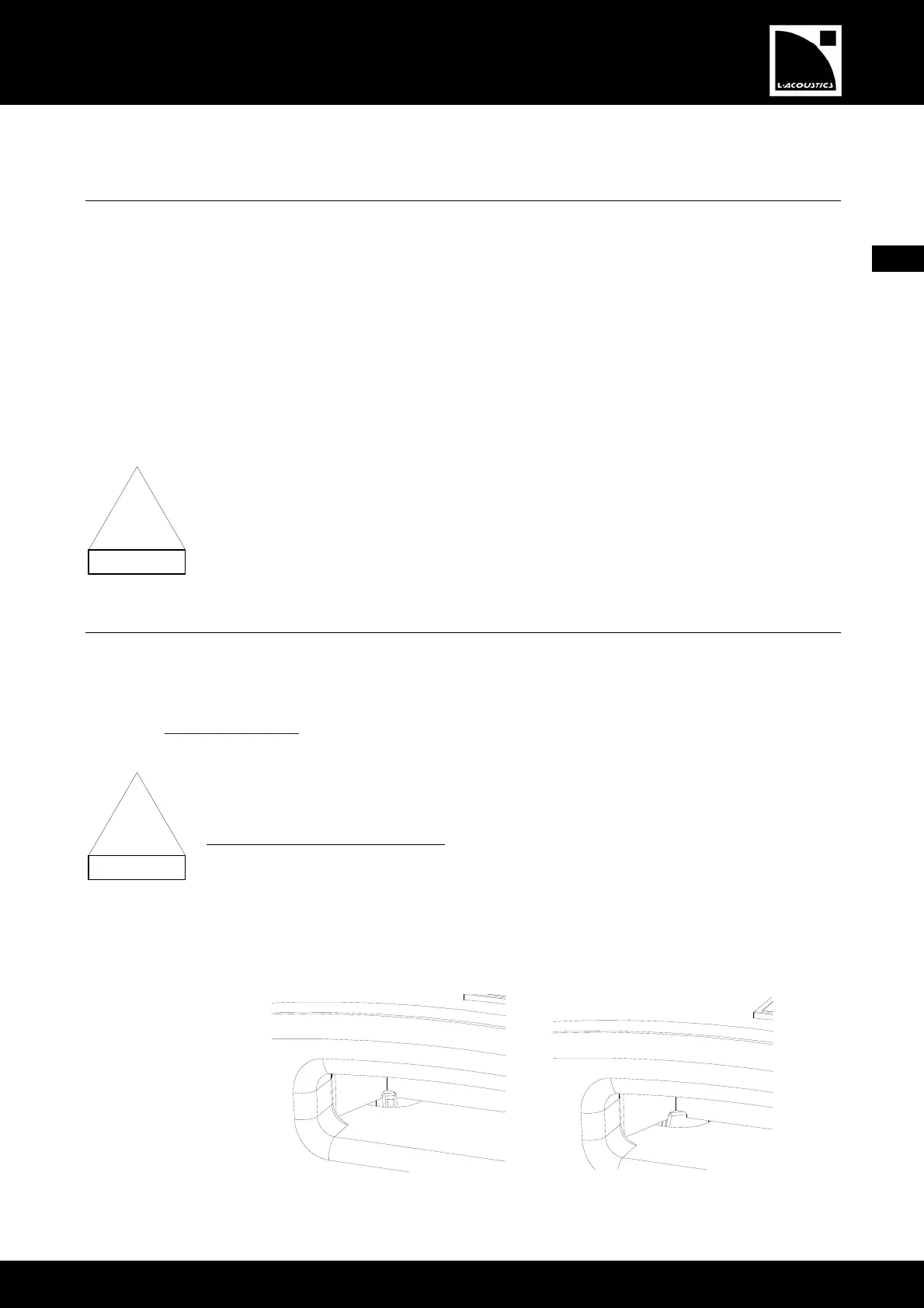
ACTIVE or PASSIVE setting is selectable by a switch located behind the logo side handle of the
enclosure. Active setting is available when the white mark on the switch is visible through the handle
(Figure 4a). Passive setting is available when the white mark is not visible (Figure 4b).
To select ACTIVE or PASSIVE setting:
1. Roll both rubber bands back away from the grill.
2. Remove screws securing the grill.
3. Remove the grill.
4. Select appropriate switch setting (clockwise=PASSIVE, counterclockwise=ACTIVE).
Note: The factory 12XT default setting is ACTIVE setting.
5.
Reverse steps from 1 to 3 to replace grill.
(a) ACTIVE setting (b) PASSIVE setting
Figure 4: The ACTIVE/PASSIVE switch positions (visible from the logo side handle)
!
!


 To Next Page