DVR Settings
Selecting & Configuring Record Triggers
Flashback3 & Flashback HD User’s Guide
L3 Mobile-Vision 6.23.2017 Page 101
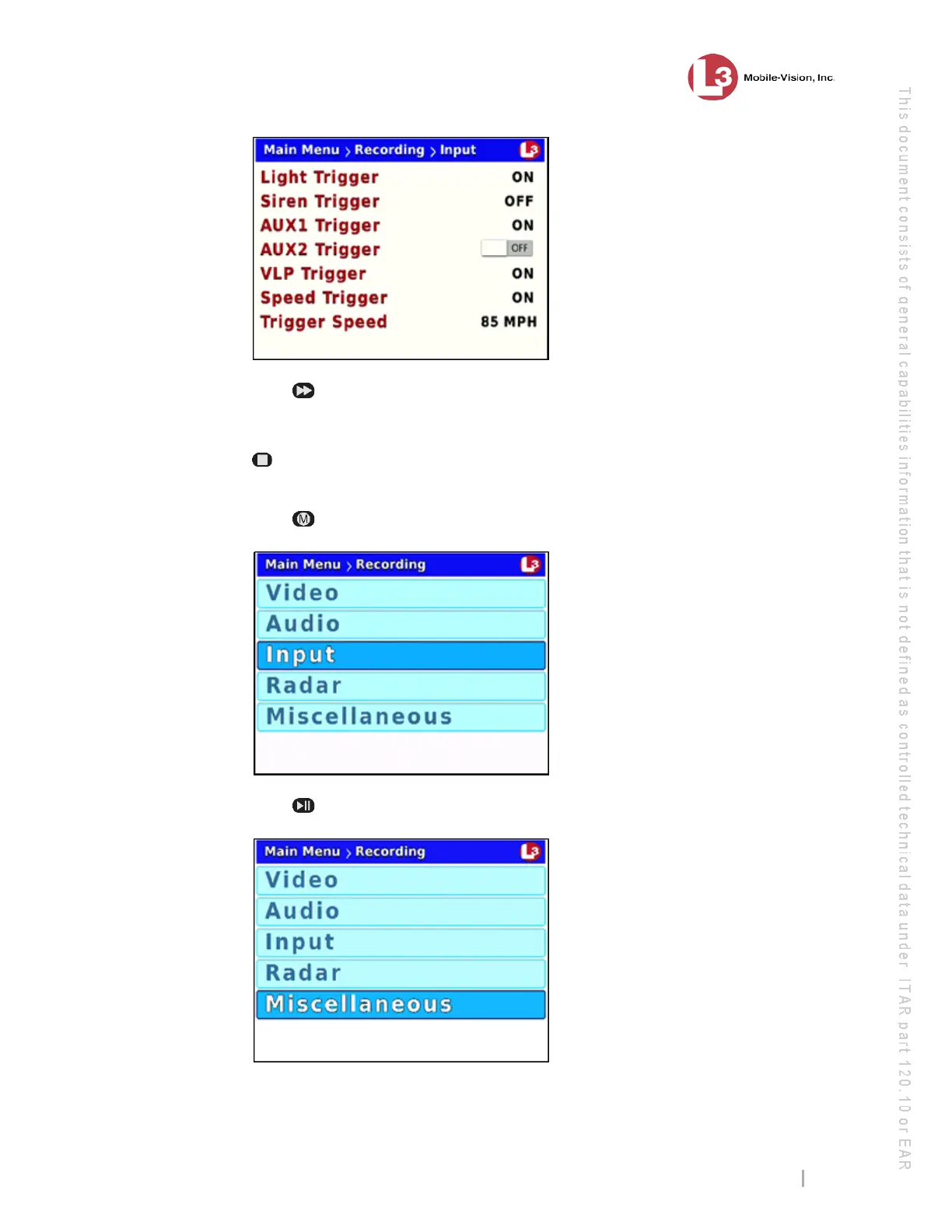
9 Press
to toggle the field value from OFF to ON.
Next, you need to choose how you would like to turn off Aux 2 triggered recordings:
manually or automatically. If you select the manual option, then you simply press the
button to stop a recording. Otherwise you can program the DVR to automatically
turn off X number of minutes after the trigger activity ceases.
10 Press twice to save your changes and return to the Recording menu.
11 Press
twice to advance to the Miscellaneous option.
Terminating
a recording
manually vs.
automatically



 To Next Page