DVR Settings
Changing the Audio Settings
Flashback3 & Flashback HD User’s Guide
L3 Mobile-Vision 6.23.2017 Page 87
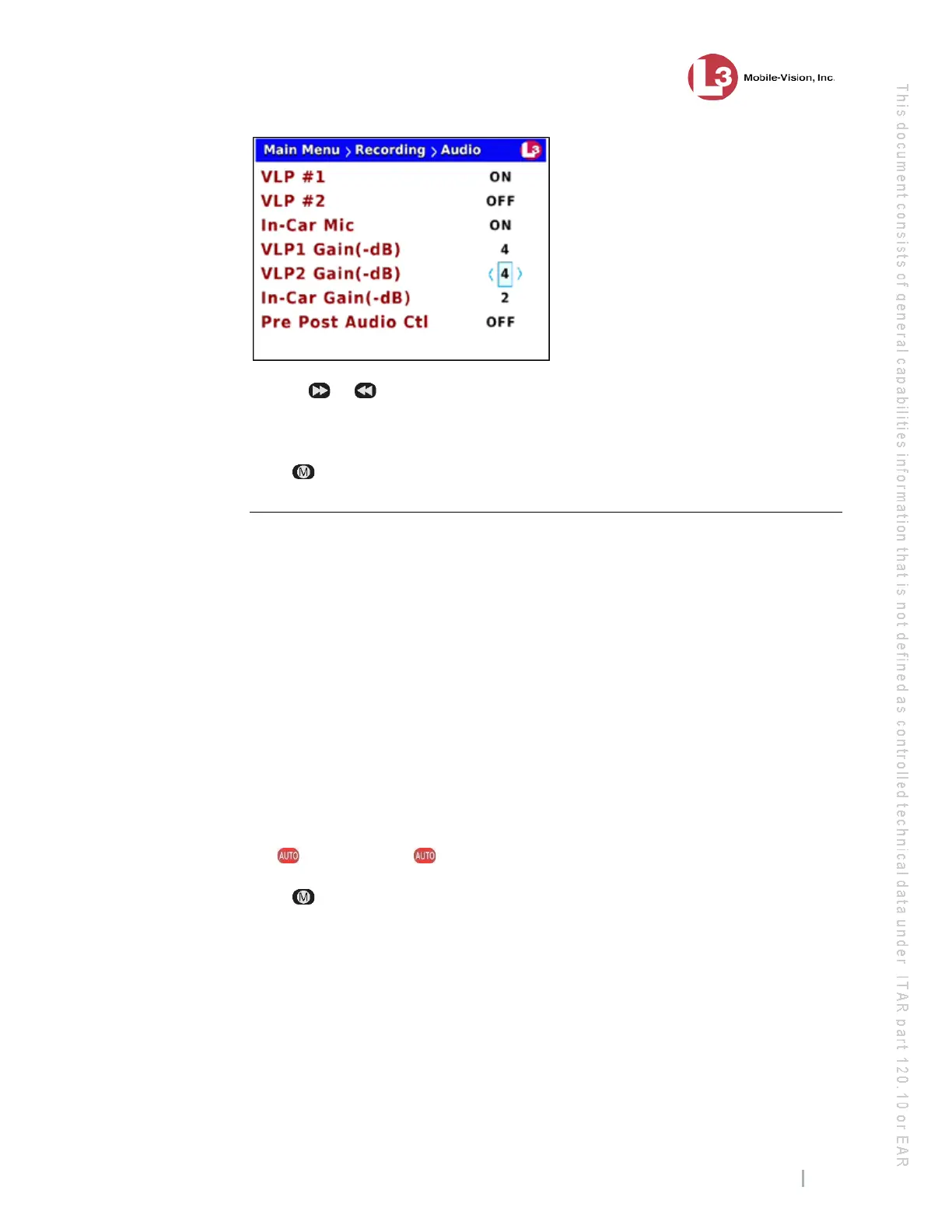
9 U
se the or
button to select the desired gain in negative decibels (0 – 16). For
example, if you notice some audio distortion in your videos and the value of the
VLP2 Gain(-dB) field is currently 4, you may want to try setting it to 5.
10 P
ress four times to save your changes and exit this option.
Changing the Gain Setting for the In-Car Audio
This section describes how to adjust the strength of the audio line level signal into the
DVR for your in-car microphone. This signal has an effect on volume:
Increasing the numeric value of the In-Car Gain(-dB) field will result in
decreased volume
Decreasing the numeric value of the In-Car Gain(-dB) field will result in
increased volume.
I
t’s recommended that you adjust this setting up or down in small increments until
you hear an improvement. If you notice increased distortion after changing this
setting, go back to the Audio screen and increase the numeric value of the In-Car
Gain(-dB) field.
T
he system default is -2 decibels.
1 M
ake sure the door to your DVR is open and Auto mode is off. (If necessary, press
the button until the light turns off.)
2 P
ress . The Main Menu displays.



 To Next Page