DVR Settings
Copying the DVR Log Files to a USB Drive
Flashback3 & Flashback HD User’s Guide
Page 226 L3 Mobile-Vision 6.23.2017
Copying the DVR Log Files to a USB Drive
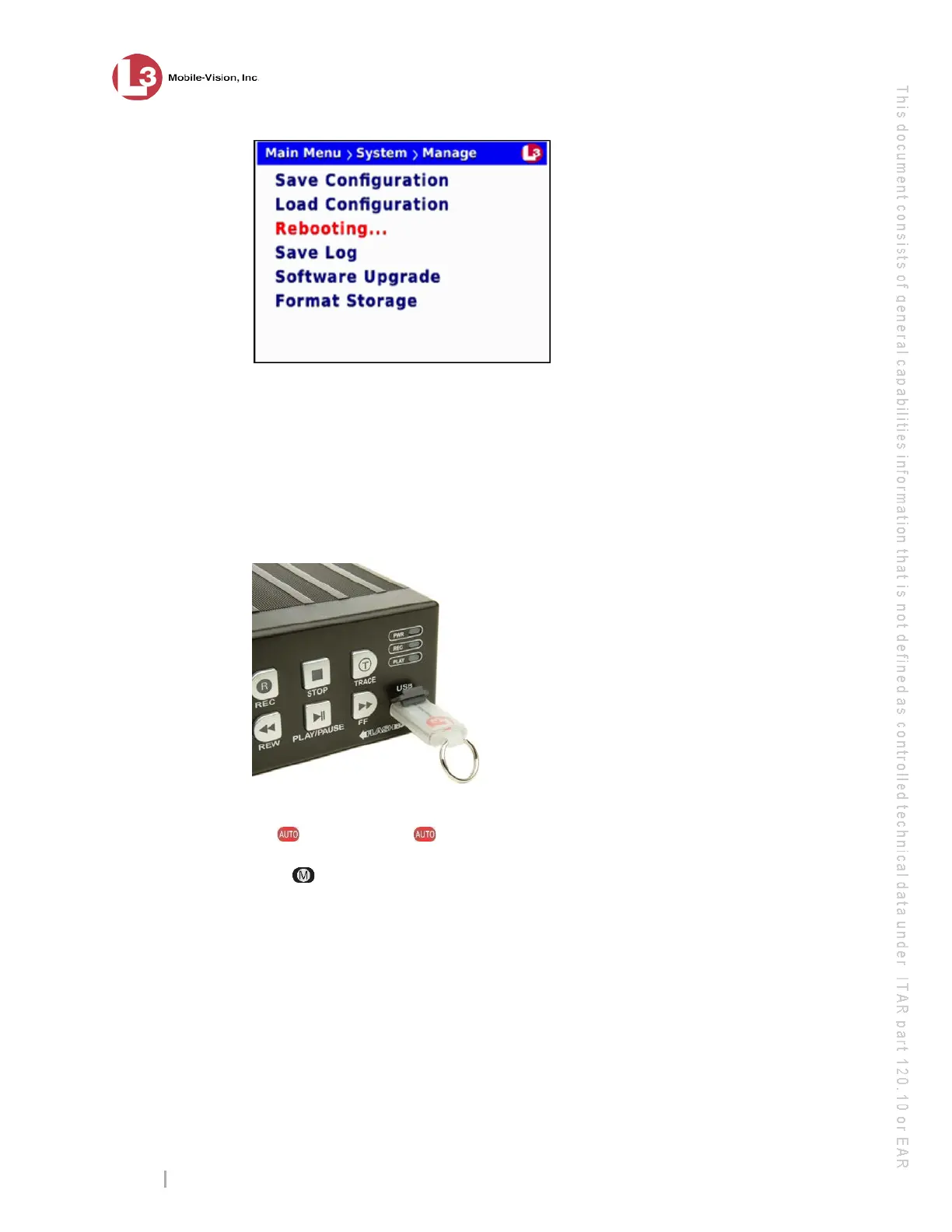
This section describes how to copy the DVR log files to a USB memory stick. These
files are used by L3 Mobile-Vision support staff to troubleshoot technical problems.
Perform this task when instructed to do so by your L3 Mobile-Vision Technical
Support Engineer.
1 Insert a blank USB memory stick in the Flashback’s USB port.
2 M
ake sure the door to your DVR is open and Auto mode is off. (If necessary, press
the button until the light turns off.)
3 Press . The Main Menu displays.



 To Next Page