DVR Settings
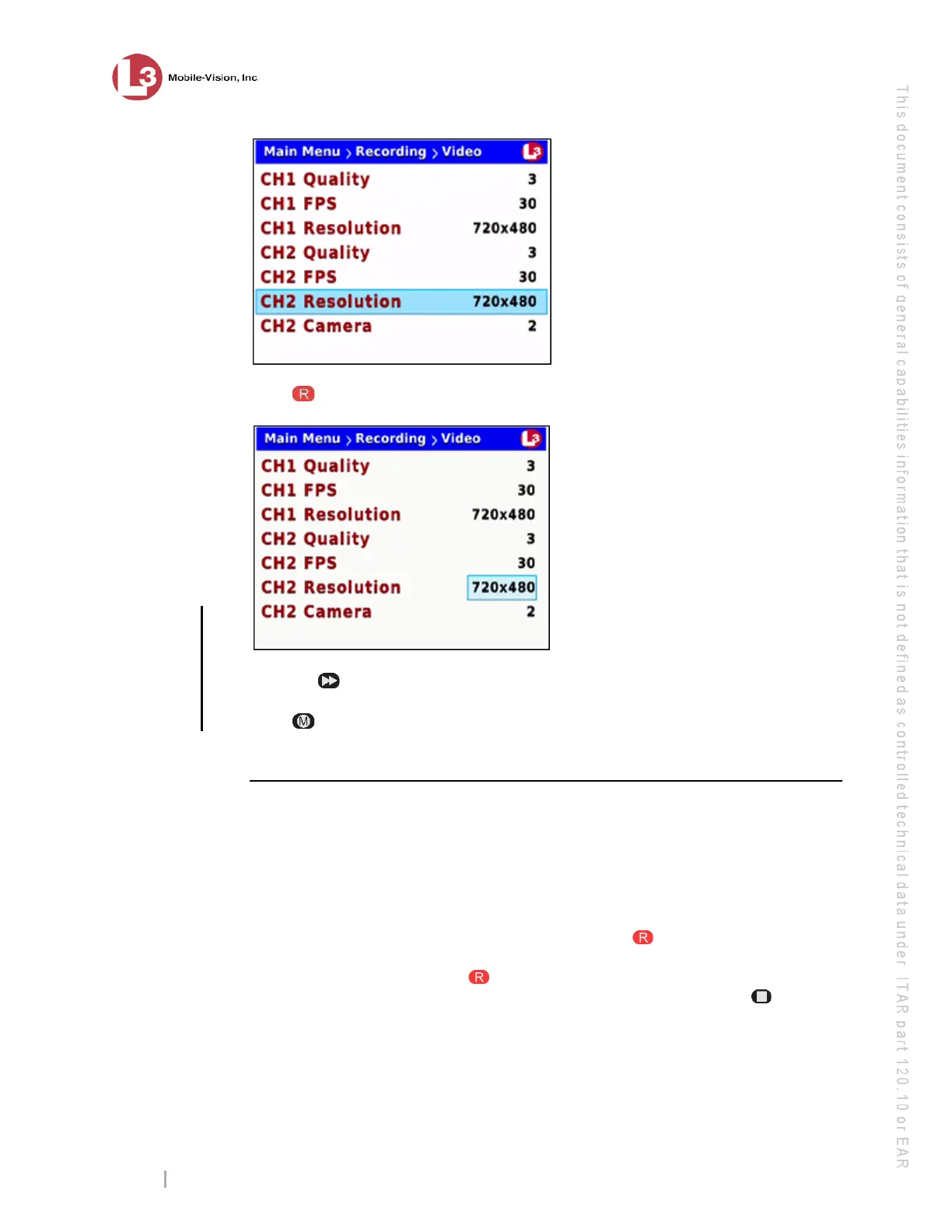
Changing the Record Settings
Flashback3 & Flashback HD User’s Guide
Page 54 L3 Mobile-Vision 6.23.2017
7 P
ress to select the current field.
8 P
ress the button until the desired screen resolution displays.
9 Pr
ess twice to save your changes and exit the Video screen. The system will
automatically reboot.
Turning Background Record On/Off
This section describes how to turn the Background Record feature on or off. This
feature enables you to record continuously from the Forward-facing zoom camera at
a reduced frame rate without audio whenever your vehicle’s ignition is on. The
downside of this feature is that it substantially increases your storage requirements.
Before selecting this option, carefully review your video storage capacity.
W
hen Background Record is on, you can still press the button to start a regular
recording, which is typically of a higher quality and resolution than Background
Record videos. After you press , the system will save the current Background
Record file and begin generating a Regular Record file. When you press to stop
the video, the system will save the Regular Record file and return the DVR to Back-
ground Record mode. In this manner, you might generate multiple Background
Record and Regular Record files during a given shift.
the number,
the better the
video quality
& the larger
the video size



 To Next Page