DVR Settings
Changing the Record Settings
Flashback3 & Flashback HD User’s Guide
L3 Mobile-Vision 6.23.2017 Page 55
Because Background Recordings are captured at a much lower frames-per-second
setting than Regular Recordings, they appear more like a series of “freeze frame”
shots rather than a motion picture.
For more on the pre-record feature, see “Changing the Pre/Post Record Settings” on
page 60.
1 M
ake sure the door to your DVR is open and Auto mode is off. (If necessary, press
the button until the light turns off.)
2 P
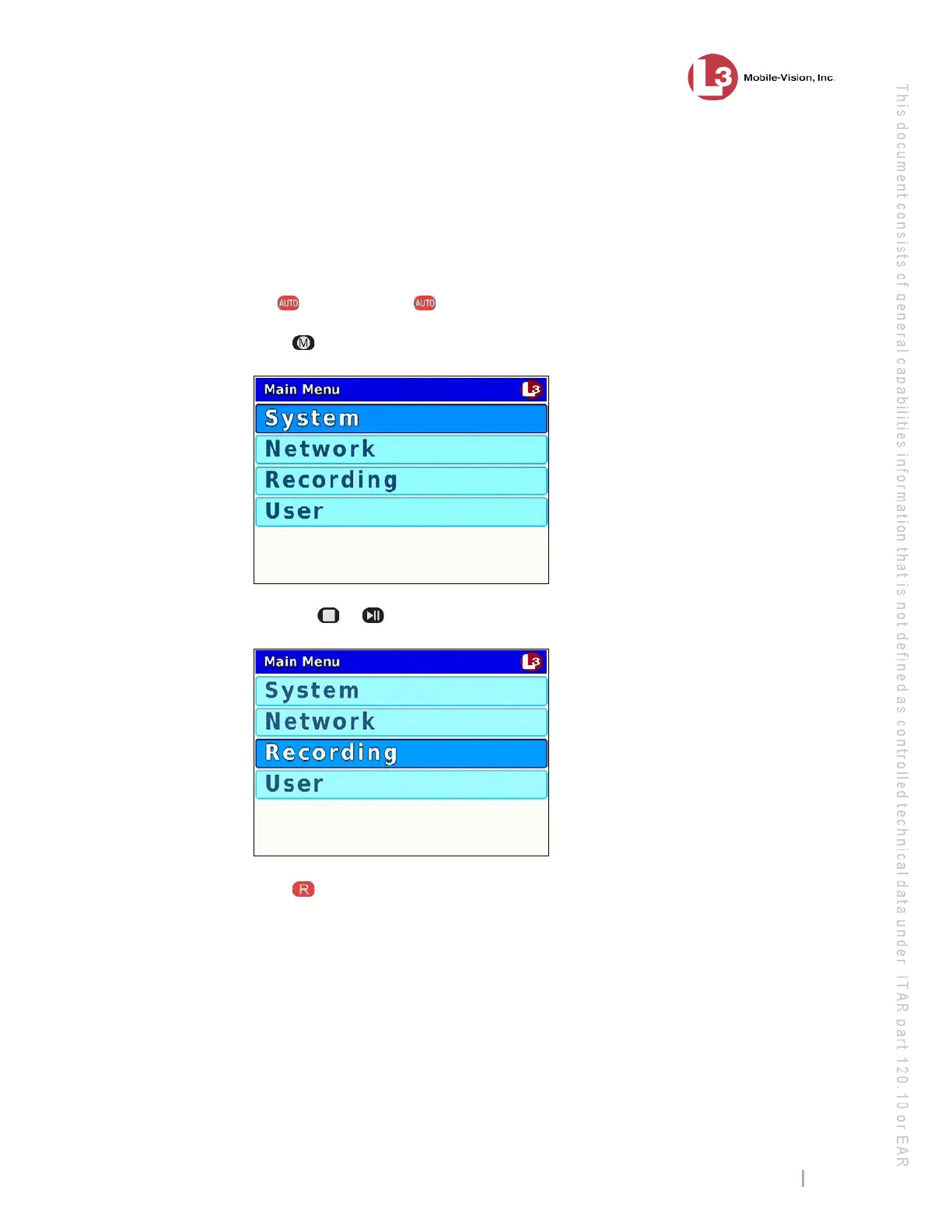
ress . The Main Menu displays.
3 P
ress the or
button until Recording is highlighted.
4 P
ress to select the Recording option. The Recording menu displays.



 To Next Page