DVR Settings
Changing the Date & Time Settings
Flashback3 & Flashback HD User’s Guide
L3 Mobile-Vision 6.23.2017 Page 43
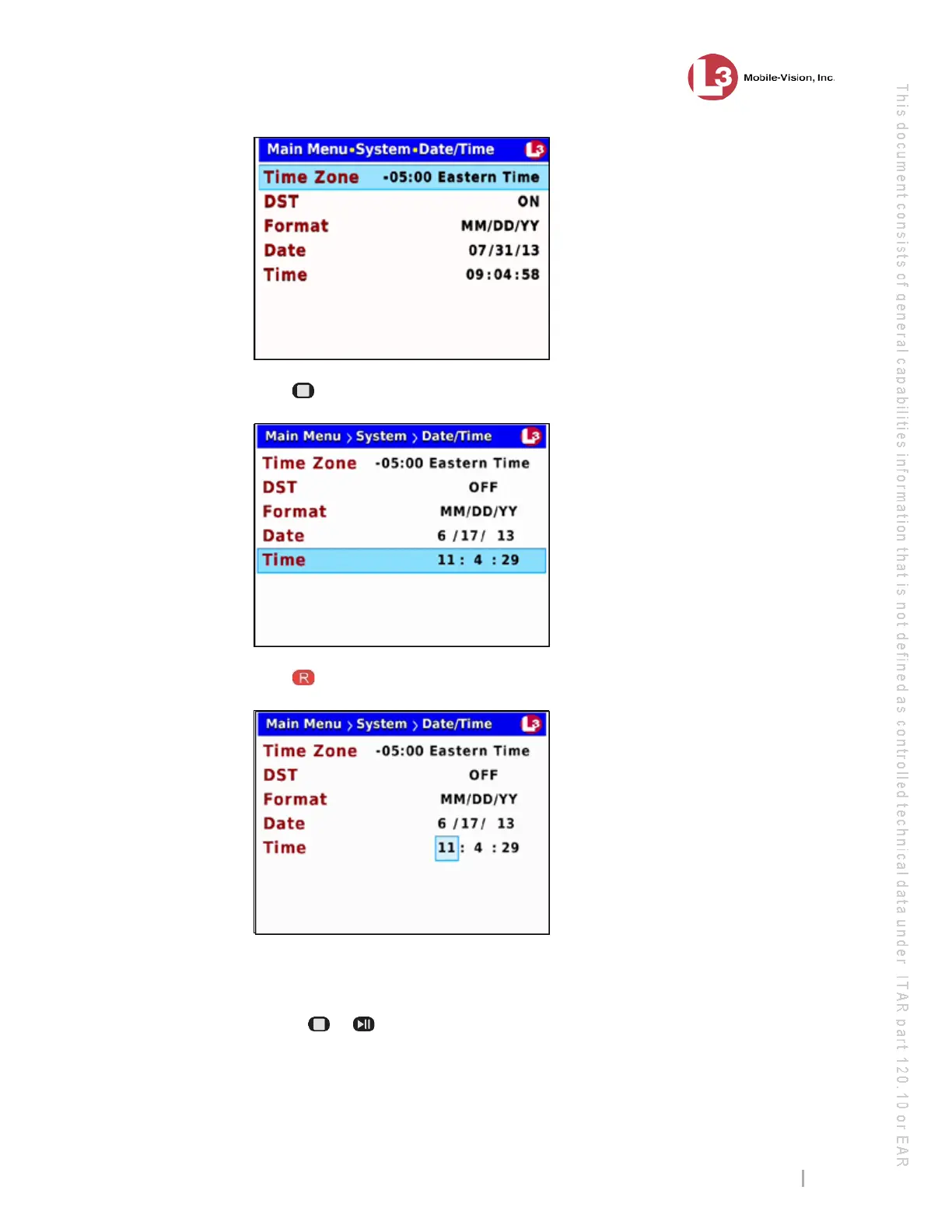
6 Press
to advance to the Time field.
7 Press
to select the Time field.
8 To chan
ge the hours segment of the Time field, proceed to the next step. Otherwise
skip to step 10.
9 Use th
e or
buttons to move the hours display higher or lower, respectively.
Once the desired number displays, proceed to the next step.



 To Next Page