3
Box contents
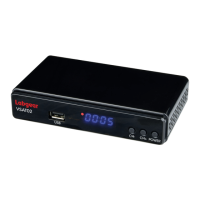
1x Combo Receiver 1x 12V𝌂1A Power Adaptor 1x 1m HDMI Cable
1x Remote Control 2x AAA Batteries 1x User Guide
Basic Operations
The main menu simplifies operation of the receiver. All of the receiver functions are displayed in the menus
and can be controlled by using of a small number of keys, and certain keys on the remote control allow direct
access to specific functions.
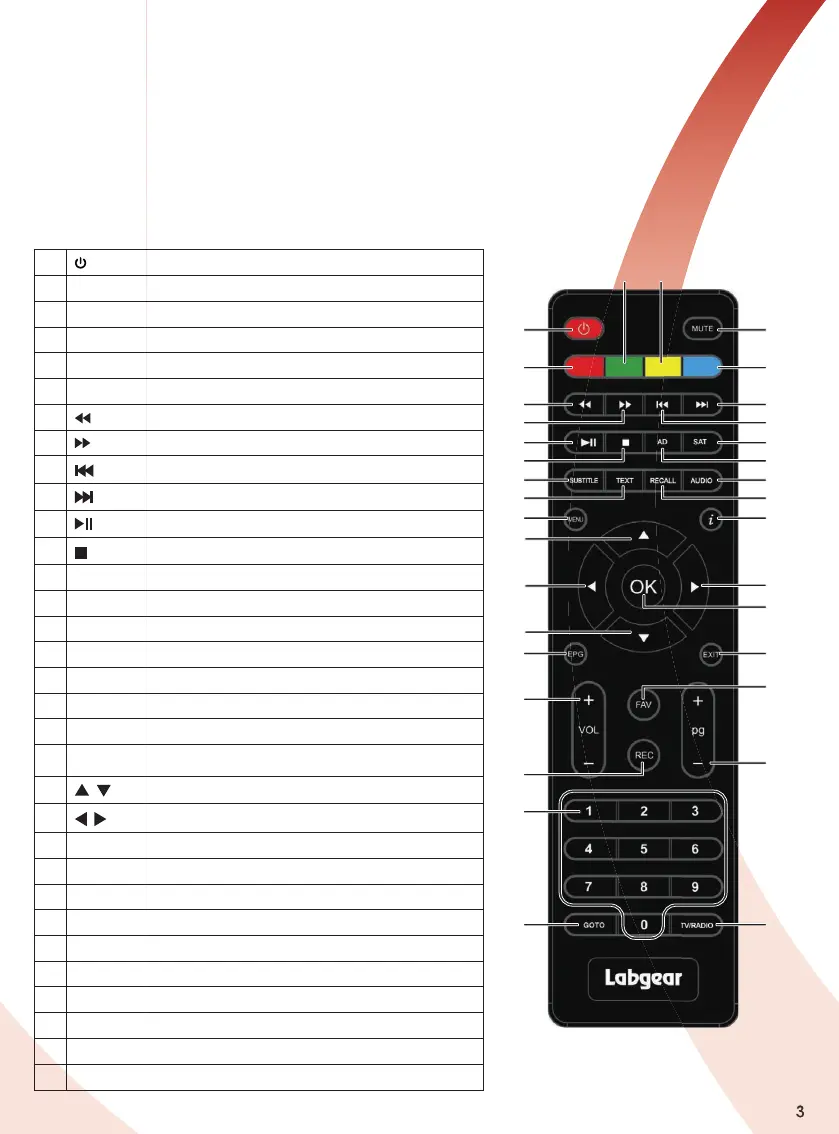
Remote Control
1
POWER: Standby or power on from standby
2 MUTE: Mute or Restore Audio Output
3 RED: Red function key
4 GREEN: Green function key
5 YELLOW: Yellow function key
6 BLUE: Blue function key
7
: Searches backwards during media play
8
: Searches forwards during media play
9
(PREV) : Skips to the previous media track
10
(NEXT) : Skips to the next media track
11
: Play / Pause
12
(STOP) : Stops media play
13 AD: Switch on voice-over function
14 SAT: Enter or Exit satellite mode
15 SUBTITLE: Selects Subtitle Language
16 TEXT: Displays Teletext information
17 RECALL: Switch between the last two viewed channels
18 AUDIO: Selects an Audio Language or Audio mode
19 MENU: Turns on the Main menu
20
i (INFO): Displays additional channel information
21
/ : Cursor UP/DOWN, change channels
22
/ RIGHT/LEFT: Navigates through menus/VOL +/VOL-
23 OK: Confirms entry or selection/Displays channel list
24 EPG: (Electronic programs Guide) turns guide ON/OFF
25 EXIT: Exit the current menu or returns to previous menu
26 VOL+/-: Increases or decreases the volume
27 Pg+/-: Page Up / Down
28 FAV: Turns on the Favourite menu
29 REC: Press to record selected programme
30 0 - 9: Numbers
31
GOTO: Press to switch between Satellite / TP mode
32
TV/RADIO: Switch between TV and Radio function
1
2
3
7
8
10
9
11
12
14
13
15
16
18
19
21
21
22
20
22
24
25
31
32
26
30
29
27
23
17
28
4 5
6


 To Next Page