5
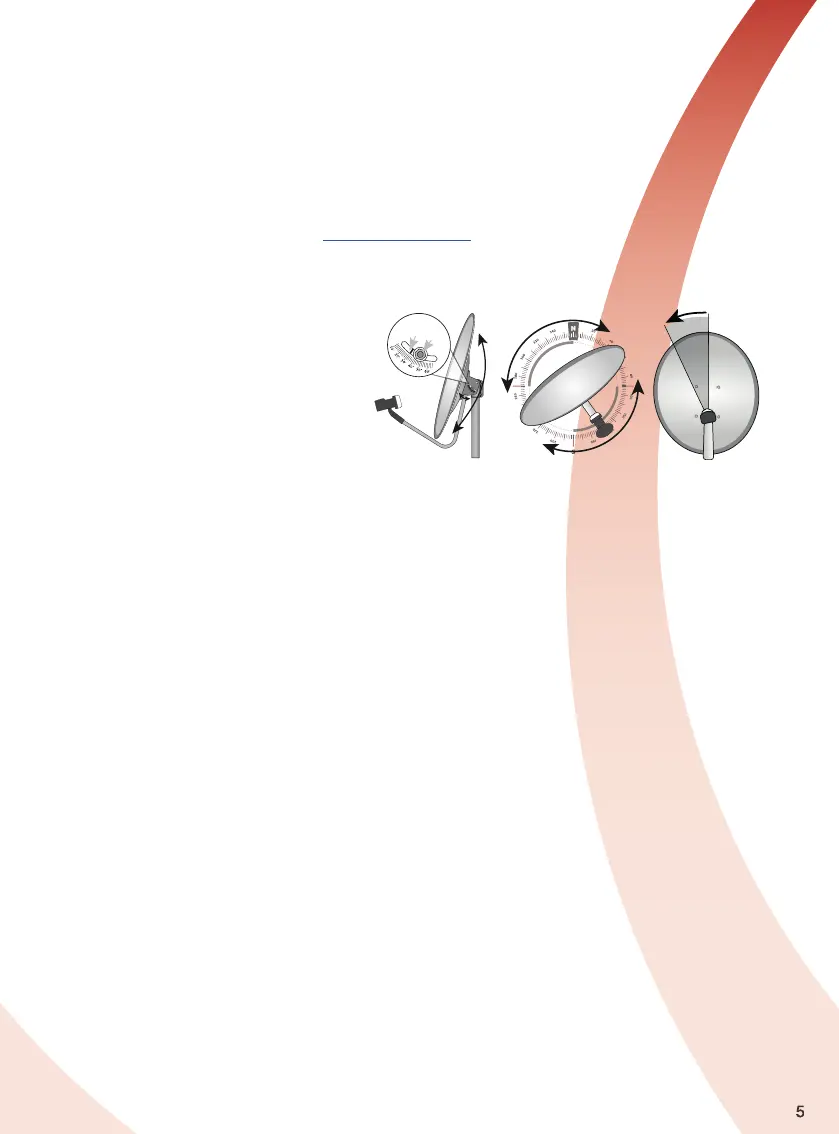
Elevation
Pointer
Fixing
Nut
Aligning the Satellite Dish
Three settings are required. Initially use the
settings you have obtained using one of the
methods described in the paragraph above :
a) Dish elevation - usually close to vertical
b) Azimuth angle - this is the compass
bearing required and varies depending
on your location in the country.
c) Polarisation (Skew) angle - this is the angle at
which the LNB needs to be rotated in its mount.
a) b) c)
Connecting a Satellite Dish LNB to the LCOM1
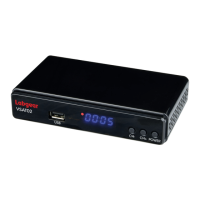
For satellite signal reception you will need a satellite dish fitted with a suitable LNB connected to the “LNB IN”
port on the LCOM1 back panel. The satellite dish needs to be positioned in line of sight of the satellite(s) from
which you wish to receive signals. Make sure there are no obstructions in the way. Accurate positioning of the
dish and LNB is critical for reception and it is recommended that you contact an experienced installer if you
need any help.
Satellite Dish Alignment Settings
There are a number of online satellite finder apps for smartphones which can be used to help align your dish.
Finder apps vary so we suggest you use them in conjunction with a satellite meter and a compass. You can also
obtain accurate settings from the website: www.dishpointer.com. Enter your location and select a satellite the
website will give the precise settings that you will require to align to the satellite.
Labgear stock a range of TV and Satellite signal finders and meters, for more information please visit
https://labgear.co.uk/product-category/meters-testers/tv-sat-signal-meters
Motorised Satellite Dish systems
The LCOM1 is fully compatible with USALS positioners which should be installed between the mast and the
dish and connected to the “LNB IN” port. The USALS function considerably simplifies the setup. Once your local
geographical coordinates are entered the positioner turns the dish to align automatically with the selected
satellite. When the first satellite signal is locked on, you should fine tune the antenna’s elevation and azimuth
settings in order to optimize signal reception.
Once you have tuned in the first satellite, other satellite positions will be remembered automatically as long as
the values have been entered accurately.
The LCOM1 is also compatible with DiSEqC 1.2 positioners.
For additional information on positioners please check the manufacturer’s instruction manual and website
support.
Connecting a terrestrial aerial
For DVB-T/T2 terrestrial digital TV reception use a suitable outdoor wideband aerial. Make sure the aerial is in
good condition and suitable for reception in your area. You can use the postcode checker on the Wolfbane
website http://www.wolfbane.net/cgi-bin/tvd.exe? to check suitability and also to give you a bearing for your
local transmitter.
For best reception ensure that:
1. The coaxial downlead from the aerial uses good quality cable and is positioned away from radio
transmitting devices, metal objects and heat sources.
2. The antenna is installed at as high an elevation as practical pointed in the direction of the nearest TV
broadcast transmitter
3. Check your neighbour’s aerial or look online for information on local transmitter locations and bearings.
You can also use a signal strength meter (not included) to align your aerial for optimum reception.
4. Try and ensure there are no obstructions in the line of sight between the antenna and transmitter.
Only use an indoor aerial if you are close to a transmitter and receive a strong signal.
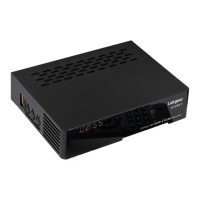
Connect the selected aerial to the “ANT IN” port on the back panel of the LCOM1
.
Video and Audio output
To connect a TV or other display equipment use an HDMI cable connected to the HDMI port for high definition
video and audio output. You can make a separate digital audio connection to digital Hi-Fi systems via the
coaxial port.


 To Next Page