ENG
23
Primary function
Tri-Function buttons
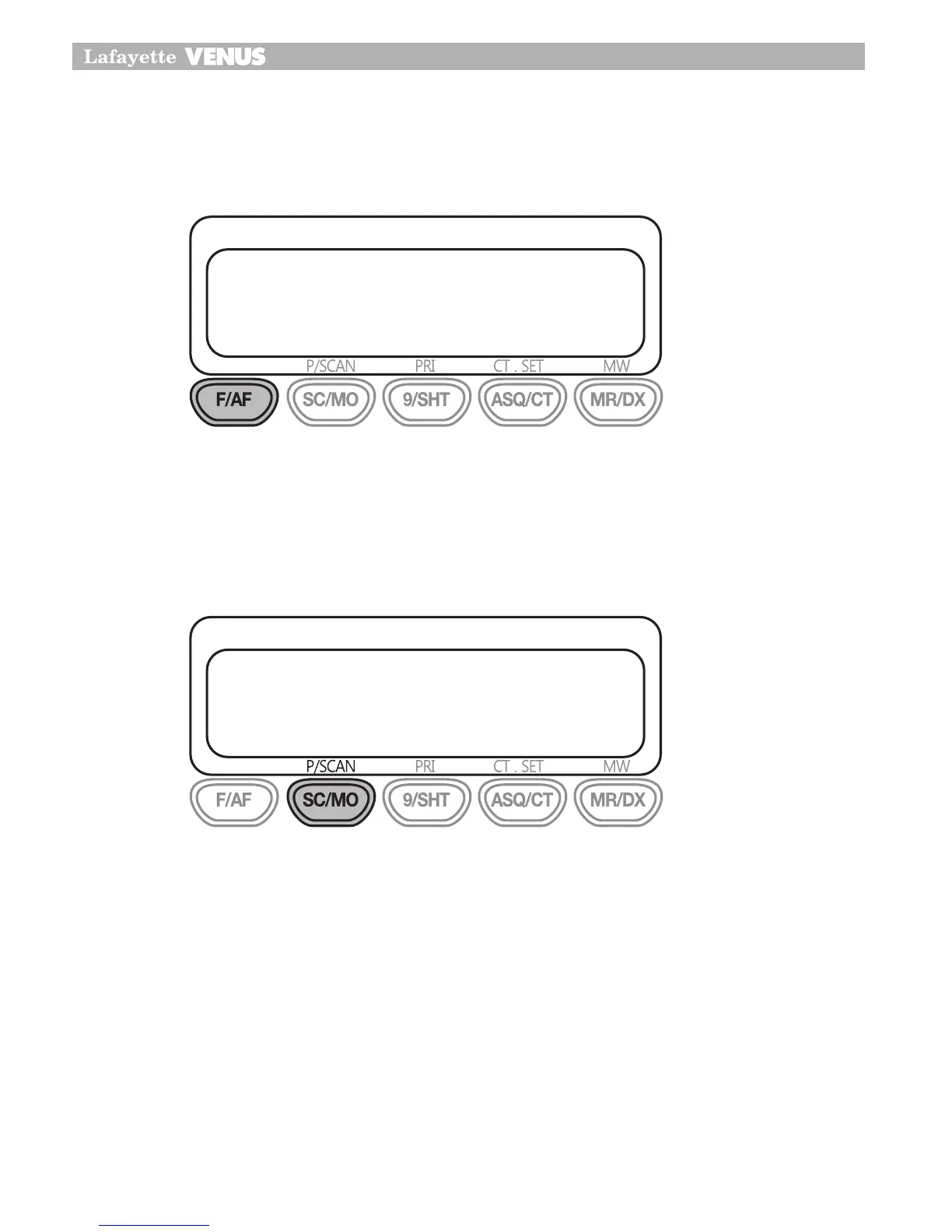
To use the primary function (F,SC,9,ASQ,MR) press the required button To use the secondary
function(A/F, MO, SHT, CT, DX) press and hold the button for 2 seconds.
To use the third function (P/SCAN, PRI, CT.SET, MW), press F/AF and press the required button.
SCAN
Venus CB transceiver incorporates a scanning feature. The radio will scan through all 40 (80)
channels and will stop at BUSY channel. It will stay on that channel until menu setting mode
of scan stop. The default stay time is 5 seconds after conversation has stopped and then it will
resume scanning.
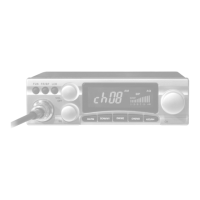
To start scanning turn on the power first and adjust the volume and squelch.
Press SC/MO button to start scanning. The word “OS” will appear in the LCD.
Display and the unit will start scanning.
If you want to stop scanning you can push SC/MO button again or press the push to talk switch.
This will shut off the scanning function and transmit on that channel.
1�
2�
3�
4�
18
Primary function
Tri Function buttons
To use the primary function (F,SC,9,ASQ,MR) press the required button
To use the secondary function(A/F,MO,SHT,CT,DX) press and hold the button
for 2 seconds.
To use the third function (P/SCAN,PRI,CT.SET,MW), press F/AF and press the
required button.
SCAN
Your CB100/200 incorporates a scanning feature. The radio will scan through
all 40 (80) channels and will stop at BUSY channel. It will stay on that
channel until menu setting mode of scan stop.
The default stay time is 5 seconds after conversation has stopped and then
it will resume scanning.
18
Primary function
Tri Function buttons
To use the primary function (F,SC,9,ASQ,MR) press the required button
To use the secondary function(A/F,MO,SHT,CT,DX) press and hold the button
for 2 seconds.
To use the third function (P/SCAN,PRI,CT.SET,MW), press F/AF and press the
required button.
SCAN
Your CB100/200 incorporates a scanning feature. The radio will scan through
all 40 (80) channels and will stop at BUSY channel. It will stay on that
channel until menu setting mode of scan stop.
The default stay time is 5 seconds after conversation has stopped and then
it will resume scanning.


 To Next Page