ENG
26
CT (CTCSS)
CTCSS uses a sub-audile tone to open and close
the squelch on your radio. This will allow a num-
ber of users to share the same channel without
disturbing one another.
Technically, CTCSS system can only work in FM
mode and not in AM.
The CTCSS mode allows you to create closed user
groups within the CB band and it avoids any ope-
ning of the squelch by other stations. Only stations
with the correct CTCSS code on their transmissions
can be heard.
Enabling CTCSS on a channel
our radio is supplied with CTCSS Tone CH 01 pre-programmed in all CB channels but not-acti-
vated (CTCSS Tone off condition ) as a factory default.
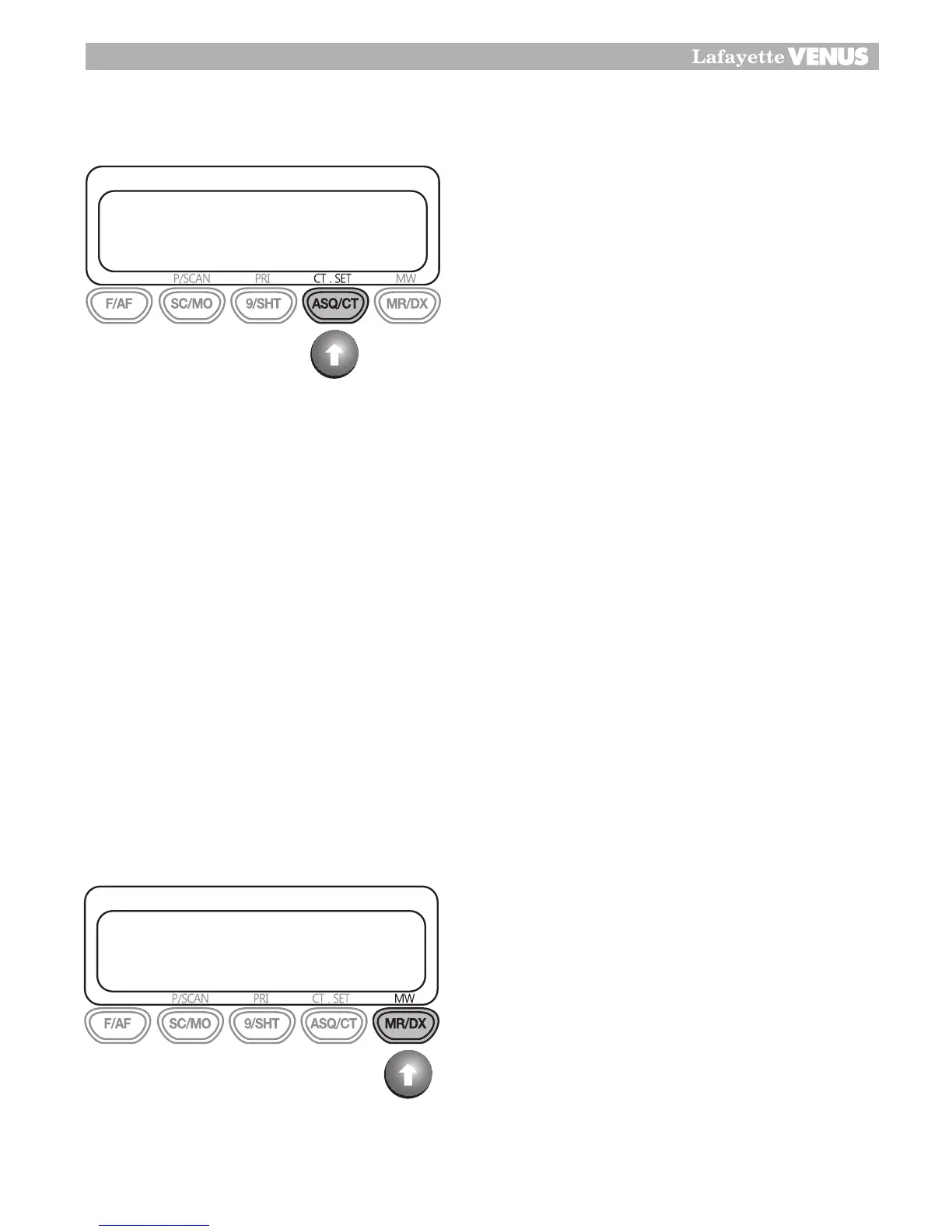
You can activate CTCSS function by pressing and holding ASQ/CT button and you can select
whether CTCSS Tone will work in TX mode only or both TX and RX mode as follows.
Press and hold ASQ/CT button, then the icon “T” will appear in LCD.
The “T” means CTCSS Tone can work in Transmitting mode only.
Press and hold ASQ/CT button one more time, the icon “TSQ” will appear in LCD. The
“TSQ” means CTCSS Tone can work in both Transmitting and Receiving mode.When
you want to change CTCSS tone channel, you can select CT.SET button by pressing F/AF
button and ASQ/CT.
Then the pre-programmed Tone CH 01 will be blinking in LCD.
You can select the desired channel and press ASQ/CT button to fix the selected new Tone CH.
Note: CTCSS Tone CH can be programmed different in each CB channel but its use condition
such TX only, TX/RX only or Tone off condition is programmed same to all CB channel.
DX
The DX feature allows long distance communica-
tion for some season.
The DX setting condition is maximum user receiv-
ing sensitivity condition. When DX is not selected,
you can communicate with local area.
1�
2�
23
Secondary Function
Enabling CTCSS on a channel
If a CTCSS tone has been selected, it can be enabled on individual
channels.
1. Rotate the channel knob to select the required channel.
2. ASQ/CT button press and hold, the letter “T” will appear.
The “T” set can only work in Transmitting condition.
3. ASQ/CT button one more press and hold the letter “TSQ” will appear.
The “TSQ” set can work in Transmitting and receiving conditions.
Note :
The “T” transmitting only condition use for repeater operating.
Technically, CTCSS system can only work in FM mode and not in AM.
The CTCSS version allows you to create closed user groups within the
CB band and it avoids any opening of the squelch by other stations.
Only stations with the correct CTCSSS code on their transmissions can
be heard.
DX
The DX feature allows long distance communication for some season.
The DX setting condition is maximum user receiving sensitivity condition.
When DX is not selected, you can communicate with local area.


 To Next Page