83-507-5002 Rev. A
45
5.17.1 Unlocked front panel
In this mode, the front panel controls are Enabled to program and monitor the power supply pa-
rameters.
5.17.2 Locked front panel
In this mode the following front panel controls are Disabled:
-VOLTAGE and CURRENT encoders.
-FOLD button.
-OUT button
The power supply will not respond to attempts to use these controls. The VOLT display will show
“LFP” to indicate that the front panel is locked.
OVP/ UVL button is active to preview the OVP and UVL setting.
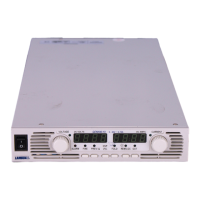
Use the PREV button to preview the Output Voltage and Current setting or to unlock the front
panel.


 To Next Page