CHAPTER 3
WASHING CYCLE LAUNCHING
NU_810-815_LX_ANG_1306
32
3.3 REPRINTING OF THE TICKET
For washers equipped with the printer (option), it is possible to print the ticket again in the
following cases:
- need of a second ticket
- lack of paper (end of roll)
- poor printout
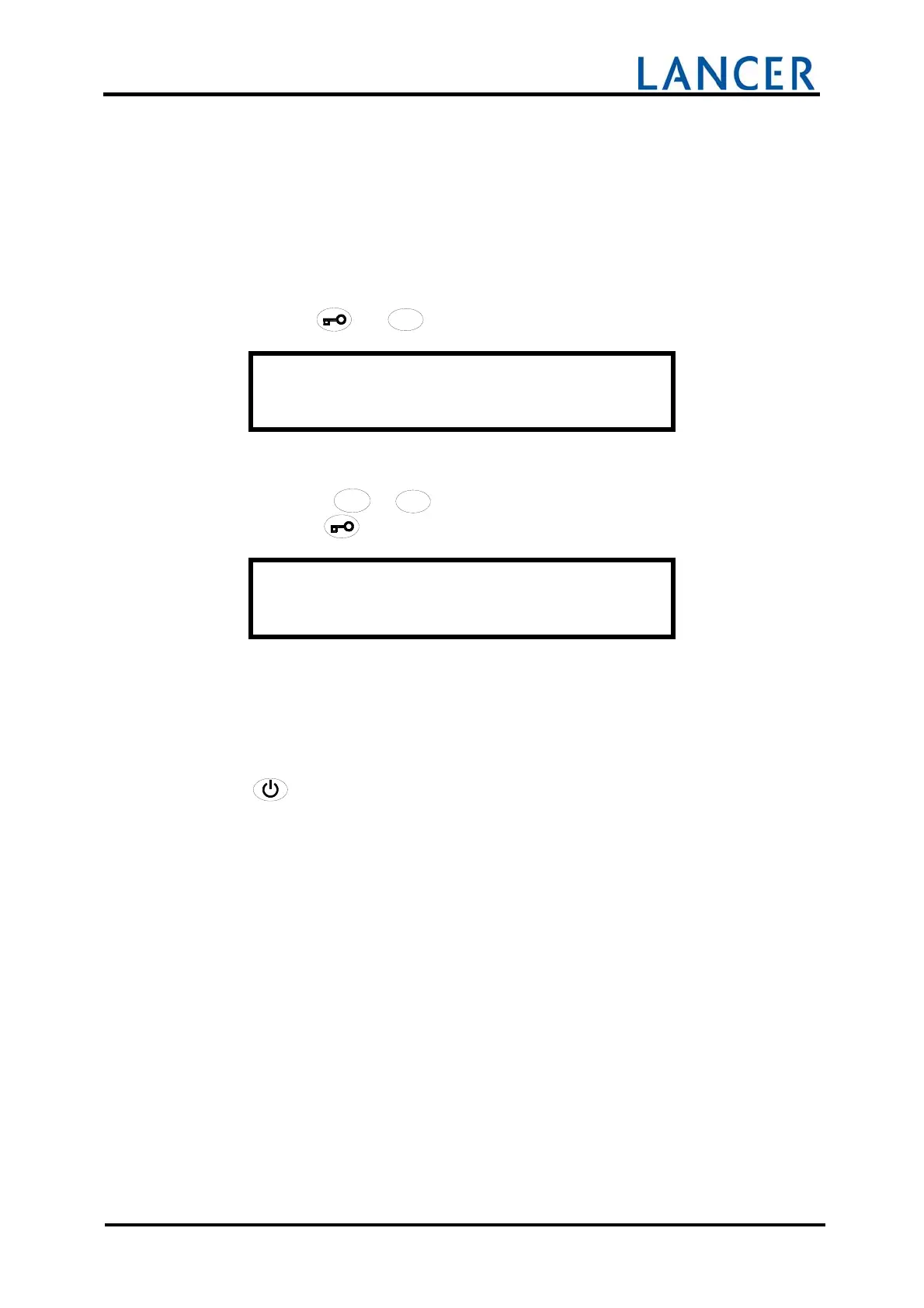
Press the keys
and
1111
1
1
11
1
11
1
11
1
1
.
N ° O R D E R T I C K E T
235
Each ticket is stored according to a specific ticket number.
This number (0 to 65000) is printed on ticket.
Choose with keys
/
/
/
/
/
//
//
/
//
///
/
4
4
4
44
4
4
44
4
4
44
4
4
4
+
+++
++
+
++
++
+
+
+
+
+
or
/
/
/
//
/
/
//
/
/
//
/
/
/
3
3
3
33
3
3
33
3
3
33
3
3
3
-
--
-
-
-
--
--
--
-
-
-
-
, ticket number to be printed, (0 to 65000).
Validate with the
key.
P RI NTI NG
I N P R O G R E S S . . .
Wait for the complete impression of the ticket before launching a new washing cycle.
3.4 SWITCHING OFF
Press
to switch off the washer.
Close the water valves.
Remove and clean the basin filters (see page 56).


 To Next Page