LANCOM Wireless DSL – LANCOM Wireless ADSL
Chapter 3: Basic configuration
43
EN
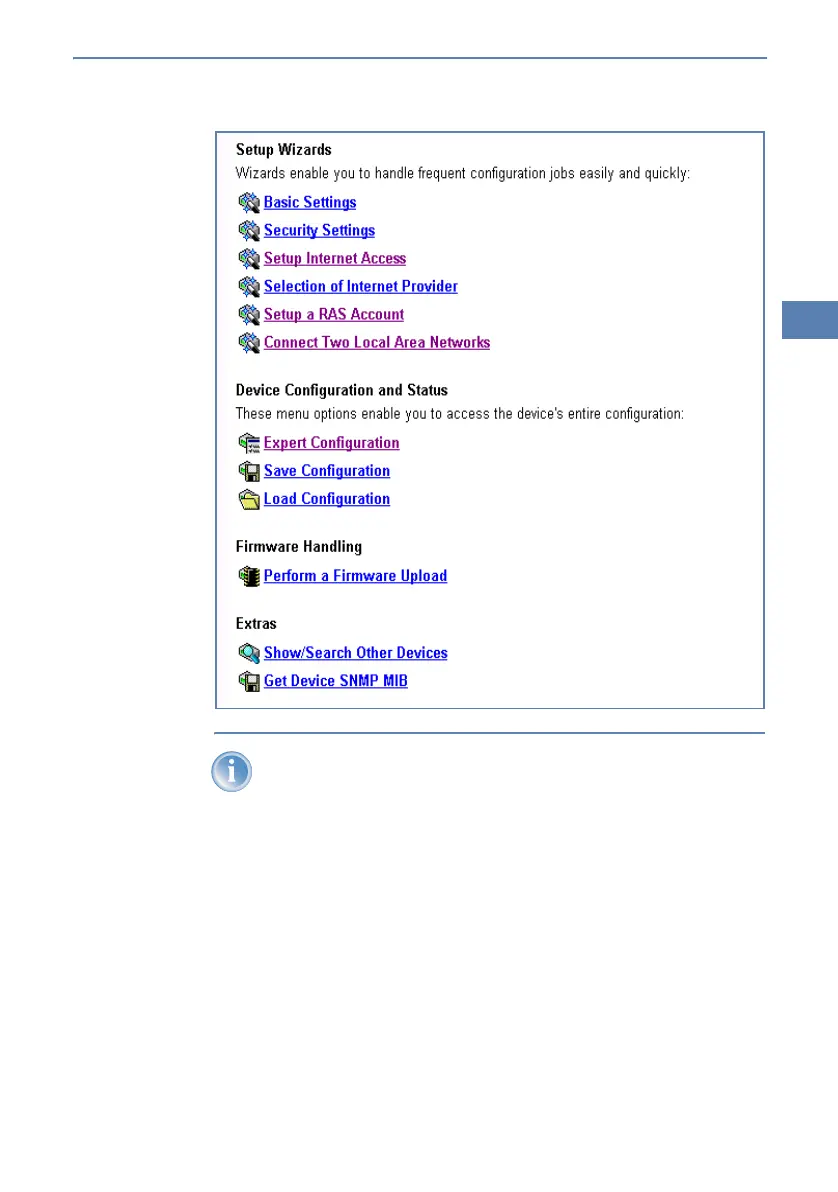
The setup wizards are tailored precisely to the functionality of the spe-
cific LANCOM Wireless DSL. As a result, your device may offer differ-
ent wizards than those shown here.
If you have chosen automatic TCP/IP configuration, please continue with
Step 햴.
햳 If you would like to configure the TCP/IP settings manually, assign an
available address from a suitable address range to the LANCOM Wireless
DSL. Also set whether or not it is to operate as a DHCP server. Confirm
your entry with Apply.
햴 Enter the wireless parameters. Select a network name (SSID) and a radio
channel. Turn on if necessary the function for ’closed network’. Confirm
your choice with Next.



 To Next Page