LANCOM GS-1224
쮿 Chapter 2: Installation
13
EN
2.5 Software installation
The following section describes the installation of the Windows-compatible
system software LANtools, as supplied.
You may skip this section if you use your LANCOM Switch exclusively
with computers running operating systems other than Windows.
2.5.1 Starting the software setup
Place the product CD into your drive. The setup program will start automati-
cally.
If the setup does not start automatically, run AUTORUN.EXE in the
root directory of the LANCOM CD.
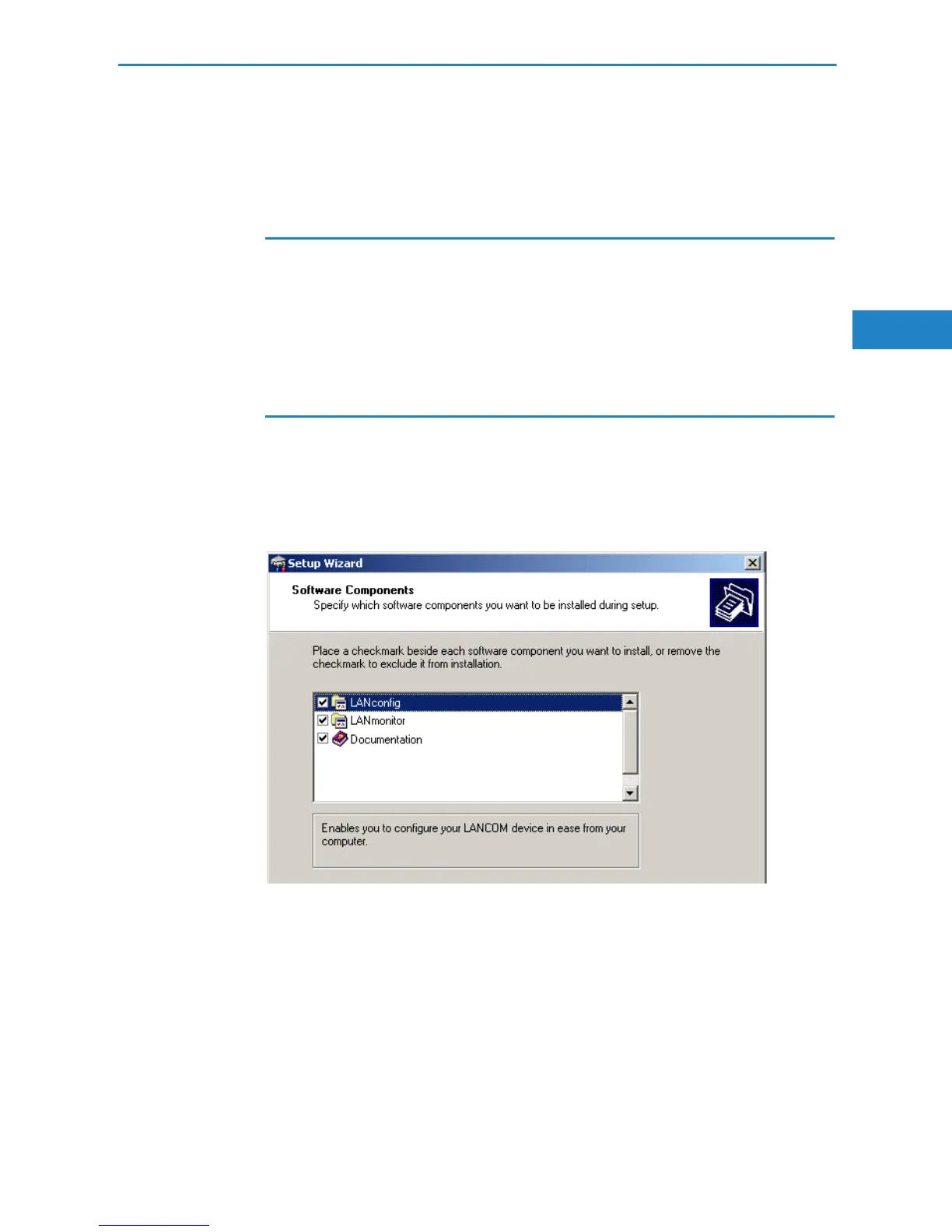
In Setup, select Install software. The following selection menus will appear
on screen:


 To Next Page