LANCOM GS-1224
쮿 Chapter 4: Operation of Web- based Management
18
EN
4 Operation of Web-based Management
This chapter instructs you how to configure and manage the LANCOM GS-
1224 Switch through the web user interface (WEBconfig). With this facility,
you can easily access and monitor through any one port of the switch all the
status of the switch.
The default values of the managed switch are listed in the table below:
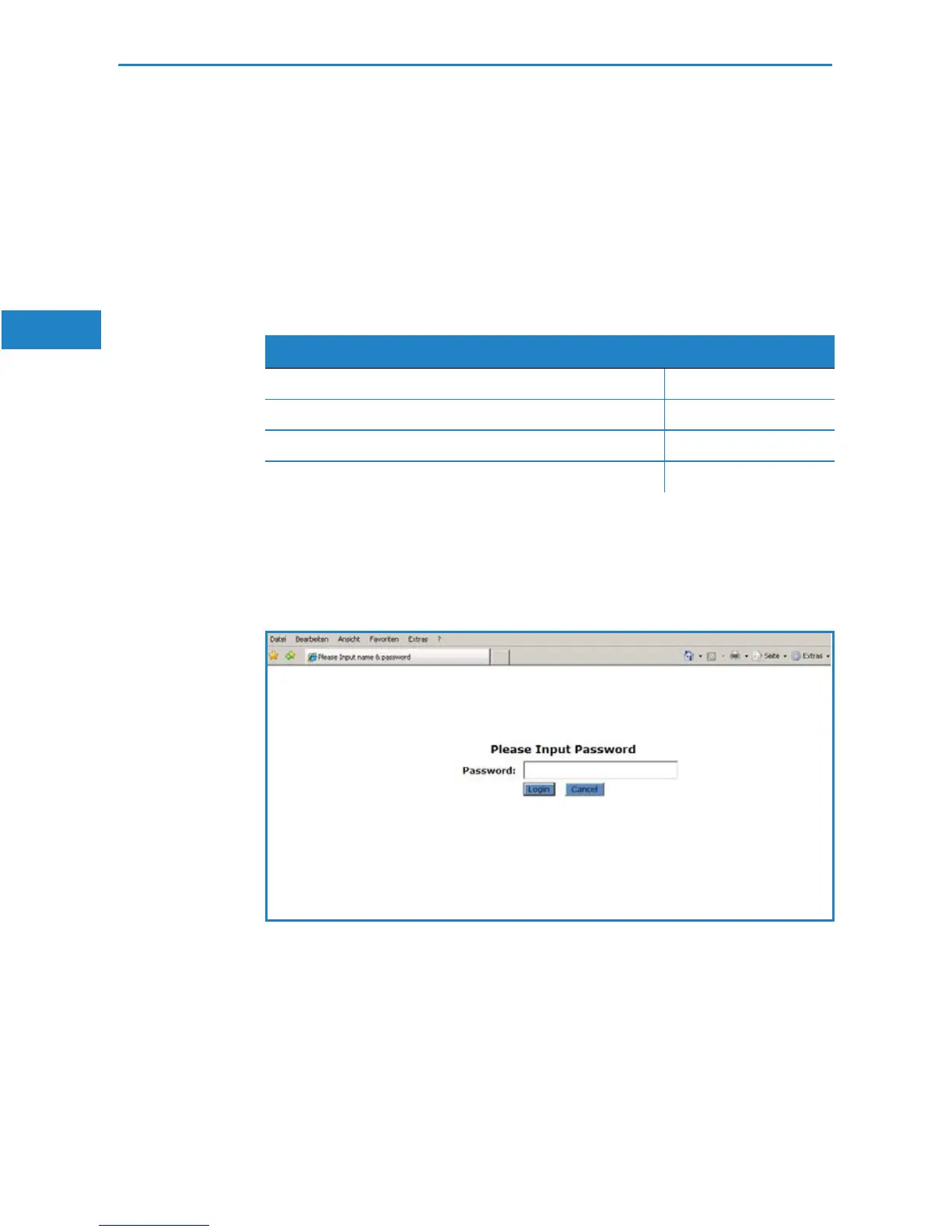
Web Smart Switch supports a simplified user management function which
allows only one administrator to configure the switch at one time. Fill in the
IP address in the address row in a browser to start WEBconfig. The default
password is “admin”.
4.1 Web Management Home Overview
After login, System Information will be displayed as the following screenshot
illustrates:
LANCOM GS-1224
IP Adress 172.23.56.250
Subnet Mask 255.255.255.0
Default Gateway 172.23.56.254
Password admin


 To Next Page