LANCOM GS-1224
쮿 Chapter 3: Configuring and monitoring the LANCOM Switch
15
EN
3 Configuring and monitoring the LANCOM
Switch
3.1 Configuration with WEBconfig
The configuration is done over a graphical user interfacevia a browser
(WEBconfig). Instructions for configuring the device with WEBconfig are avai-
lable in the chapter "Web-based configuration".
There are two ways of starting the configuration by browser:
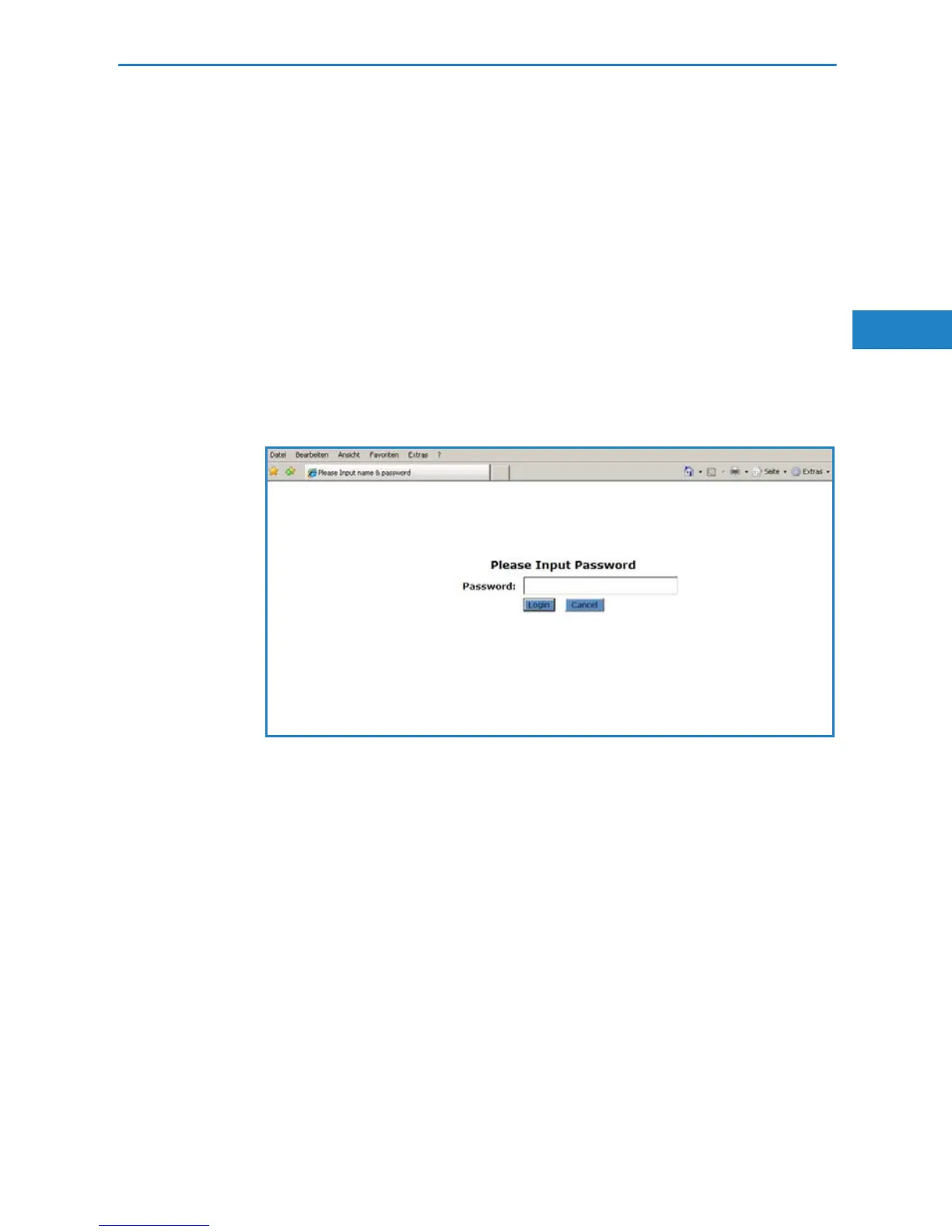
쮿 If you know the device's IP address, simply enter this into the address line
in the browser. The password for accessing the device is "admin".
쮿 If you do not have the device's IP number, LANconfig can be used to
search for it. To start LANconfig click on Start 왘 Programs 왘 LANCOM
왘 LANconfig.


 To Next Page