Settings You Can Change with User Tools
67
4
Note
❒ You can register up to 100 groups.
❒ You can also group users using a Web Image Monitor. For more informa-
tion, see the Web Image Monitor help.
❖ Address Book: Program / Change / Delete Transfer Request
You can register fax destinations for the Transfer Request function in facsim-
ile mode.
For details about operations, see p.111 “Registering the Transfer Request”.
• Program / Change
This registers new transfer requests and receiving stations, or changes the
transfer request name, key name, title selection, registration number, fax
destination, IP-Fax destination, or e-mail address.
• [Delete]
Deletes a transfer request.
Note
❒ You can register up to 10 transfer requests.
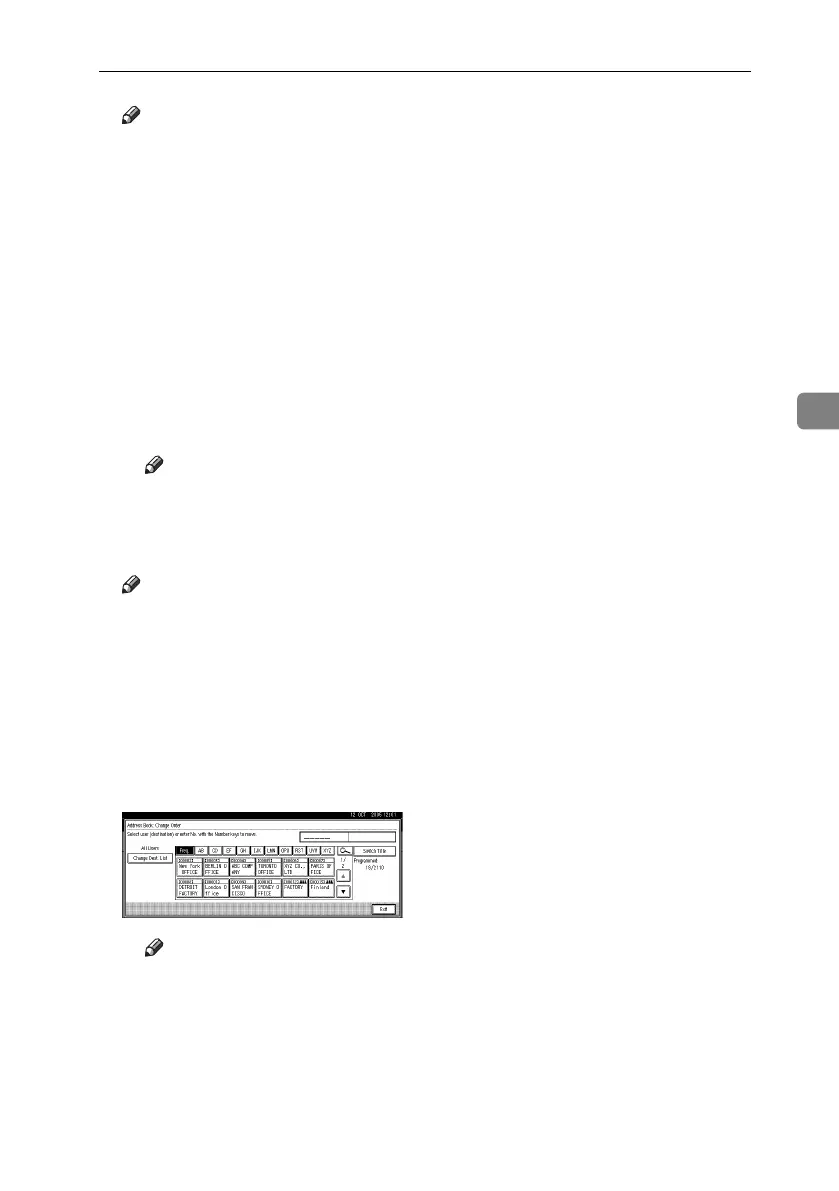
❖ Address Book: Change Order
You can change the order of the names in the Address Book.
Note
❒ You can rearrange the order of items that are on the same page, but you
cannot move the items to another page. For example, you cannot move an
item from “PLANNING” ([OPQ]) to “DAILY” ([CD]).
A Press the {User Tools/Counter} key.
B Press [System Settings].
C Press [Administrator Tools], and then press [TNext].
D Press [Address Book: Change Order].
E Press the name key to be moved.
Note
❒ You can also select a name using the number keys.
RuC4_EN_gsg-F_FM_forPaper.book Page 67 Tuesday, April 5, 2005 12:06 PM


 To Next Page
 Loading...






