User Tools (System Settings)
68
4
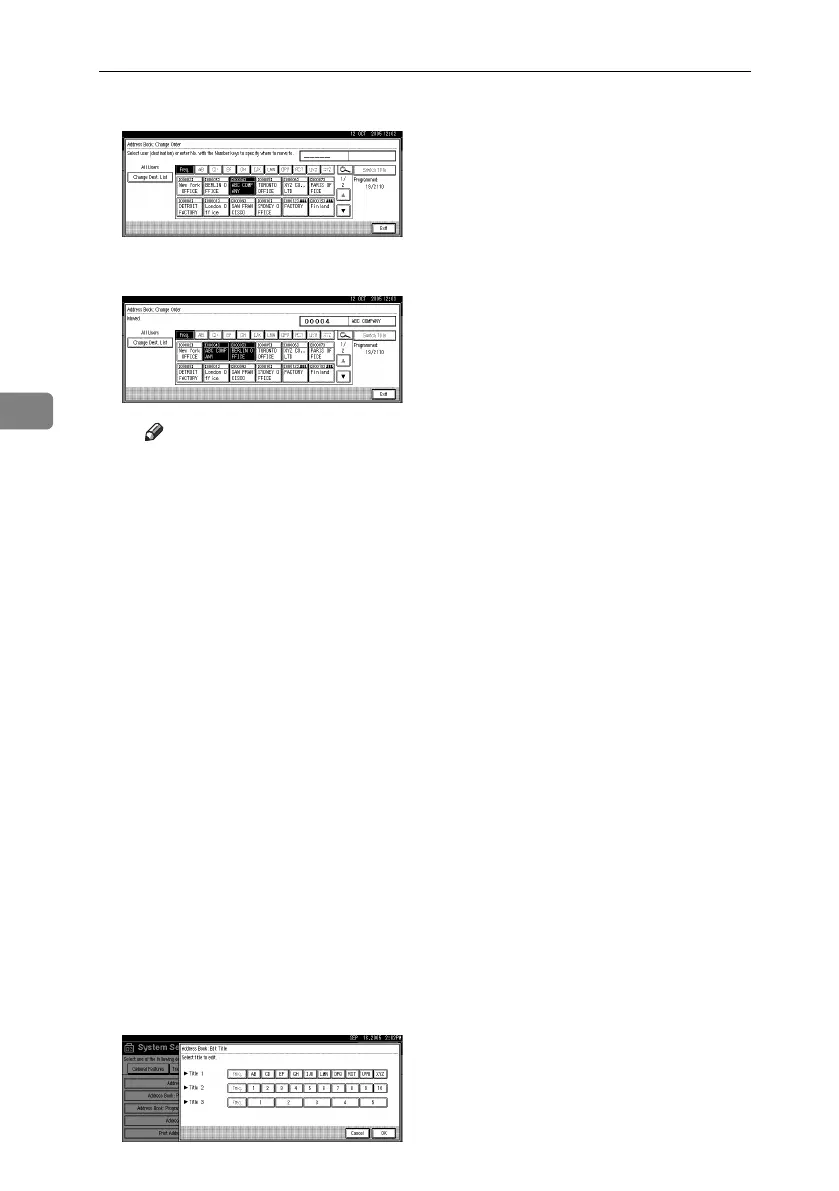
F Press the name key in the place that you want to move to.
The name selected in step E moves to the place selected in step F, and the
keys for other names will be shifted accordingly.
Note
❒ You can also select a name using the number keys.
❖ Print Address Book: Destination List
You can print the destination list registered in the Address Book.
•Print in Title 1 Order
Prints the Address Book in Title 1 order.
•Print in Title 2 Order
Prints the Address Book in Title 2 order.
•Print in Title 3 Order
Prints the Address Book in Title 3 order.
•Print Group Dial List
Prints the group Address Book.
A Select the print format.
B To print the list on two-sided pages, select [Print on 2 Sides].
C Press the {Start} key.
The list prints out.
❖ Address Book: Edit Title
You can edit the title to easily find a user.
A Press the {User Tools/Counter} key.
B Press [System Settings].
C Press [Administrator Tools], and then press [TNext].
D Press [Address Book: Edit Title].
E Press the title key you want to change.
RuC4_EN_gsg-F_FM_forPaper.book Page 68 Tuesday, April 5, 2005 12:06 PM


 To Next Page
 Loading...






