NCA-4020 User Manual
121
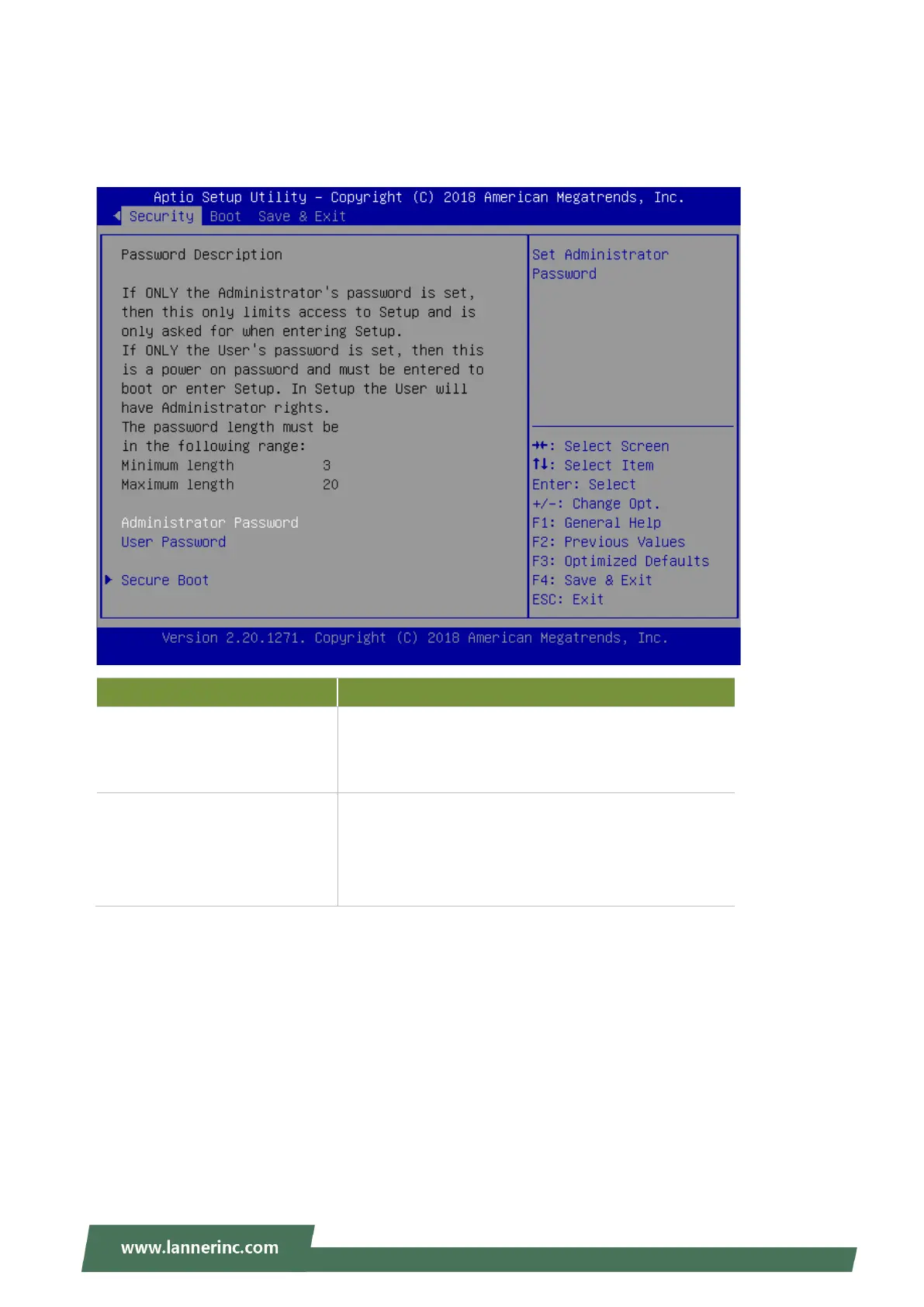
Security Page
Select the Security menu item from the BIOS setup screen to enter the Security Setup screen. Users can
select any of the items in the left frame of the screen.
Feature Description
Administrator Password
If ONLY the Administrator's password is set, it only
limits access to Setup and is only asked for when
entering Setup.
User Password
If ONLY the User's password is set, it serves as a
power-on password and must be entered to boot or
enter Setup. In Setup, the User will have Administrator
rights.



 To Next Page