36
CHAPTER 2: HARDWARE SETUP
To reduce the risk of personal injury, electric shock, or damage to the system, please remove all power
connections to shut down the device completely. Also, please wear ESD protection gloves when conducting
the steps
in this chapter.
Installing the System Memory
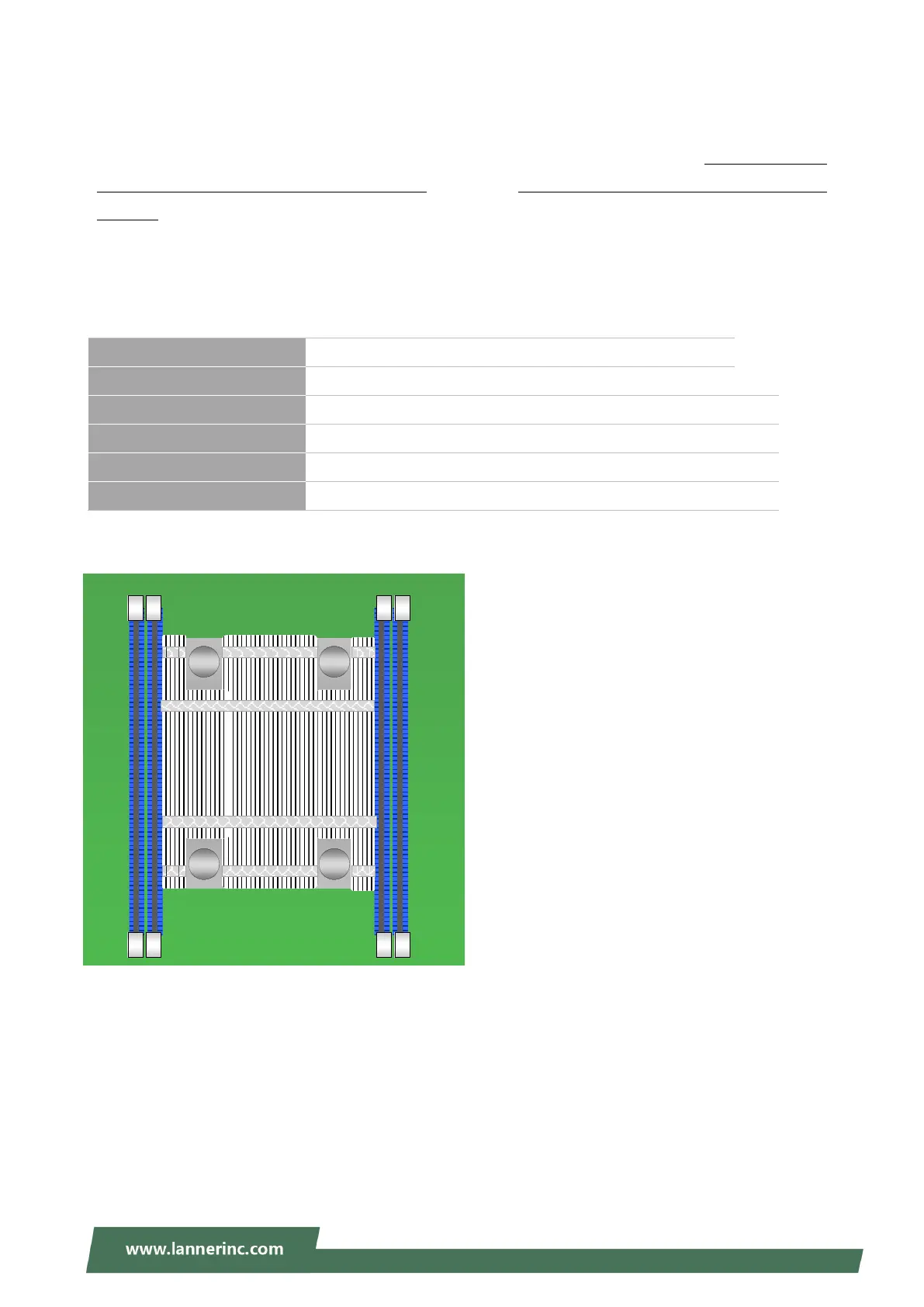
The motherboard supports 4 memory slots for DDR4 registered DIMM.
Supported System Memory Summary
Total Slots 4
Number of Channels 4 (Channel 0~3, 1 DIMM per channel)
Supported DIMM Capacity 4GB, 8GB, 16GB, 32GB
Memory Size Maximum 128 GB RDIMM (32GB*4)
Memory Type DDR4 ECC RDIMM 2133/2400/2666 MHZ
Minimum DIMM Installed At least 1 memory module to boot and run from.
J
J
J
D
D
D
D
D
D
R
R
R
5
5
5
DIMM2
DIMM1
DIMM4
DIMM3



 To Next Page