40
Installing MPCIE Module
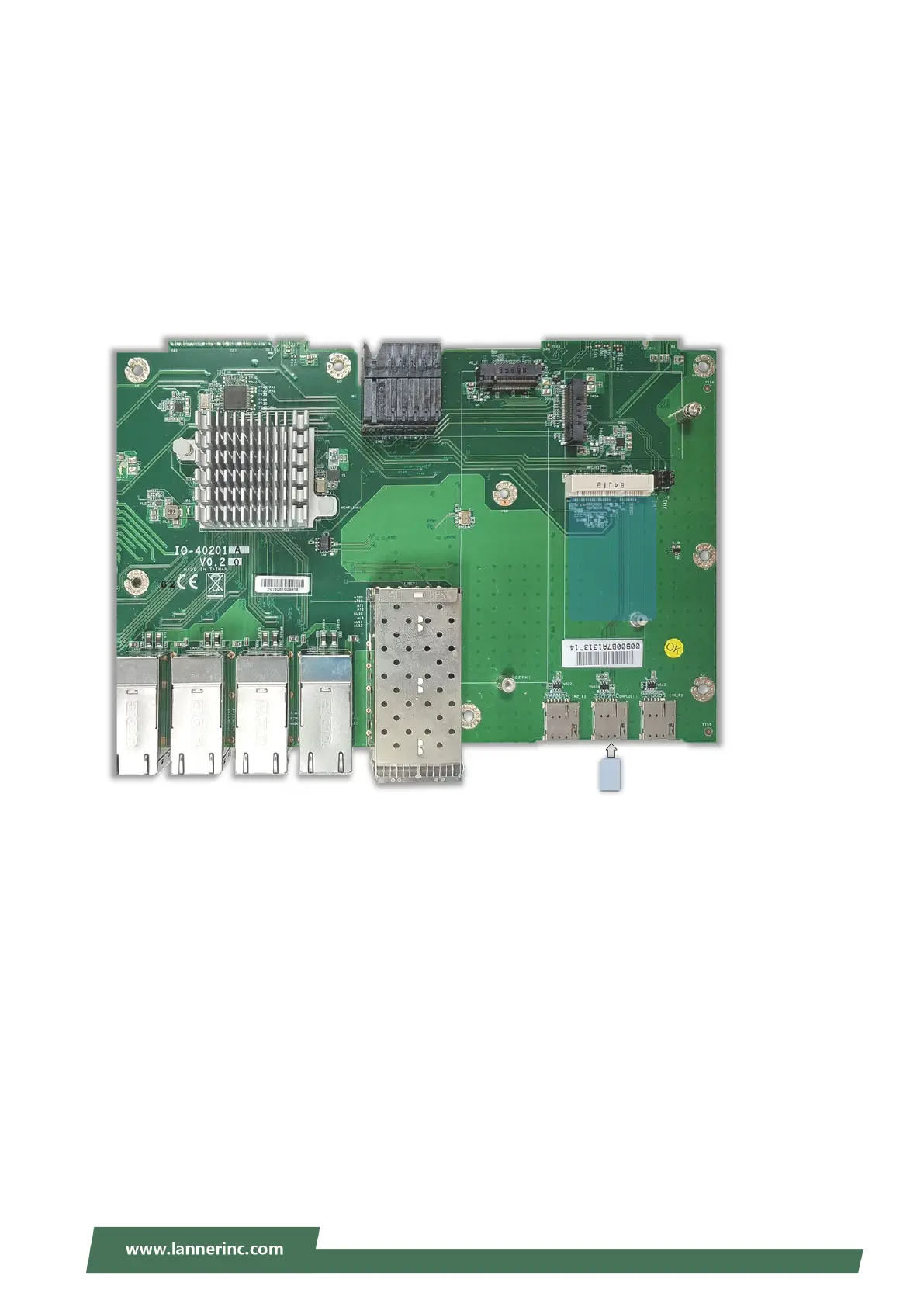
This system supports one MPCIE module slot MPCIE1 that supports wireless connection.
To install the MPCIE module
1. Align the notch of the module with the socket key in the slot, and insert it at 30 degrees into the socket
until it is fully seated in the connector.
2. Push down the module and secure it with the screw that comes with it.
For a 4G-LTE module, you also need to insert the nano-SIM card into the corresponding slot.
(Wifi/LTE)



 To Next Page