44
Installing Nano SIM Cards
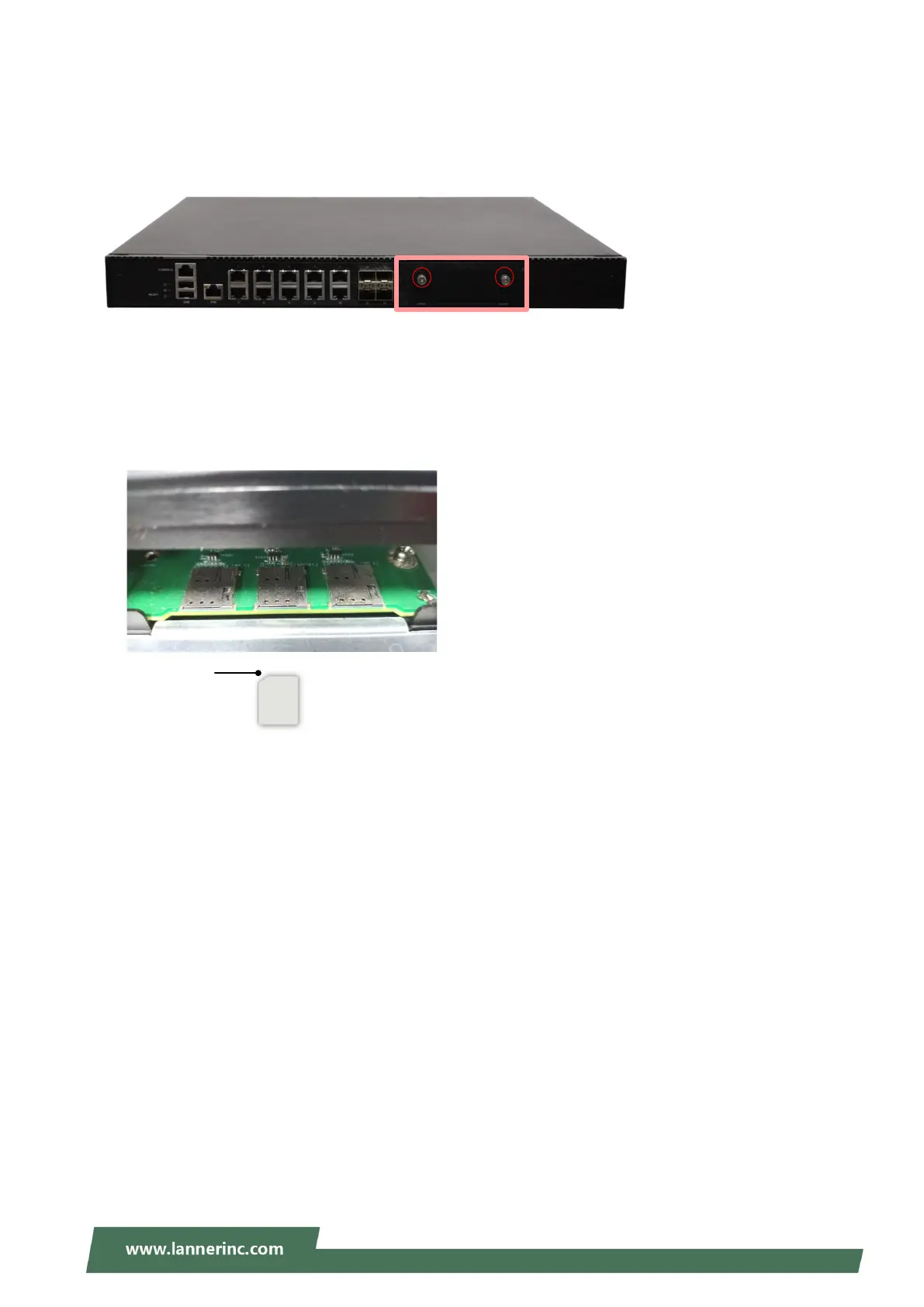
This system supports three nano-SIM slots respectively for M2_1, MPCIE1 and M2_2 slots. To install the
SIM card:
1. On the front panel, loosen the two screws that secure the SIM slot door.
2. After the SIM slots are revealed, push in the SIM card with the cut-off corner facing inwards, and the
golden contacts facing down. You will hear a click sound once the card is correctly connected in the
slot.
3. To take the SIM card out, slightly push it to have it ejected.
M2_1 MPCIE1 M.2_2
Cut-off corner



 To Next Page