NCA-4020 User Manual
49
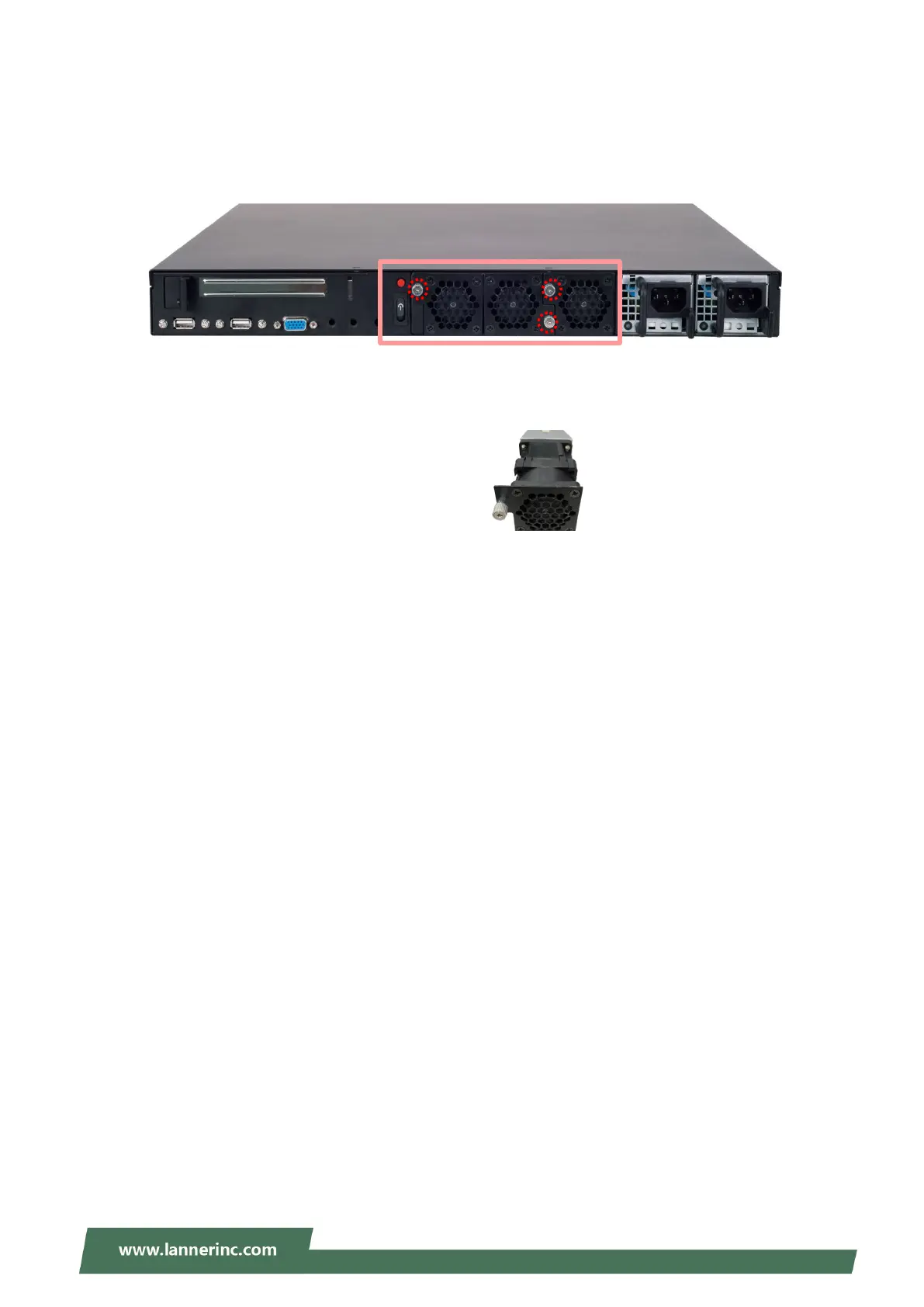
Replacing the Cooling Fans
Cooling fans may wear down eventually. Please refer to the steps below for replacing cooling fans. When
using a new cooling fan, just reverse the steps to install the fan back onto the enclosure and the system.
1. From the rear side of the fan, loosen the screw that secures the fan connector.
2. Take out the worn fan and replace it with a new one.



 To Next Page