48
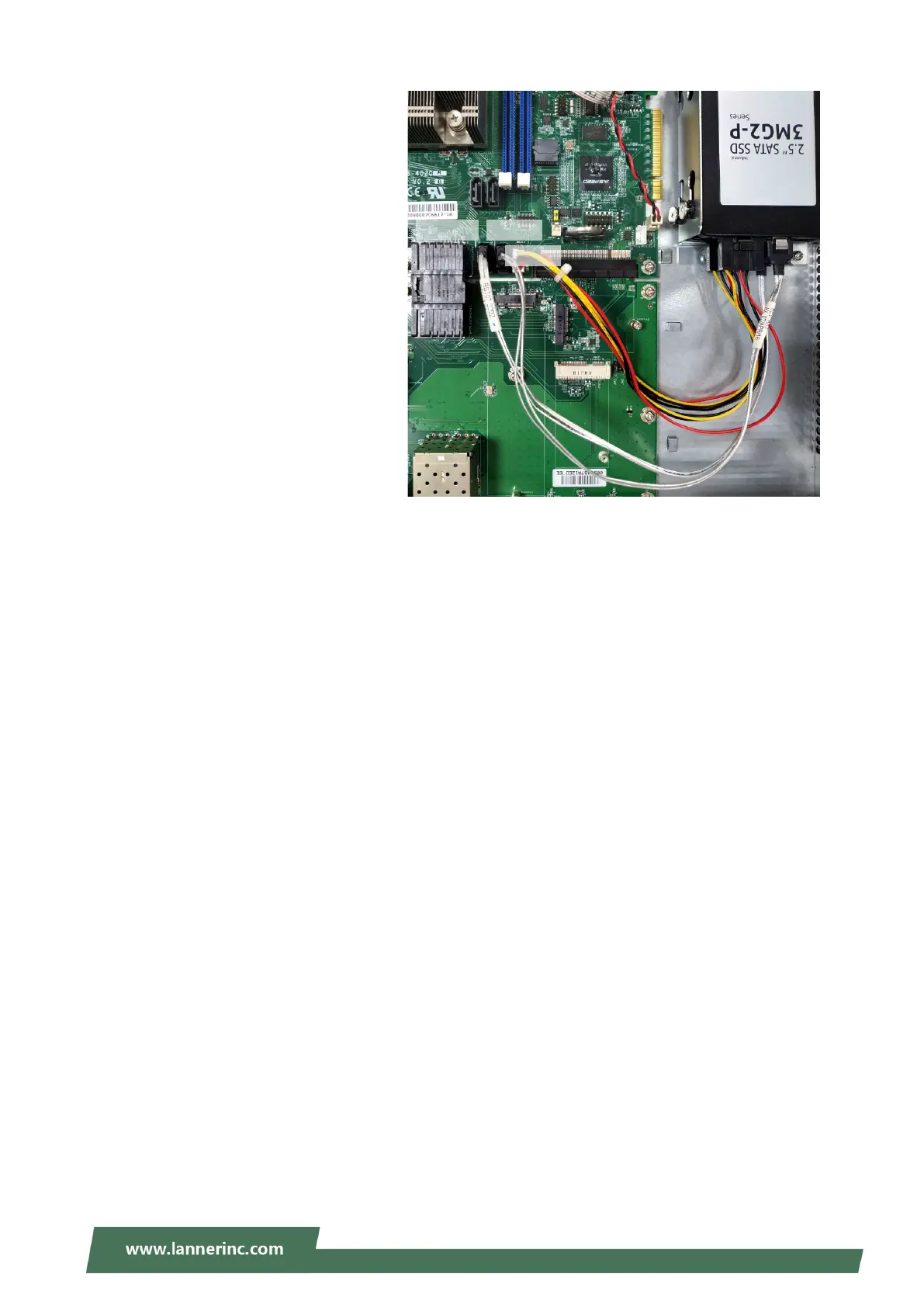
5. Connect the hard disks to SATA1
port and SATA2
provided SATA data cables. Since
these two disks shares the same
power source from PW11 port,
connect them to the PW11 port
using the provided SATA power
cable. Arrange the cables and route
them neatly to avoid them from
getting tangled.



 To Next Page