NCA-4020 User Manual
47
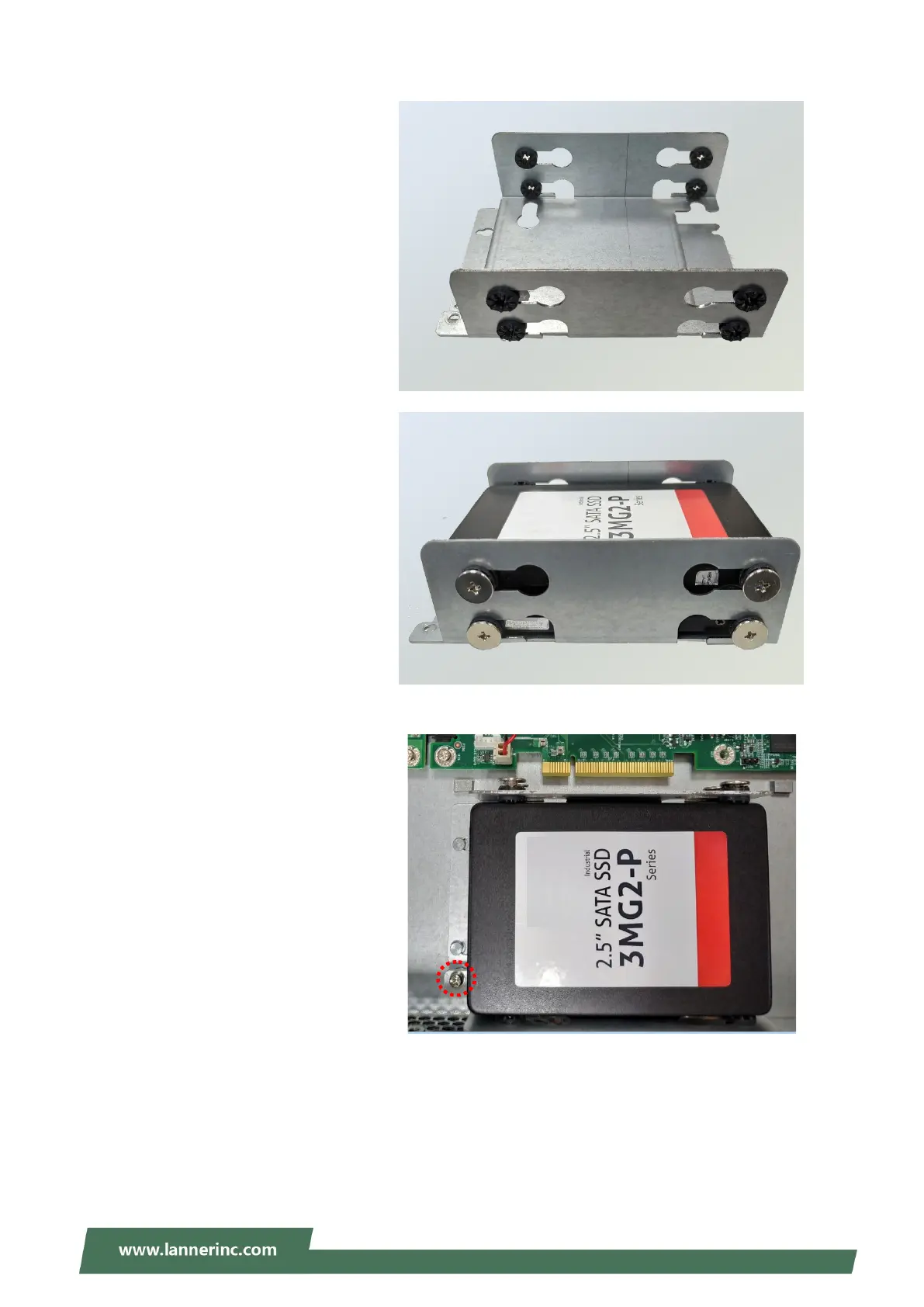
2. Insert the rubber washers into the
notches of the tray, and slide them to
the position shown in the picture.
3.
Mount the disk onto the tray and
secure it with the provided disk
screws. Make sure the SATA
connector faces the direction shown
in the picture.
4. Secure the tray on the bottom panel
with the provided screw.



 To Next Page