NCA-4020 User Manual
63
Using BMC Web UI
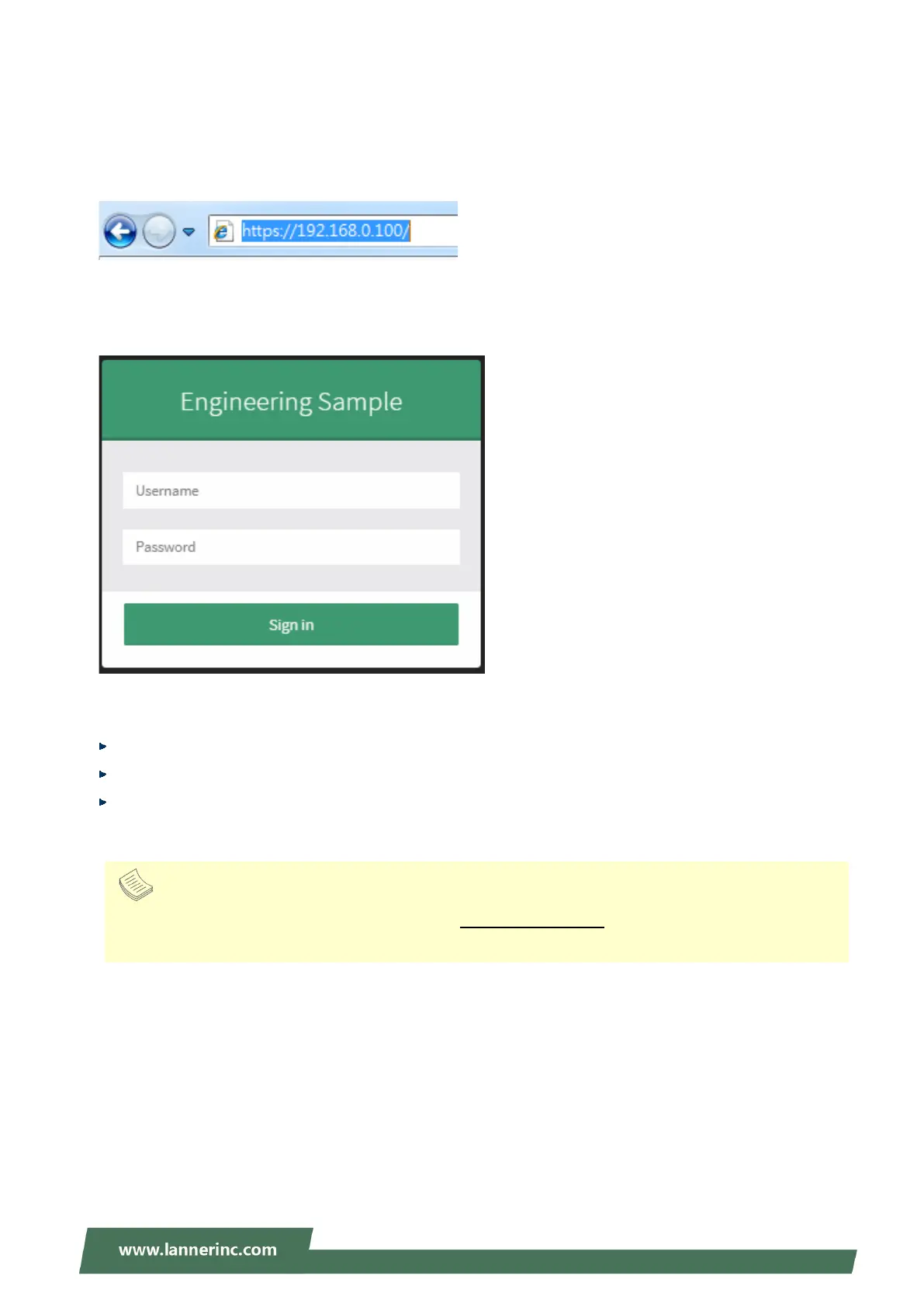
In the address bar of your Internet browser, input the IP address of the remote server to access the BMC
interface of that server.
Initial access of BMC prompts you to enter username and password. A screenshot of the login screen is
given below:
Login Page
Username: Enter your username in this field.
Password: Enter your password in this field.
Sign me in: After entering the required credentials, click the Sign me in to log in to Web UI.
Note
(1) If not specified, the default IP to access BMC is
https://192.168.0.100.
(2) Please use https to access Web UI.



 To Next Page