NCA-4020 User Manual
65
First Time Wizard
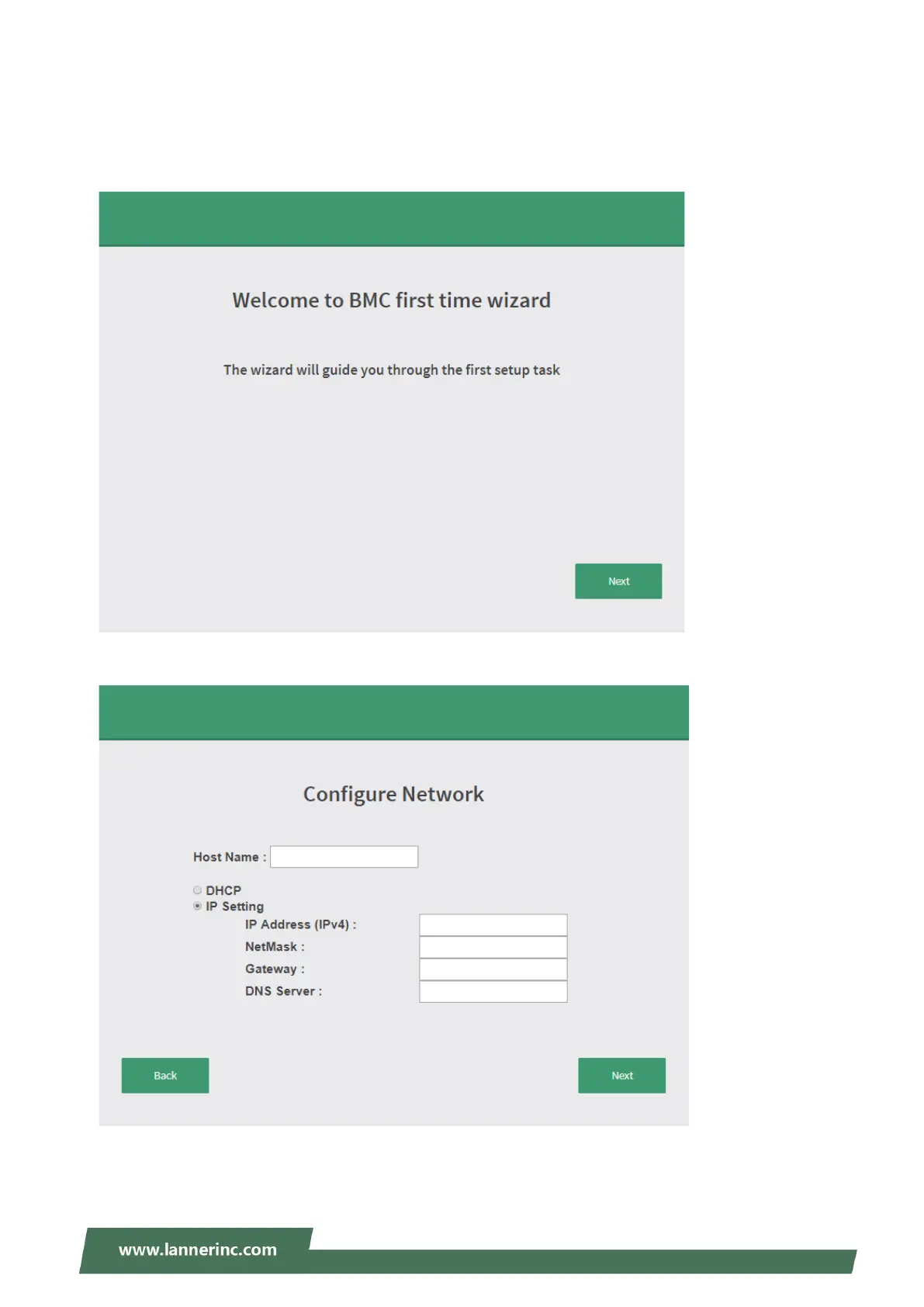
After the first time login, you will see first time wizard welcome page as the following picture. Please press
the “Next” button and configure your BMC step by step.
In the “Configure Network” page, you could specify the hostname and network settings of BMC.
In the “Configure Service” page, you could specify allowed IP region which could access KVM and Vmedia
web pages.



 To Next Page