NCA-4020 User Manual
97
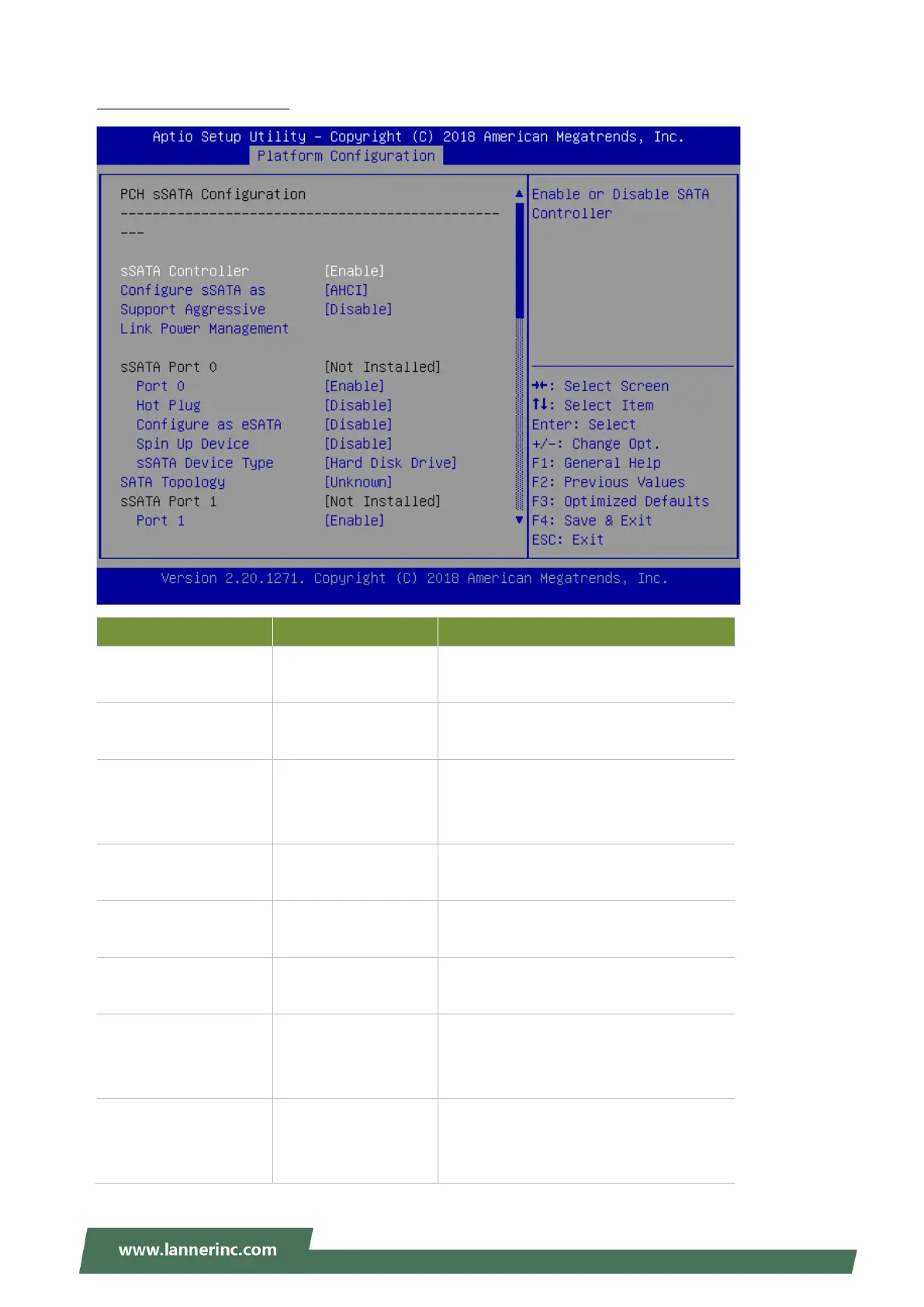
PCH sSATA Configuration
Feature Options Description
sSATA Controller
Disabled
Enabled
Enables or disables sSATA Controller
Configure SATA as
AHCI
RAID
This will configure sSATA as RAID or
AHCI.
Support Aggressive
Link Power
Management
Disabled
Enabled
Enables or disables SALP
Port 0/1/2/3/4/5
Disabled
Enabled
Enable or Disable sSATA Port
Hot Plug
Disabled
Enabled
Designates this port as Hot Pluggable.
Configure as eSATA
Disabled
Enabled
Configures port as External SATA
(eSATA)
Mechanical Presence
Switch
Disabled
Enabled
Controls reporting if this port has an
Mechanical Presence Switch.Note:
Requires hardware support.
Spin Up Device
Disabled
Enabled
If enabled for any of ports Staggerred
Spin Up will be performed and only the
drives witch have this option enabled will



 To Next Page