13
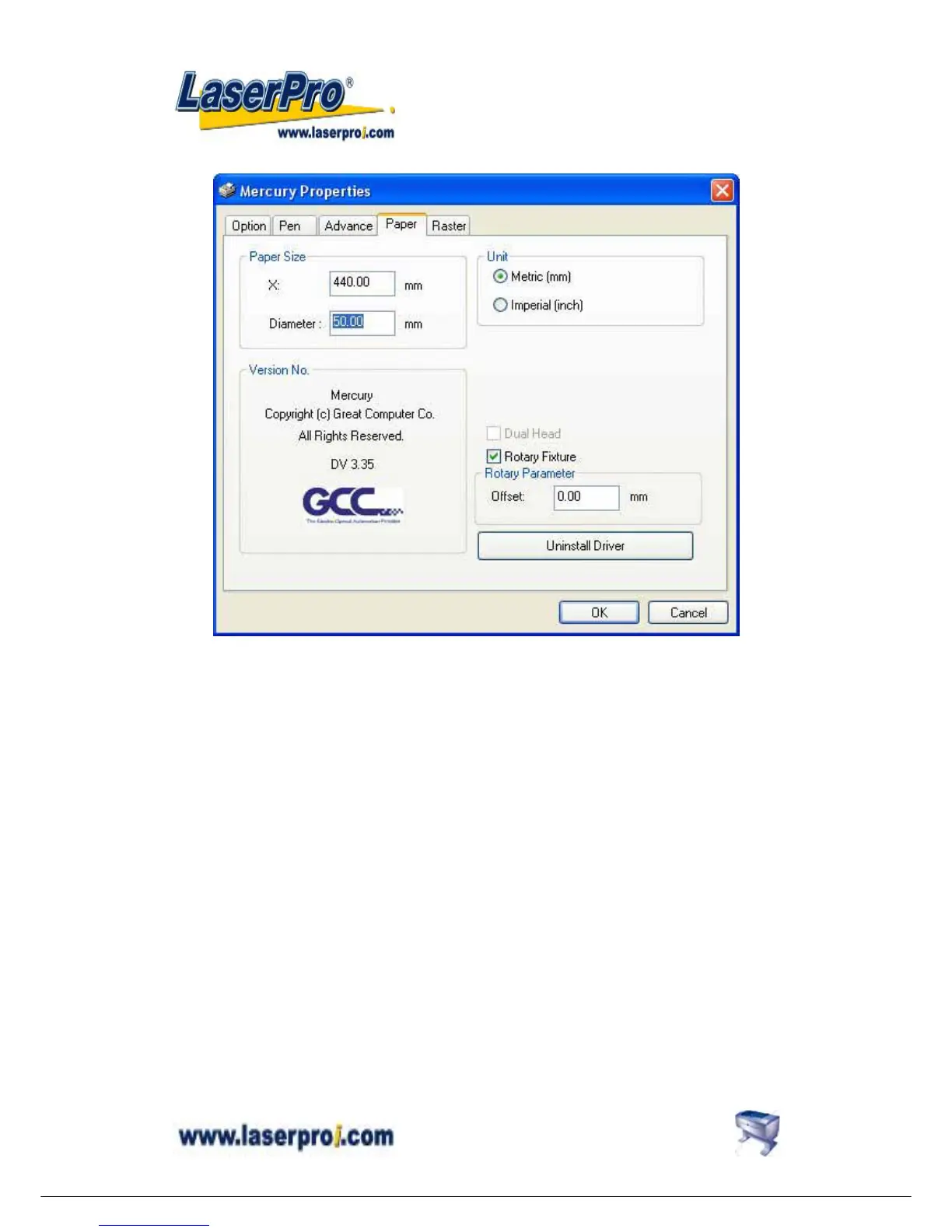
Instruction of Rotary Attachment
1) Turn off the power of the engraver.
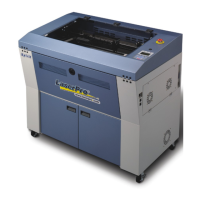
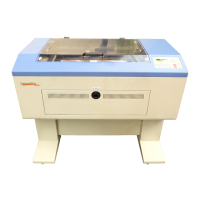
2) Put the rotary attachment onto the engraving table. Ensure the two screw holes should
match the two corresponding holes on the table and the white mark of the left side align to
the position of 24cm (9.45 inch) on the ruler, then tighten the screws.
3) Plug the cable of the rotary attachment into the port in the middle front of the engraver.
4) Turn on the power and the engraving table moves down to the lowest position
automatically.


 To Next Page