16
Dual Head Installation
Step 1:Turn off the system.
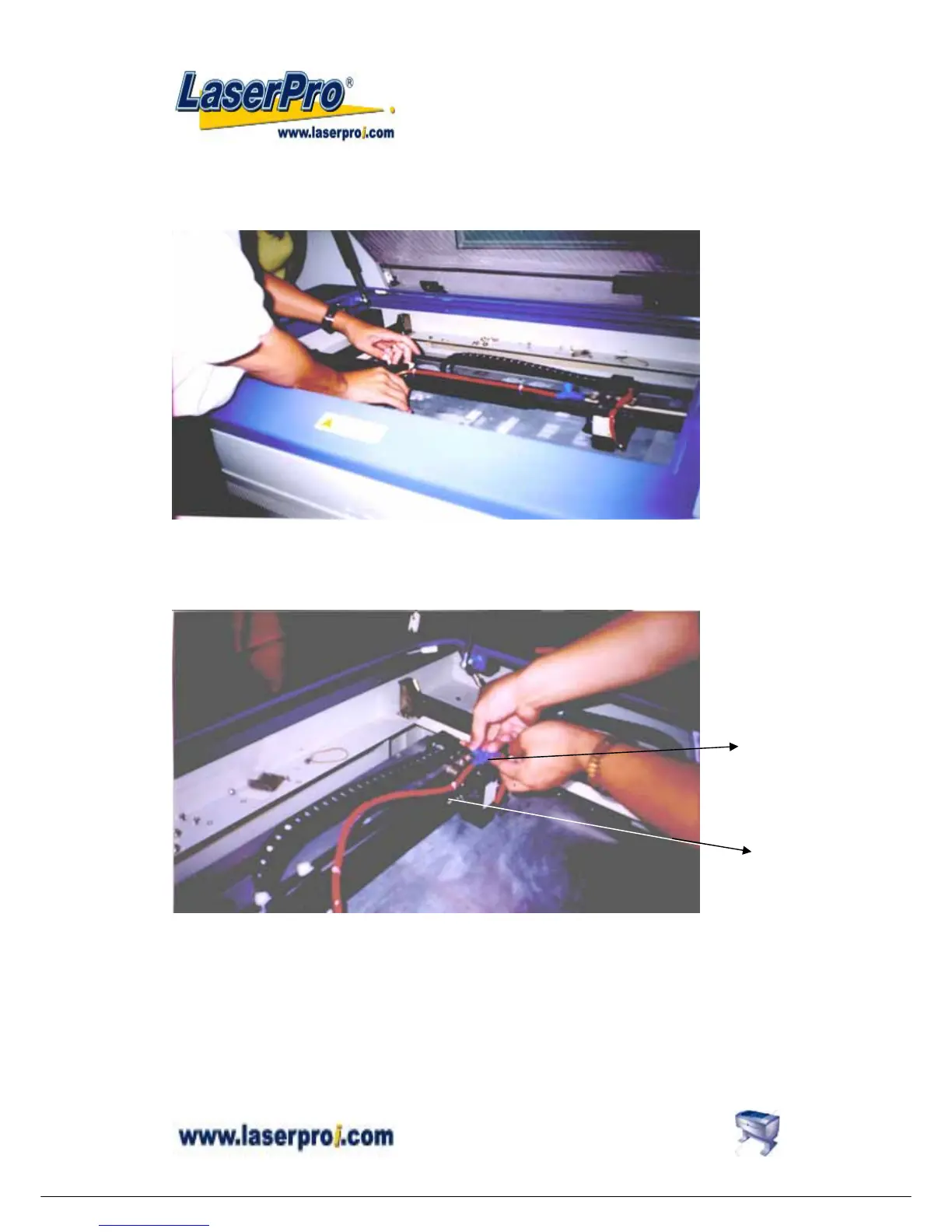
Step2:Put the dual head carriage onto the X-axis belt bearing track.
Step3:Cut 25mm (1 inch) off the air assist tube on the original lens carriage.
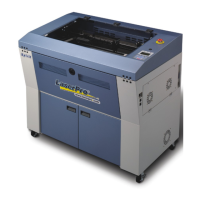
Step4:Connect the air assist tube of the dual head with that of original carriage by “T”
connector.
Step5:Screw the metal frame which is attached to the right side of dual head to the
original lens carriage.
Step6:Turn on the power to test whether the dual head is installed properly. During
initiation, the system will detect the dual head carriage when it moves the lens
carriage to front-right side, so it would not crash the dual head carriage when move
the origin position.
Note:
“ T “
Connector
Metal
Frame


 To Next Page