28
FUNCTION
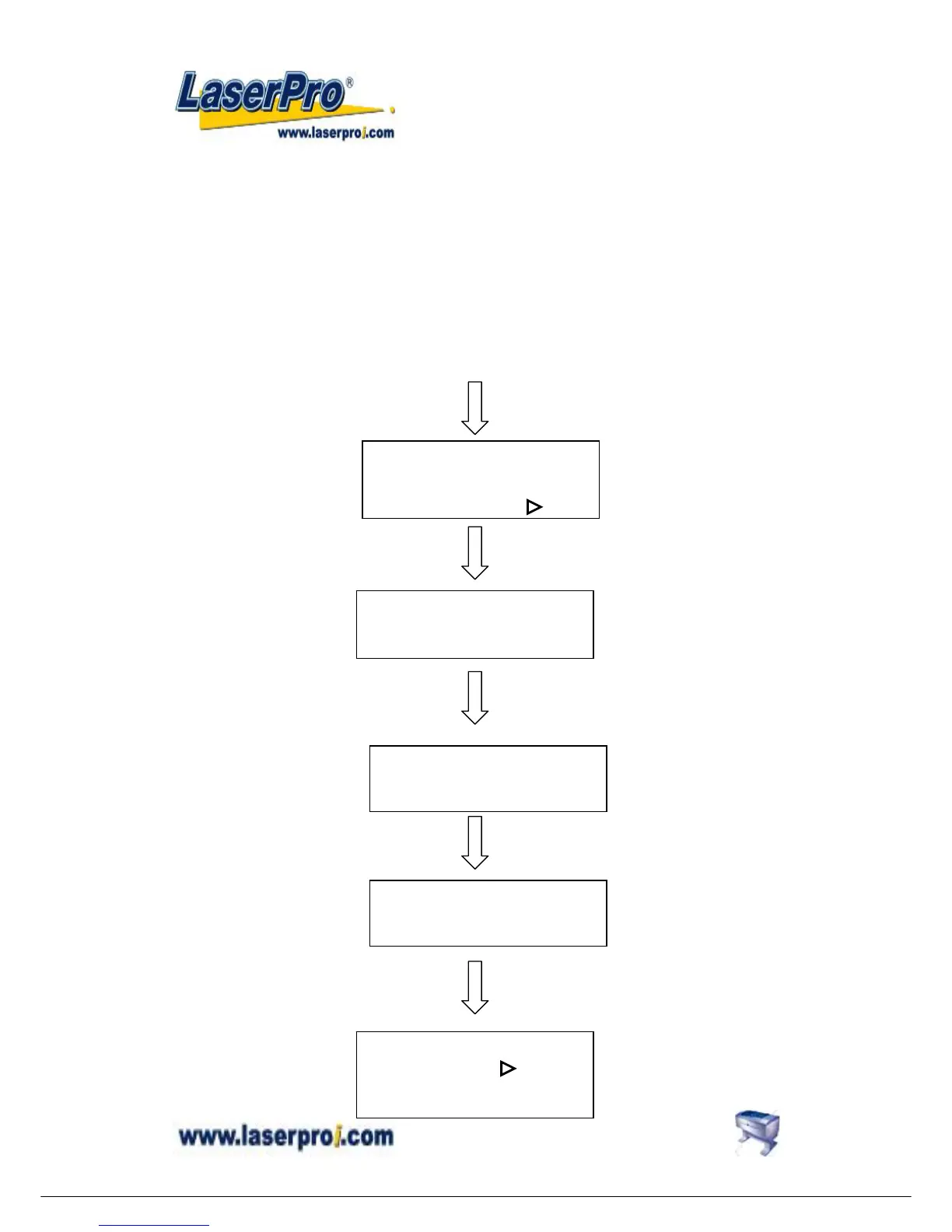
z Set memory buffer?
Setting memory buffer in Single file mode when working with a large data file, or Multiple file
mode (up to 100 files) that can be saved for constant engraving.
Under Single file mode, you can only output one job a time. Unlimited data can be transferred
without saving in the buffer therefore once you want to repeat the job you have to re-send the
file from the host computer.
Under Multiple file mode, you can engrave one job while transfer and design the next
simultaneously until reaching 100 files’ limit, or memory is used up.
Press FUNCTION key
Single / 1 File
Ok: ENTER
Change: △ or ▽
Set memory buffer?
Yes: ENTER
End operation: ESC
Z init/AF


 To Next Page