24
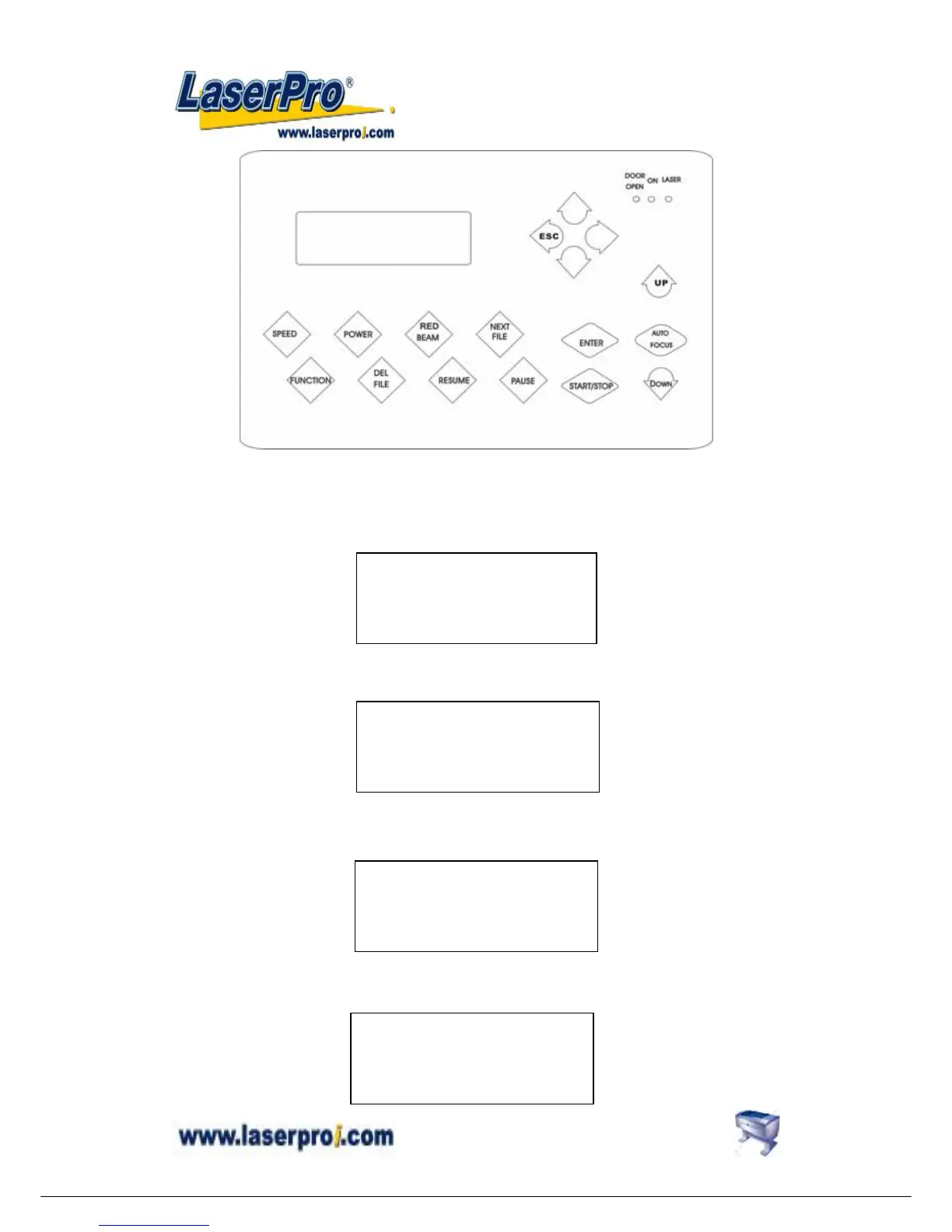
START/STOP
z Single File Mode:
Turn on power, MERCURY is under START condition and ready to receive a file. LCD shows
as follows:
Upon the receipt of a file, MERCURY starts to engrave/cut immediately. When a job is done,
LCD will show the working time such as 01:10 means 1minute and 10 seconds.
Press START/STOP key, turn the engraver to STOP condition. LCD shows as follows. Under
STOP condition AUTO FOCUS and all other function keys can be operated while NEXT FILE
and DELETE keys are invalid under Single file mode.
z Multiple File Mode:
Turn on power, Mercury is under STOP condition and all function keys can be operated. Laser
engraver is ready to receive a file. LCD shows as follows.
File:
Speed: %
Power: %
DPI: Copies 1
File: file name
Speed: % 00:00
Power: % STOP
DPI:
File: file name
Speed: xx % 01:10
Power: xx % STOP
DPI: xxx
File:
Speed: % 00:00
Power: % STOP
DPI:


 To Next Page