EasyManua.ls Logo

LaserPro Mercury - Page 39

LaserPro Mercury
71 pages
Print Icon
To Next Page IconTo Next Page
To Previous Page IconTo Previous Page
Loading...
M
M
M
E
E
E
R
R
R
C
C
C
U
U
U
R
R
R
Y
Y
Y
U
U
U
S
S
S
E
E
E
R
R
R
M
M
M
A
A
A
N
N
N
U
U
U
A
A
A
L
L
L
38
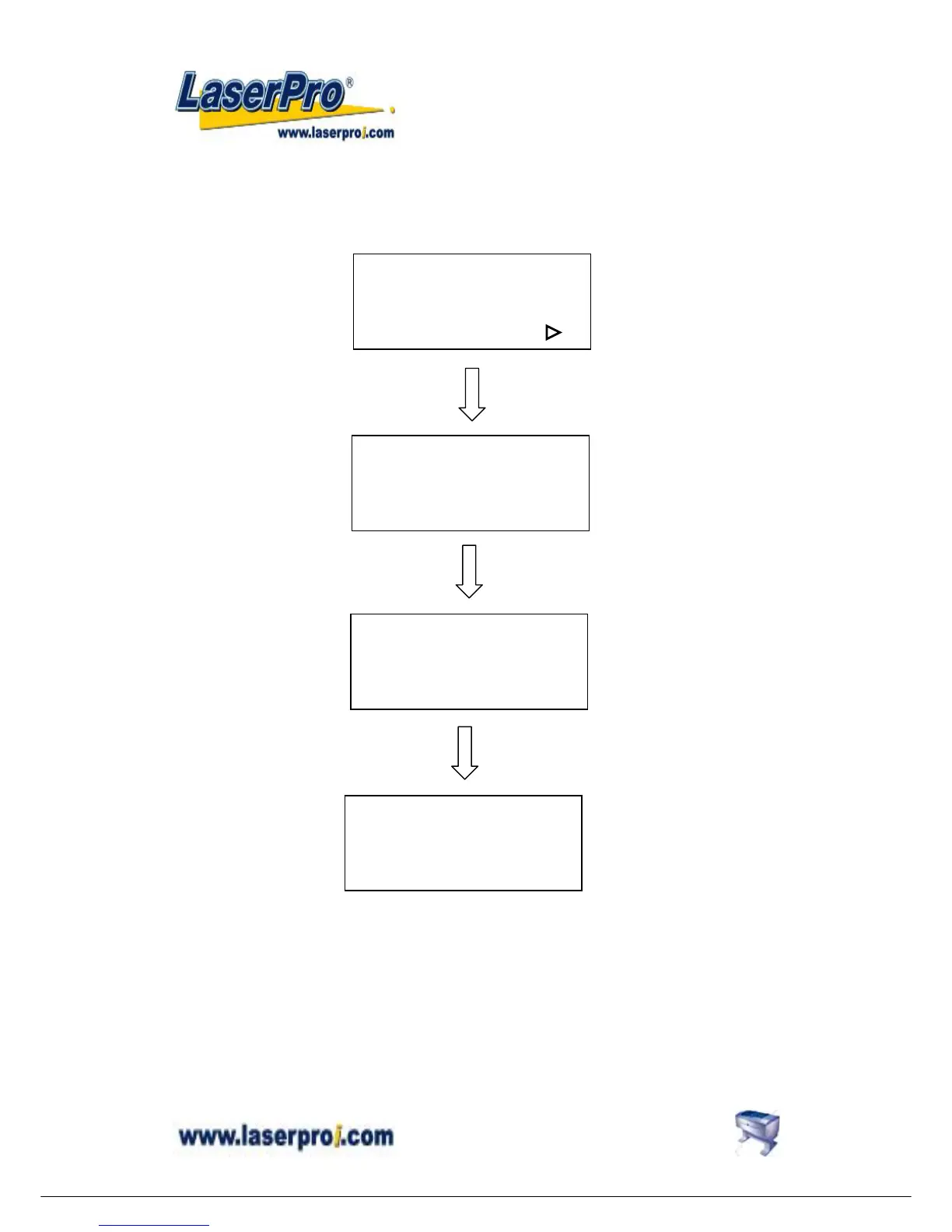
z Set data bit/parity?
Data bits refer to the size of one block of data and parity is used to check if data was received
correctly or not. The data/parity feature is to adjust the byte format and parity type in order to
communicate with the host computer through serial port.
8 bits no parity **
Ok: ENTER
Change: or
8 bits even parity
Ok: ENTER
Change: or
Set data bit/parity?
Yes: ENTER
End operation: ESC
Select language? :
or
ENTER
Select language?
Yes: ENTER
End operation: ESC
ENTER

Other manuals for LaserPro Mercury

Related product manuals